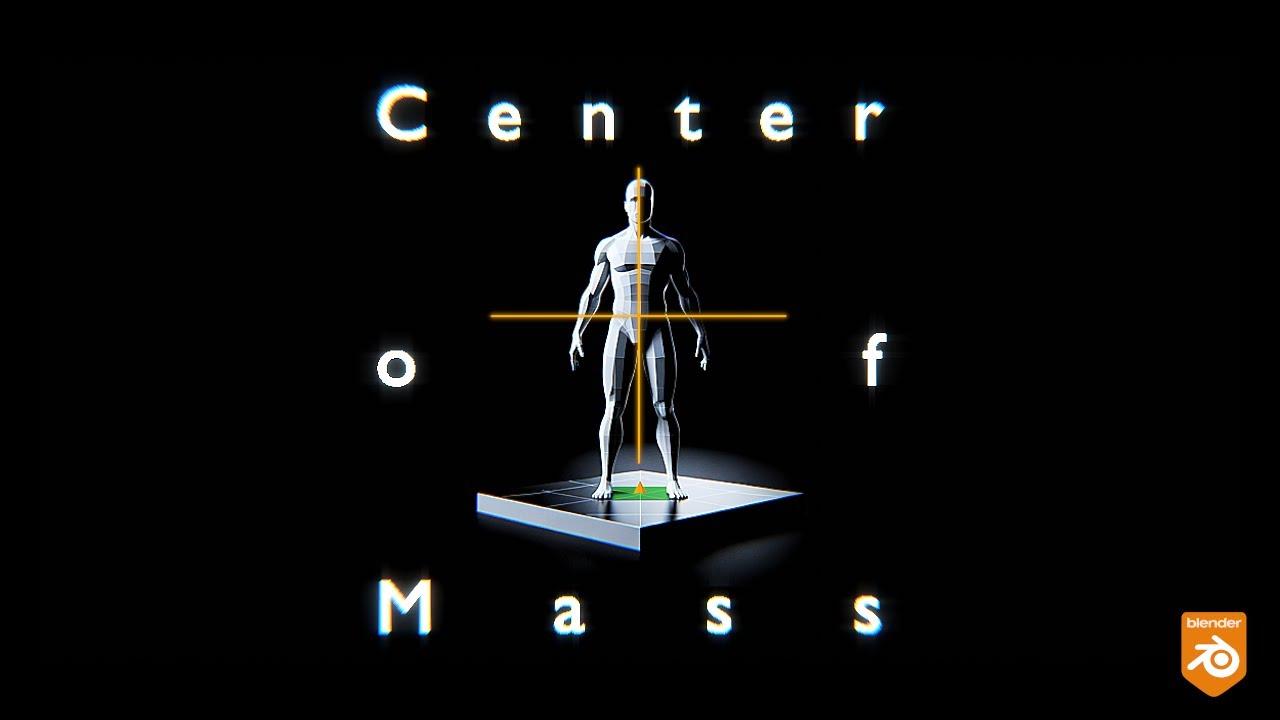
Center Of Mass is a Blender add-on by Denis Chera for checking how a rigged character or object balances during animation. It calculates a center of mass and projects that point onto the floor. You assign masses to bones or objects, then compare the projection with a contact area you define, such as the area between a character’s feet.
Assign masses to bones and objects
In Pose Mode, select the bones that should receive mass values and use the “Add masses to selected objects/bones” action. You can start with the add-on’s predefined human body mass distribution, then adjust values for individual bones. A scene can contain multiple centers of mass for different characters or objects.
To account for a prop such as an axe, create an extra bone at the prop’s center of mass and assign it a mass value. This lets the character’s balance check include the prop as well as the rig.
Compare the projection with contact points
In Edit Mode, select vertices that represent contact points, such as the feet, and use the plus button to visualize the area between them. Play the animation and watch where the projected center falls relative to that area. The comparison helps you assess whether a pose looks balanced or may be at risk of falling. Mass values and visualization settings, including color, can be adjusted for the setup.
Installation and compatibility
Install the downloaded center_of_mass.zip through Blender’s Edit > Preferences > Add-ons panel, then enable the add-on in the list. The Superhive product listing identifies the license as GPL and lists Blender 2.93, versions 3.0 through 3.6, and versions 4.0 and 4.1. That listing does not confirm compatibility with later Blender releases, so check the current product details for your version. The catalog lists the add-on as free.