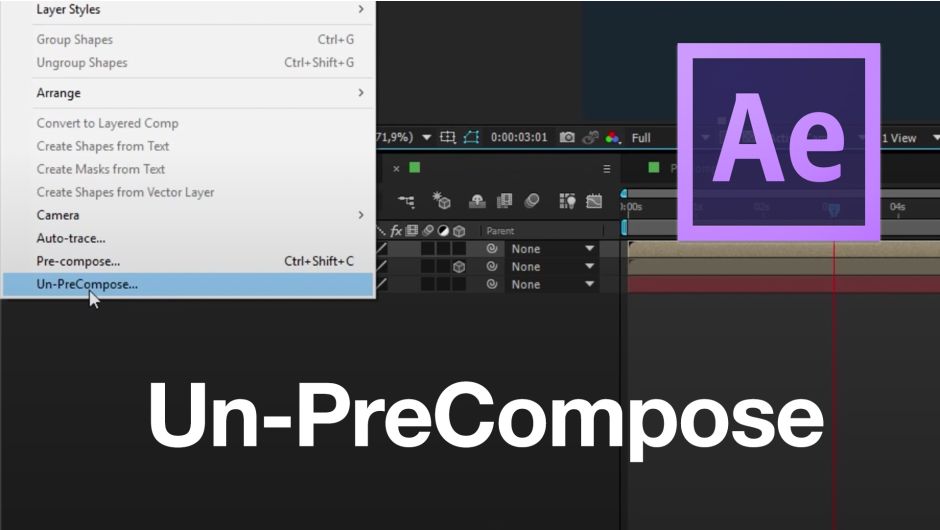
Un-PreCompose reverses After Effects’ pre-compose operation. Pre-composing moves selected layers into a separate composition and leaves a composition layer in the original timeline. Un-PreCompose extracts those layers back into the parent composition, where you can work with them in that timeline again.
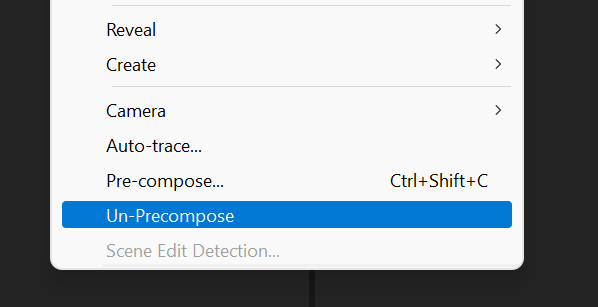
The script aims to preserve the extracted layers’ appearance and properties, including effects, keyframes, and expressions. It can help when you need to reorganize a composition or edit layers individually after they have been grouped in a pre-comp. The developer lists the script in After Effects’ Layer menu.
Options for extracting layers
Un-PreCompose can process multiple pre-comps in one run. You can also choose to prepend each extracted layer’s name with the name of its pre-comp, which can help keep layers identifiable when you bring several groups into the same parent timeline.
For layers with randomized expressions, an option can attempt to correct their placement during extraction. The developer describes this as an attempt, so check the result in your composition rather than assuming the original placement will always be restored.
What to check after extraction
The script does its best to maintain layer positioning and appearance, but the developer notes that some compositions can change. Examples include a 3D scene with a camera in both the pre-comp and the main comp, expressions with randomization that is not controlled by a random seed, and effects that generate 3D scenes or particle simulations.
If your composition depends on one of these setups, test the script on that work and review the result before relying on it.
Version and compatibility
The developer lists version 1.1.5, released June 28, 2023. That release fixed a crash on Windows. Native Apple Silicon support arrived in version 1.1.0. The listing covers After Effects releases from CC 2018 through 2026; see the developer’s Un-PreCompose page for the full compatibility and licensing details.