UV Island Colorizer is a Blender add-on for identifying and managing UV islands during unwrapping, UV editing, and texture painting. It assigns each island a distinct color and puts island controls in a sidebar panel in the UV Editor. The product documentation lists Blender 4.5.0 or later as the requirement.
Color and organize UV islands
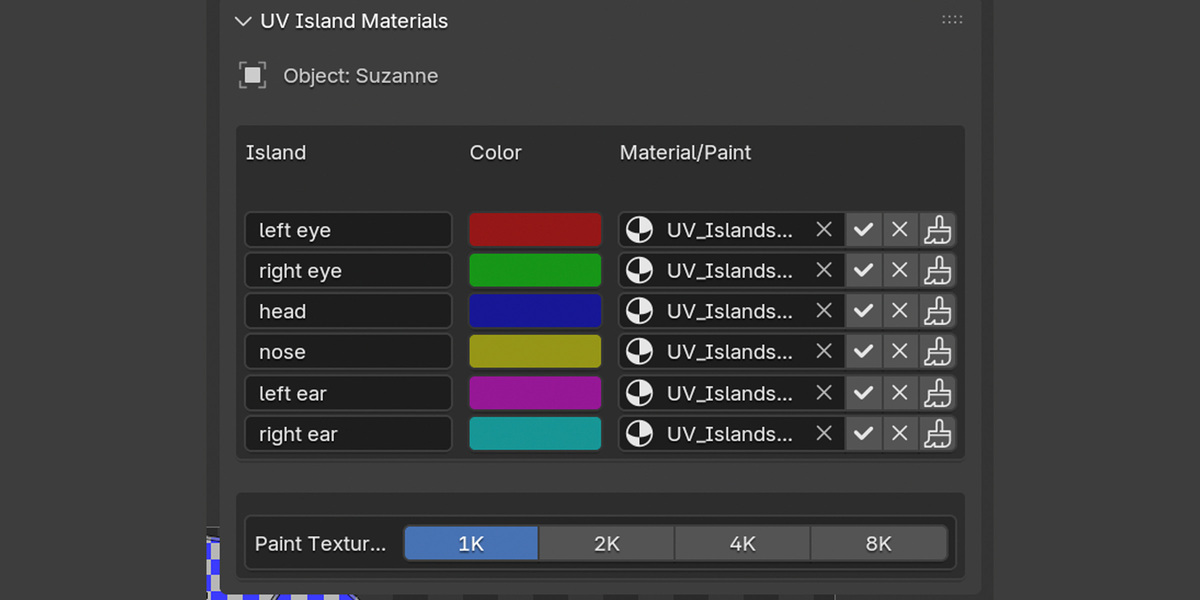
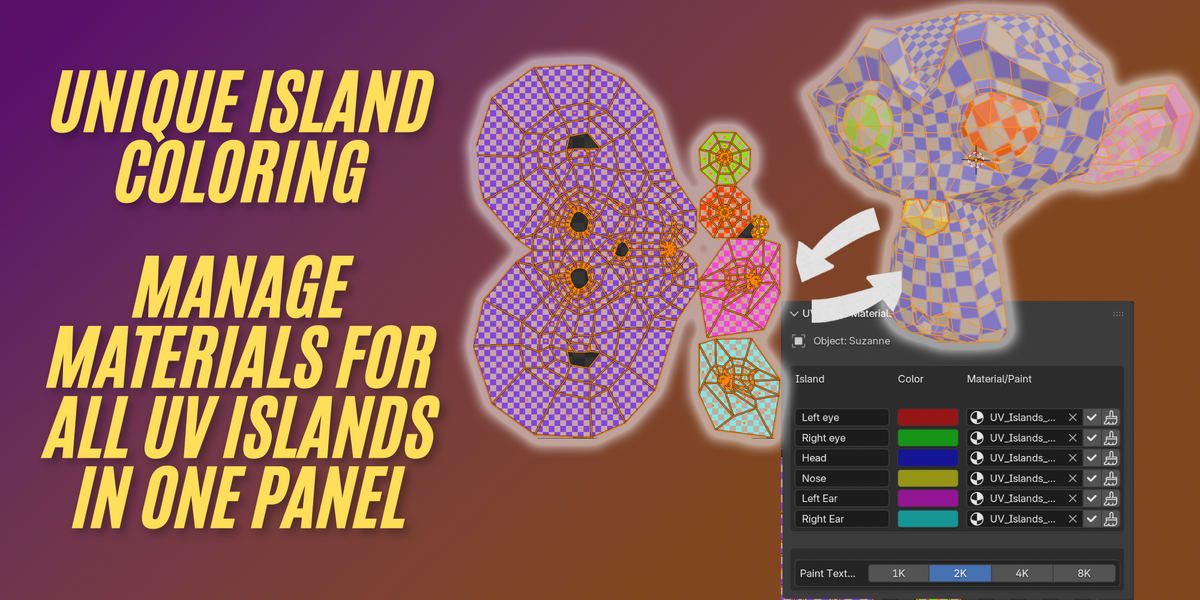
The documented Unwrap with color tags command runs an Angle Based unwrap and colors the resulting islands. In the sidebar panel, you can view, rename, and select islands, refresh their data, and see material assignments. Colors update during mesh transformations and UV edits, with caching used to keep updates responsive.
On meshes with many islands, those colors and selectable entries can help you find an island for a later material or painting step.
Assign materials and paint selected islands
You can assign an existing material to an island or create one, with assignments kept in the panel. For painting, choose an island's paint control to generate a paintable texture and stencil mask. The add-on then switches to Texture Paint mode. The stencil mask is designed to prevent paint from bleeding beyond the island.
Viewport display and compatibility
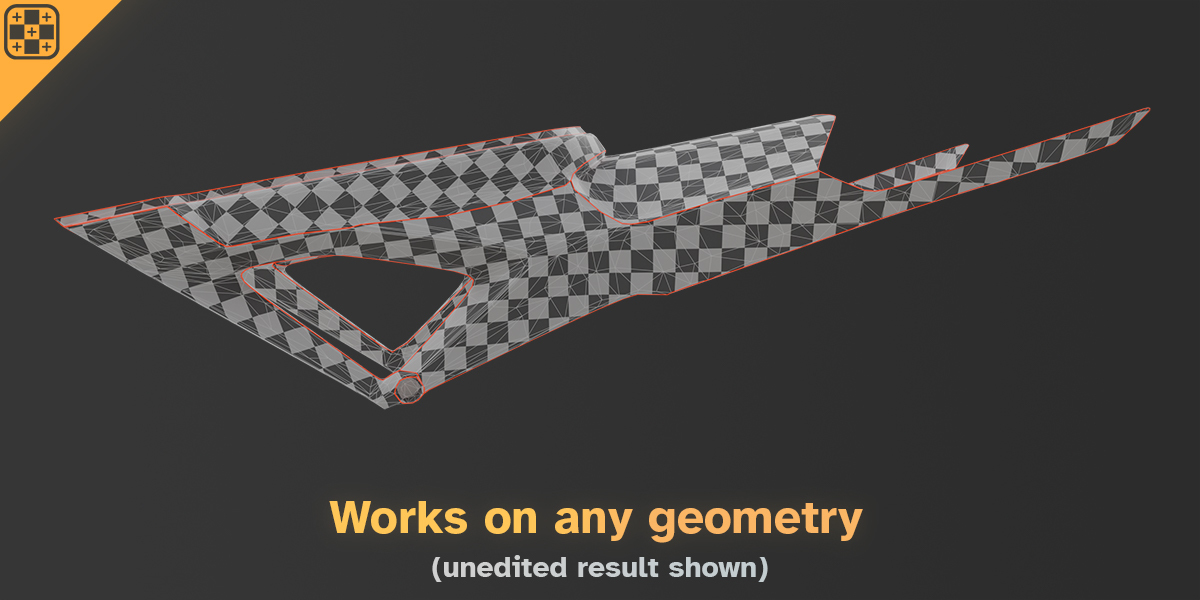
The add-on can show islands with custom checkerboard patterns or vertex colors in the 3D view, and it sets up viewport shading for that visualization. Its workflow supports moving between edit and texture-paint modes. The documentation says it works with simple and complex meshes; the marketplace listing names Cycles and Eevee and lists the GPL license.
For the documented unwrap steps and installation instructions, see the product documentation. Check the marketplace listing for product details.