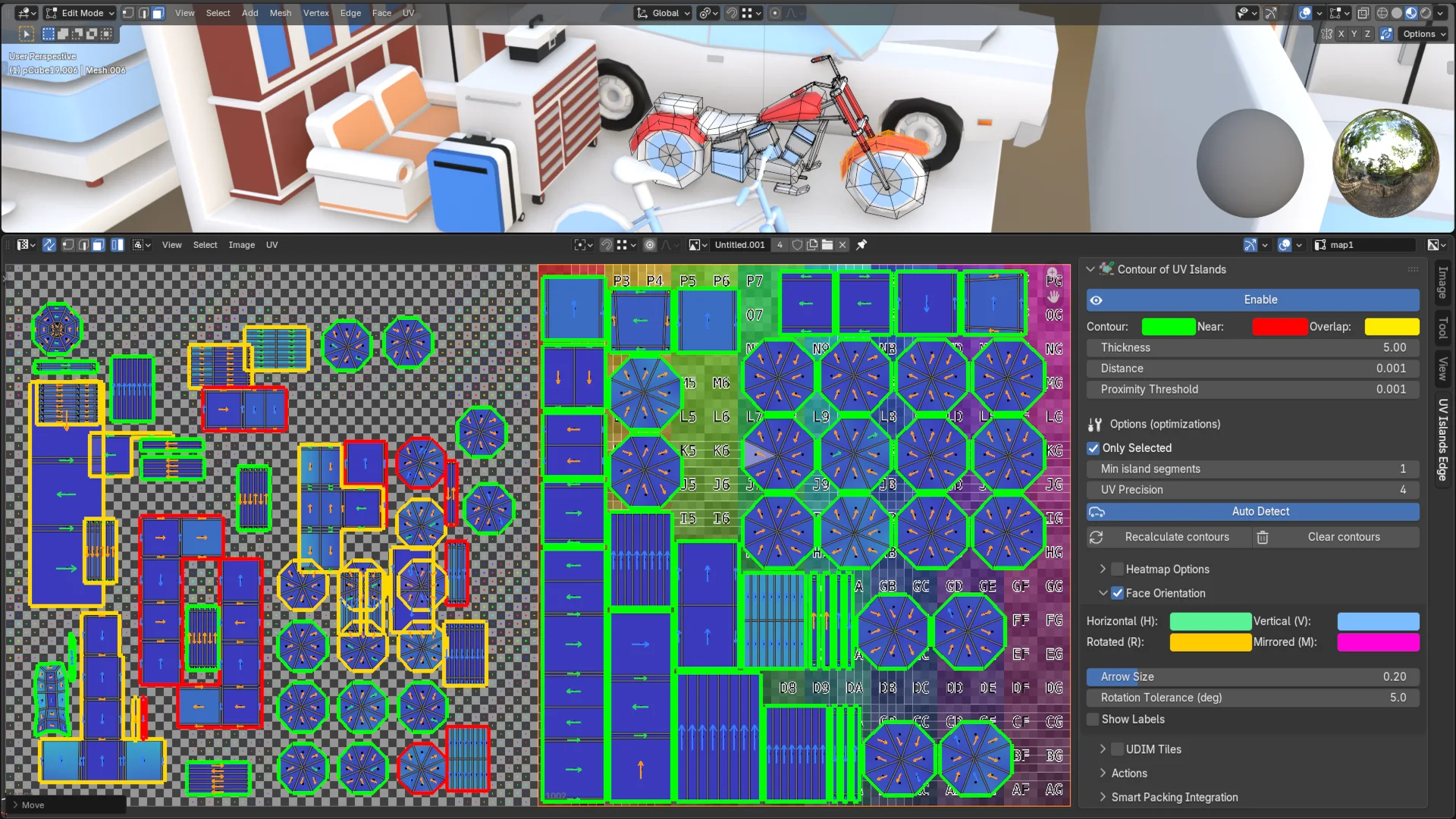
UV Maps+ is a Blender extension by JR3DFUL for organizing UV maps on an object and managing them across selected objects. It adds map reordering, batch actions and UV coordinate copy and paste tools, and removes Blender’s eight-map limit. These controls are useful when a project uses several UV layouts or requires consistent map organization across multiple meshes.
Reorder and organize UV maps
Move a UV map with the up and down controls, or send it directly to the top or bottom of the list. The Specials menu includes options to sort, reverse, duplicate and delete maps. These controls give you a way to change map order without rebuilding the UV layouts.
Map order also matters when you work with more than eight maps. UV Maps+ can add maps beyond that limit, but Blender’s UV Editor cannot edit maps in slots 9 and above. The extension warns when maps are in those slots; move a map into slots 1 through 8 to edit it in the UV Editor.
Work across selected objects
Batch tools can synchronize UV map order across multiple selected objects and copy unique map names between them. The extension can also transfer UV data from one object to another when their topology matches.
In Edit Mode, UV Maps+ also provides tools to copy and paste UV coordinates between selections. This is separate from transferring UV data between objects, so choose the operation that matches the task.
Version and installation
The Blender Extensions listing identifies release 2026.1.2 and a minimum Blender version of 4.2.0. Check the listing for the package details before installing. For installation steps, see Blender’s extension installation documentation, including its instructions for installing from disk.
The extension is listed under the GNU General Public License version 3.0 or later.