UV Tools is a 3ds Max UV-editing script by NiK684. It groups mapping, island arrangement, random UV transforms, texel-density checks, texture inspection and geometry-to-UV workflow tools in a customizable panel. The developer lists Archviz, game development and other modeling work as intended uses. The developer’s product page lists version 3.5.00, released in October 2026; that release adds Rectify and Align World and removes Straighten.
Edit and arrange UVs
Viewport Tweak lets you move and rotate UVs while working in the 3ds Max viewport. Align can orient U or V to a selected edge, while Stitch joins multiple UV elements, including selections across objects. For mapping, the toolset includes Flatten, Normal, Planar and Quick Peel operations, with settings for spacing, normalization and orientation.
Arrange tools pack elements into a tile or keep them in their current UDIM tile. You can fit a selection by width or height, distribute elements along U or V, sort them by size, and orient them horizontally or vertically. Rectify rebuilds UV islands as axis-aligned quads that follow the model’s geometry proportions; its Shift-click option uses equal-sized cells. Align World rotates UV islands so the V axis follows the object’s Z axis; Shift-click uses world axes.
Check texel density and textures
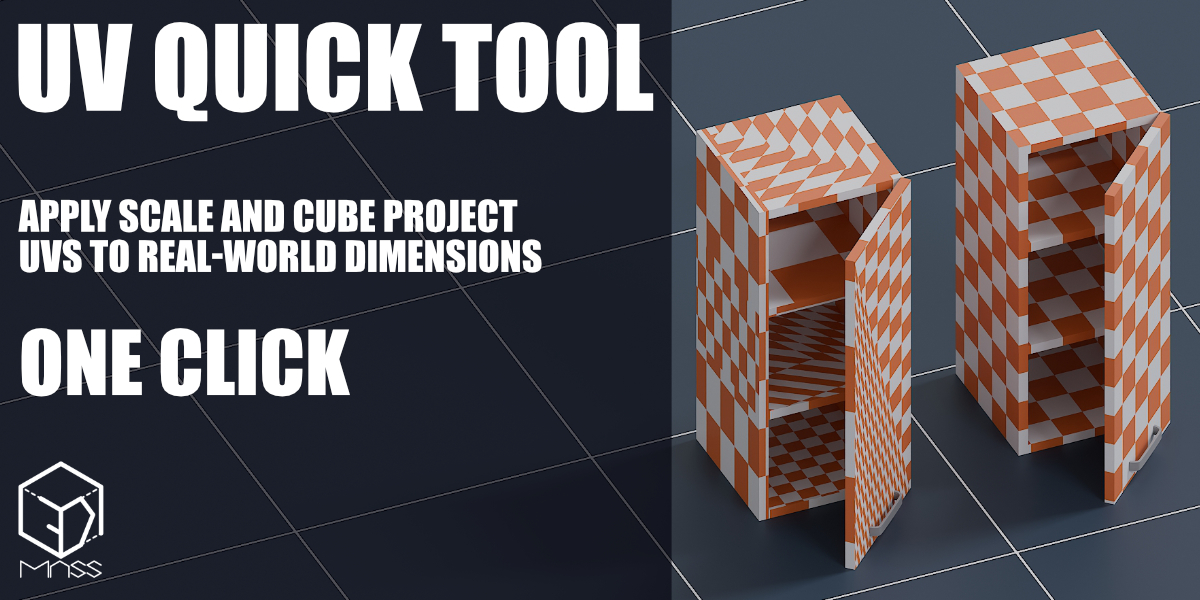
UV Tools can report minimum, maximum and average texel density for a selection, select faces within a density range, or set a target density. Pick Scale gets a UV size from a polygon, and Scale in Units applies a chosen real-world size. Checker textures help reveal stretching and scale differences, while viewport bitmap controls show or cycle through object textures. The developer’s help says original materials can be restored after assigning a checker.
UDIM controls move, select and lay out UV elements across tiles. Other texture utilities convert real-world mapping to regular tiling or transfer bitmap transformations, such as tiling, offset and rotation, to UVs.
Connect UV work with geometry and scripts
Transfer moves subobject selections between Unwrap and Editable Poly workflows. UV Morpher creates a flat object representing an object’s UV mapping, which the documentation describes using with Skin Wrap and other techniques. The scripting API exposes documented actions and arguments; actions can also be assigned to hotkeys or toolbar buttons and combined into one-click operations.
Compatibility and installation
The developer lists compatibility with 3ds Max 2013 and later. Some algorithms have newer host-version requirements: the help lists Unfold3D packing for 3ds Max 2022 and later, and Unfold3D Peel for 2022.2 and later. The optional C++ DLX accelerator speeds up some operations on large UV selections. The script remains functional without it, though those operations may run more slowly.
To install, run UVTools.mzp in 3ds Max by dropping it into the viewport or choosing Scripting > Run Script, then click Install. Add the Open UV Tools UI button from Customize > Customize User Interface > Toolbars, under the Nik Scripts – UV Tools category. For troubleshooting, the developer’s support page asks users to include their 3ds Max version, tool version, steps and result; a screenshot or small scene file can help.