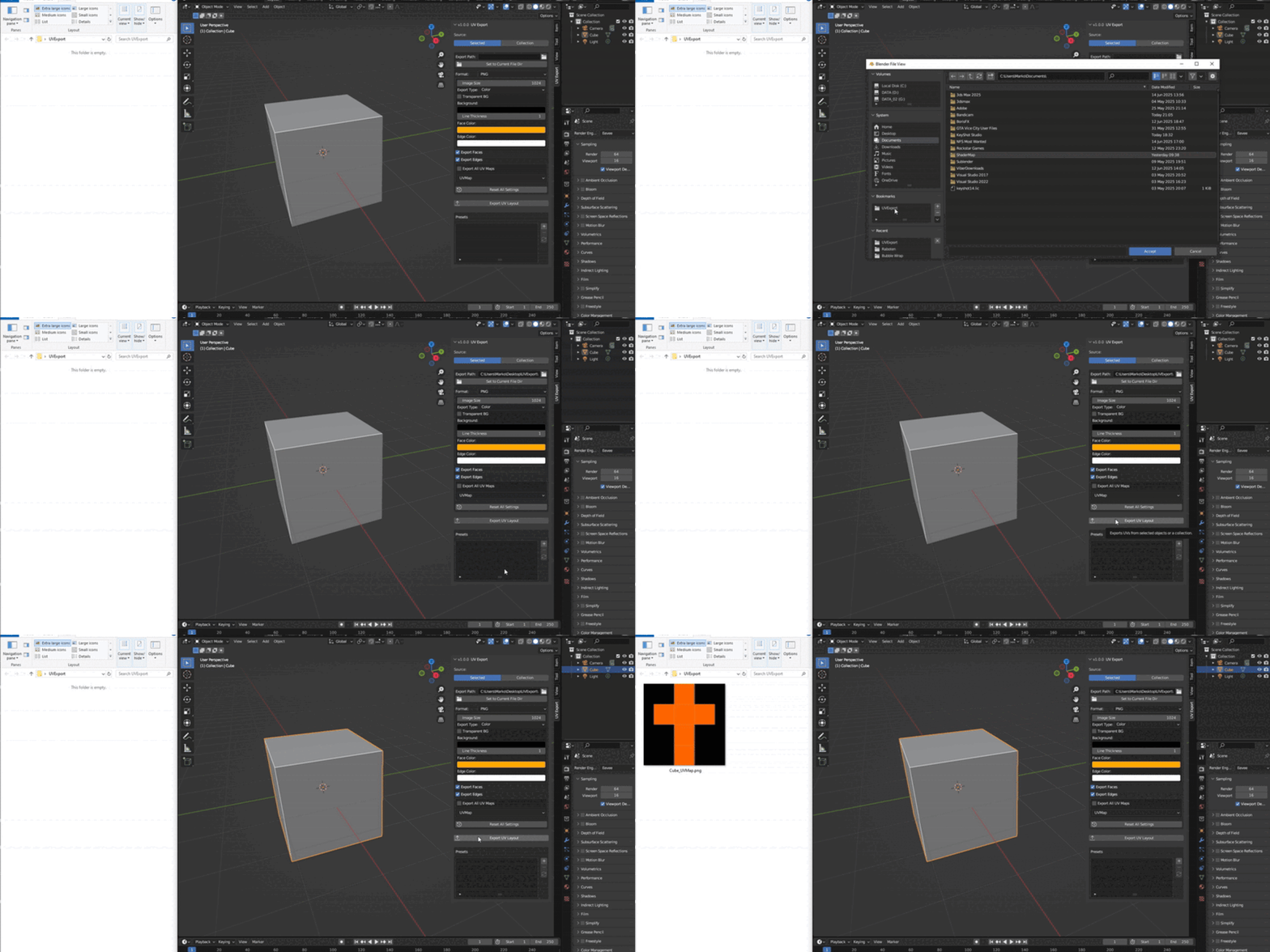
Uvexport is a Blender add-on by MarkoPetrush for exporting UV layouts as raster images or vector files. It gives you control over which objects and UV maps to export, along with output format and appearance settings. See the Superhive product listing for its current details.
Choose objects and UV maps
Export from selected objects, the default source, or choose a collection to process its mesh objects in a batch. You can select a UV map by name or enable Export All to save every UV map found on the target objects. The add-on names files in the format ObjectName_UVMapName.format, which helps distinguish outputs from different objects and maps.
Export raster images or layered vectors
Raster formats include PNG, JPEG, BMP, TGA, TIFF, and WEBP. Set raster output to color or grayscale and choose a resolution up to 8K. Compatible formats can use a transparent background. For a technical layout, export layered SVG or DXF files, choose a boundary that fits the UVs or uses the 0 to 1 space, and set stroke widths that snap to standard CAD lineweights.
Face, edge, and background colors are adjustable. You can also export only faces or only edges, depending on what the layout needs to show.
Reuse export settings
Presets let you save, load, update, and delete configurations for different project requirements. The one-click reset restores the add-on's default settings without deleting saved presets.
Install and check compatibility
The product documentation says to open Blender's Edit, Preferences, then Add-ons, choose Install, and select the UV_Exporter.zip file. Enable the add-on, then open the 3D Viewport sidebar with N and select the UV Export tab. The product listing gives a Blender compatibility range of 3.4 to 5.0 and identifies the license as GPL; check the listing for current details before installing.