Version Hero brings Blender project versioning, folder setup, and asset library tasks into one sidebar. Artists can create numbered versions with viewport previews and metadata, browse version history, and open or restore saved versions. The add-on also includes tools for converting older versioned files and setting up reusable project folders.
Track Blender project versions
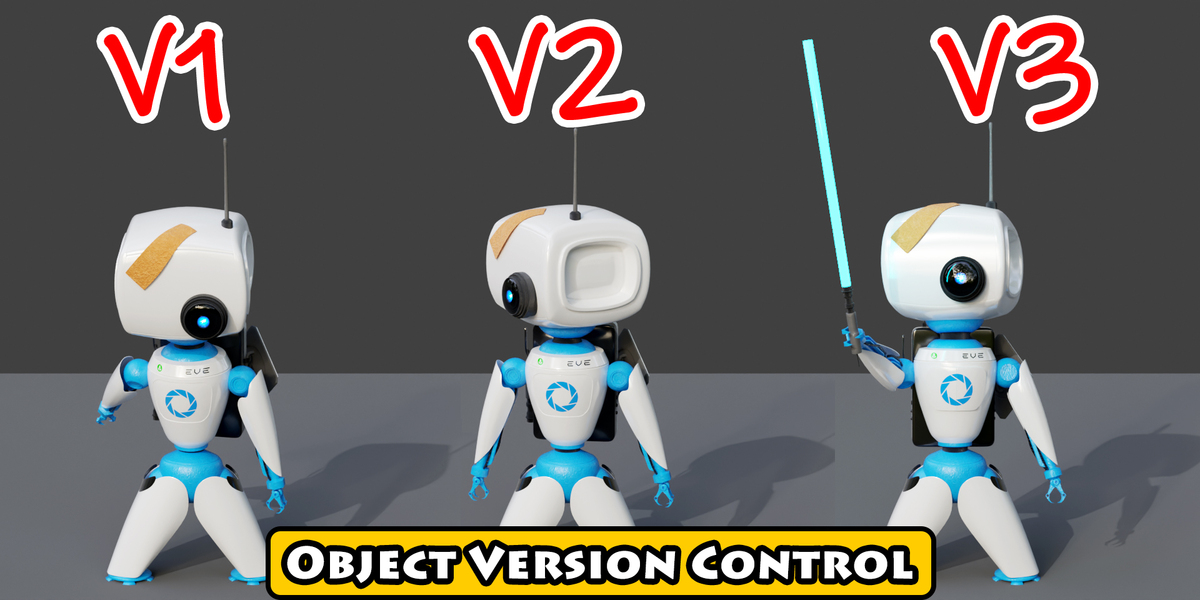
Smart Versioning creates numbered versions with automatic viewport previews and metadata. From the version history, you can browse files to open or restore a version. A status indicator shows whether the current file is Unsaved, Modified, or Synced. When you are viewing a version file instead of the master, Version Hero warns you and hides actions that could be risky in that context. A quick “Create Version” control is also available from the 3D View top bar.
Convert older versioned files
Legacy Conversion moves old versioned files into a versions/ structure and adds metadata. The conversion control is disabled while a version file is open, which helps avoid converting the wrong file.
Set up folders and asset libraries
Folder Maker builds project folder structures from reusable templates. You can export the full template set as JSON or import a set; importing replaces the existing set, so export first if you need to keep a copy.
Library Saver syncs asset libraries from Blender Preferences, saves the current .blend file to a chosen library, and provides a one-click way to reveal it in Explorer or Finder. These tools keep common project and library tasks within Blender.
Who may find Version Hero useful?
Version Hero is aimed at Blender artists and teams that want a consistent way to track project files, create folder structures, and save work to asset libraries. Its listing identifies Blender versions 4.3 through 4.5 and a GPL license. Check the Version Hero product listing for current compatibility and license details before installing.