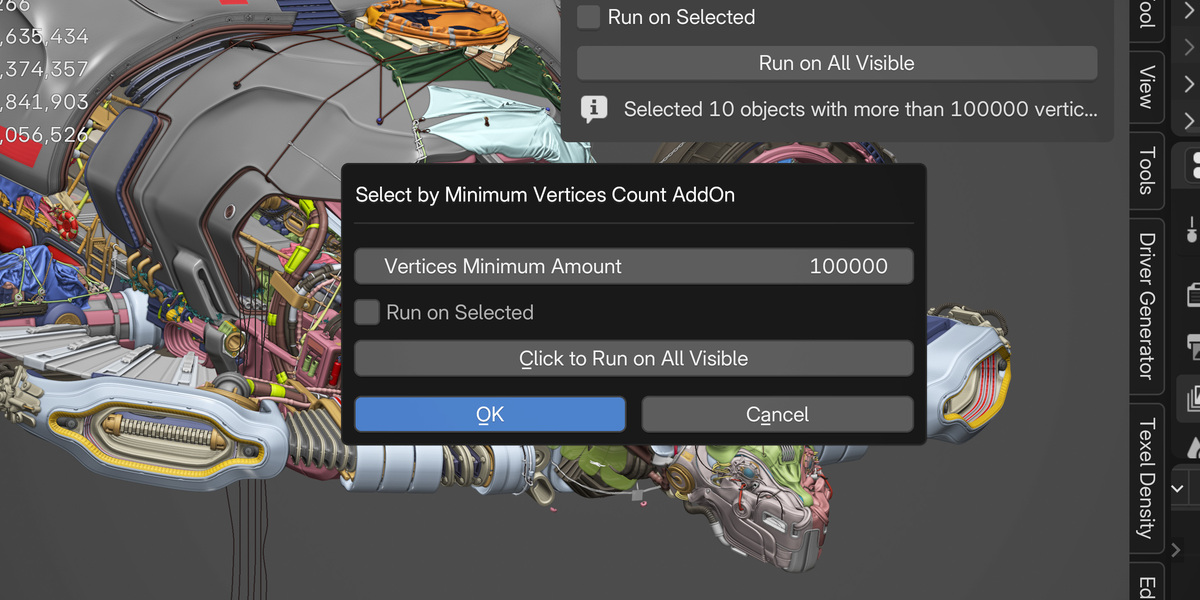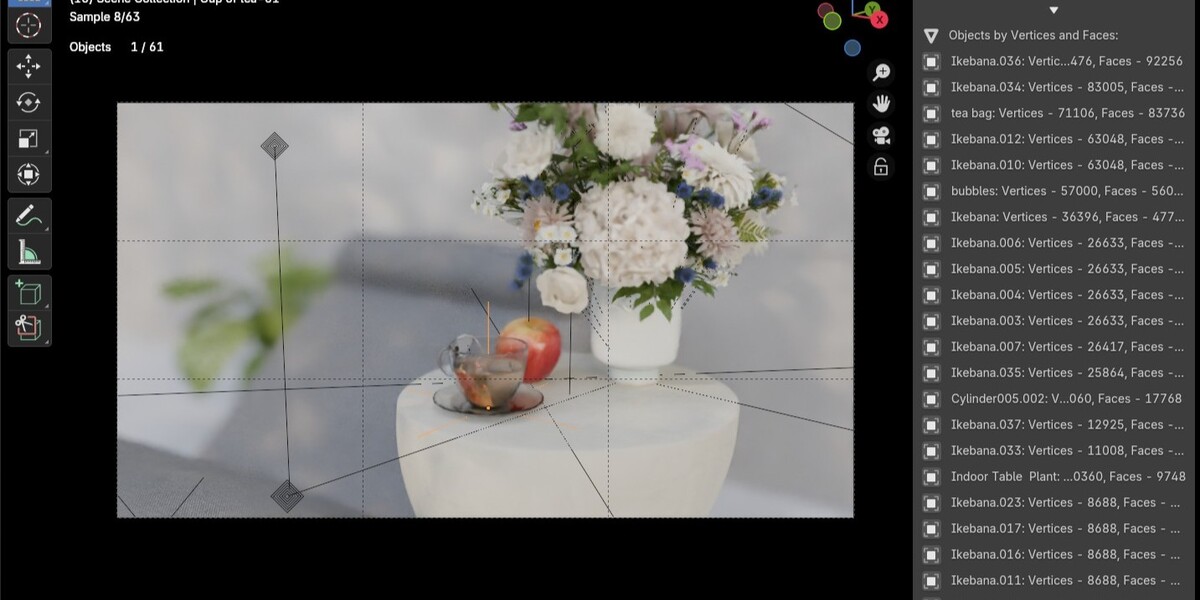
Vertex Reader is a Blender add-on by 3D Render Guru that puts scene geometry counts in one ranked list. It helps you find objects with higher vertex and face counts without selecting objects one by one and checking them in Edit Mode.
Review geometry across the scene
The list includes objects such as meshes, curves, and text, ordered from higher to lower vertex and face counts. Select an object directly from the list to return to it in the scene. This can make it quicker to locate geometry-heavy objects when investigating a slow viewport or a demanding scene.
Use counts to decide what to inspect
The counts are an inspection aid; the add-on’s listed features focus on displaying counts and selecting objects. Check the calculation notes for details on how it handles different object types.
Version and setup
The Superhive listing identifies this as version 1.0, licensed under GPL. It describes support for Blender 3.0 and later, while its compatibility list names Blender versions from 3.0 through 4.2. Check the current Vertex Reader listing for newer Blender builds. The listing also links to a written installation and usage guide and a how-to video, which cover use and count calculations.