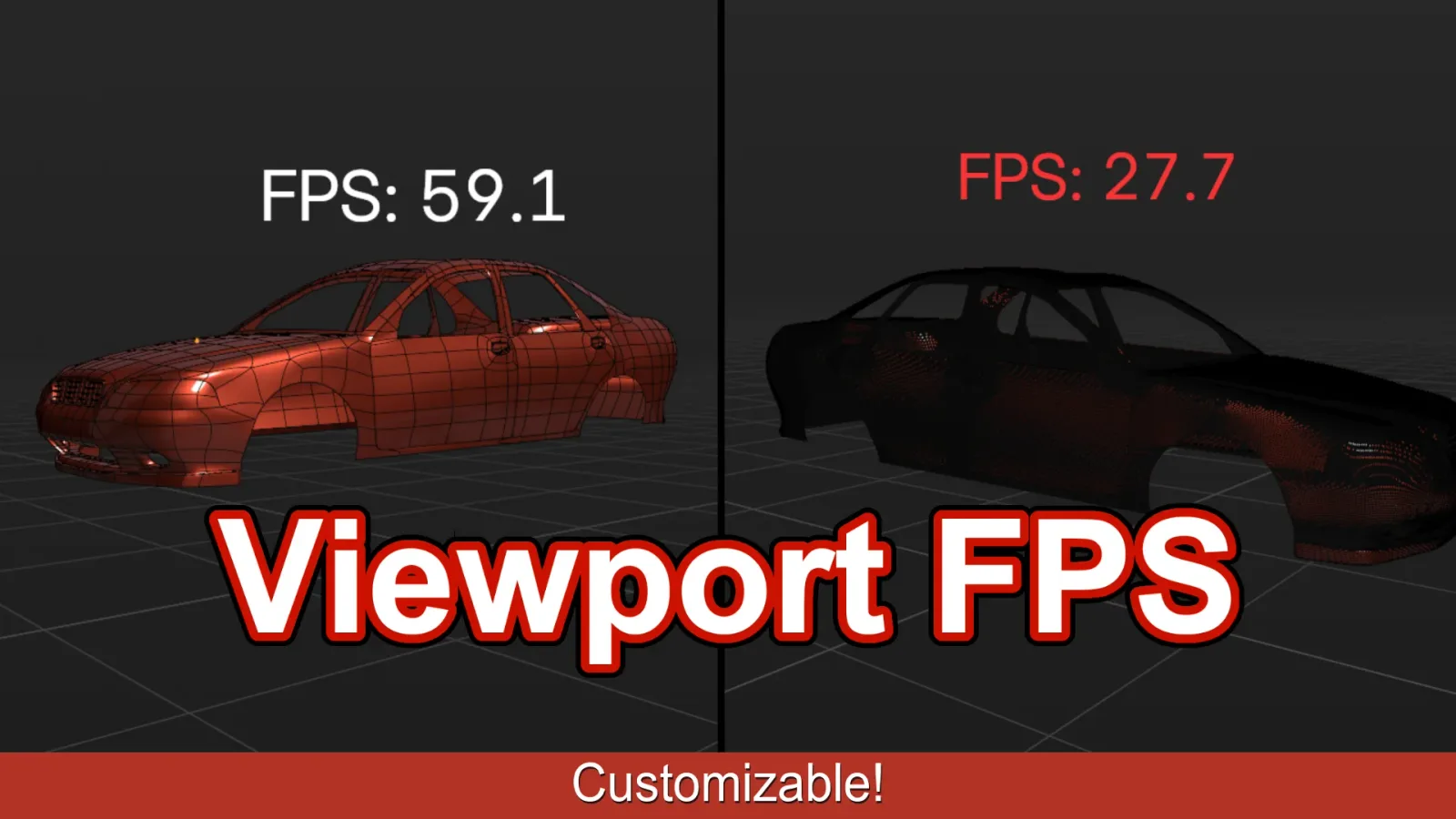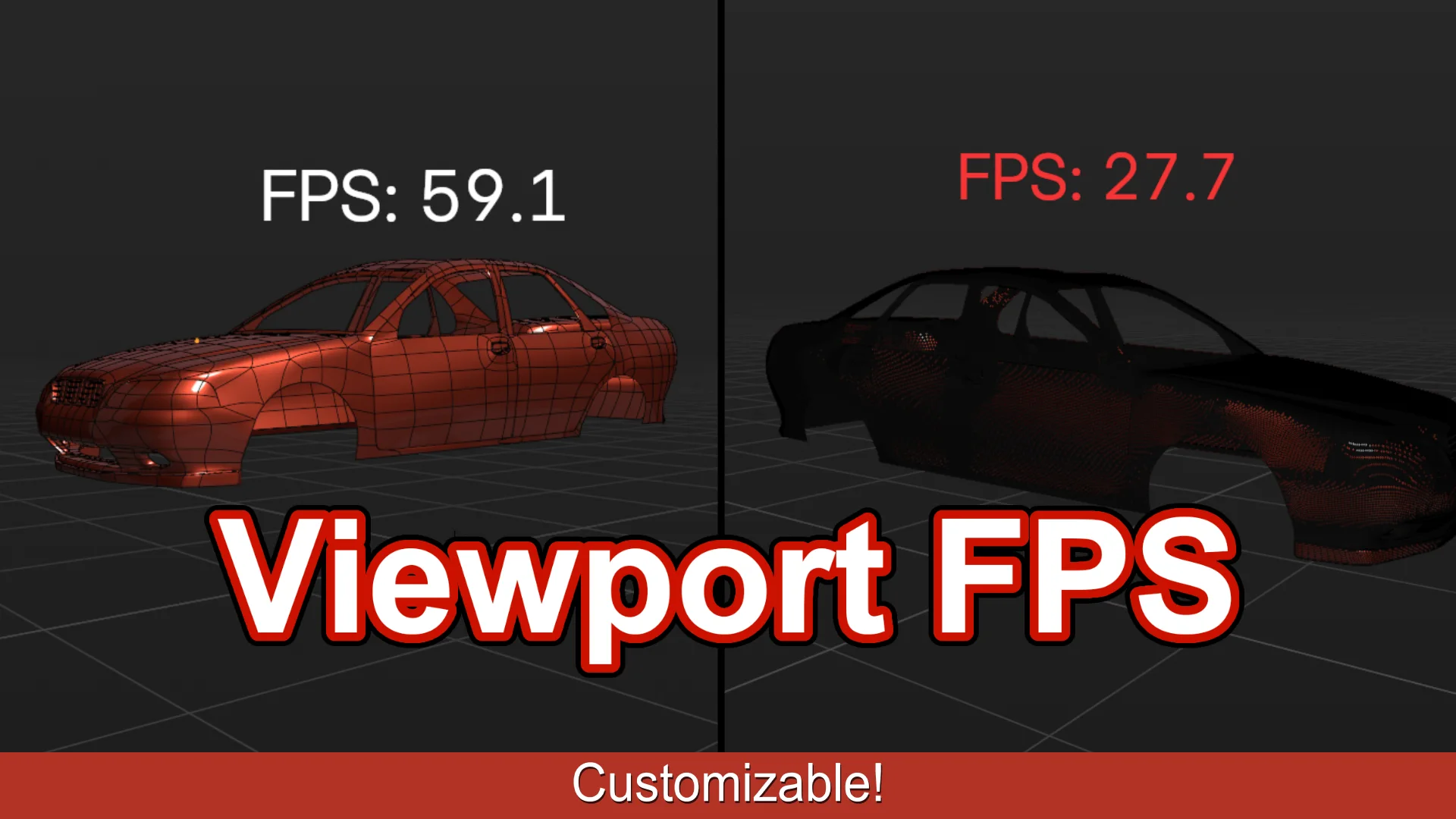
Viewport FPS by Pazelock adds a frames-per-second readout to Blender's 3D Viewport. It shows the viewport's current rate, separate from the built-in animation playback counter. Version 1.0.2 lists Blender 4.2.0 as its minimum version. See the Blender Extensions listing for the package and current compatibility details.
Adjust the FPS readout
The add-on's preferences let you show or hide the FPS label and decimal values, change the font size, and position the readout using a corner and X/Y offsets. You can set how often it refreshes; the listing says a value of 1 gives real-time updates. A warning threshold changes the display color when the frame rate falls below the value you set, with separate normal and warning colors.
Because the counter reports viewport FPS rather than animation playback, the timeline can be paused while the viewport continues to update. The add-on displays that rate; it does not improve scene performance.
Compatibility and installation
The Blender Extensions API lists release 1.0.2 for Blender 4.2.0 or later, under the GPL-3.0-or-later license. The listed archive is 3,040 bytes. To install from a downloaded package, follow Blender's Install from Disk instructions.