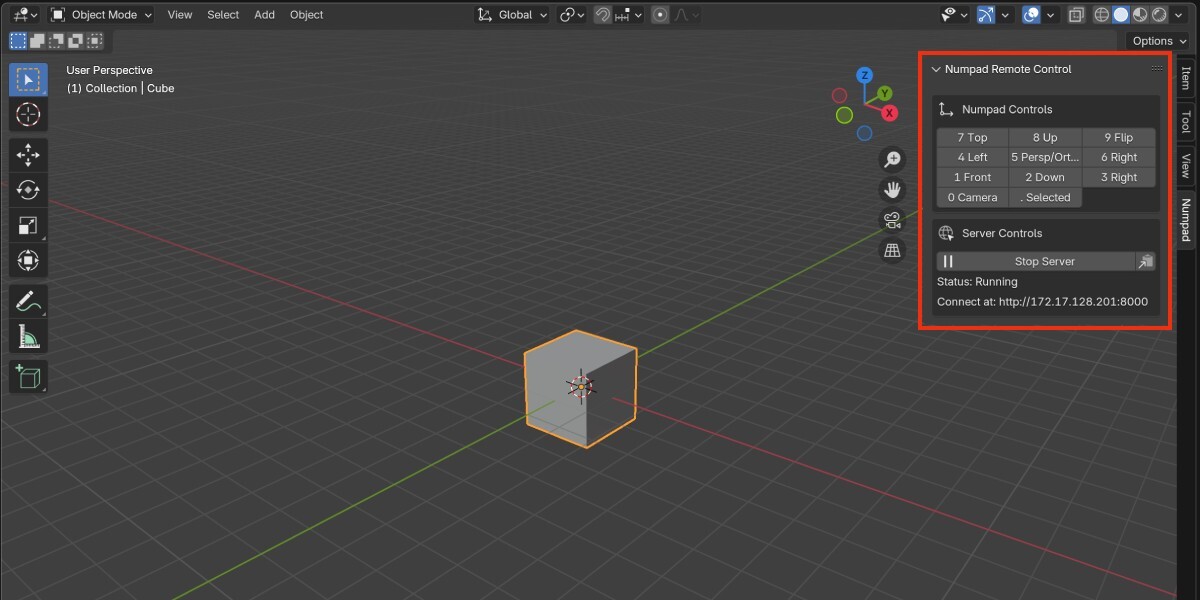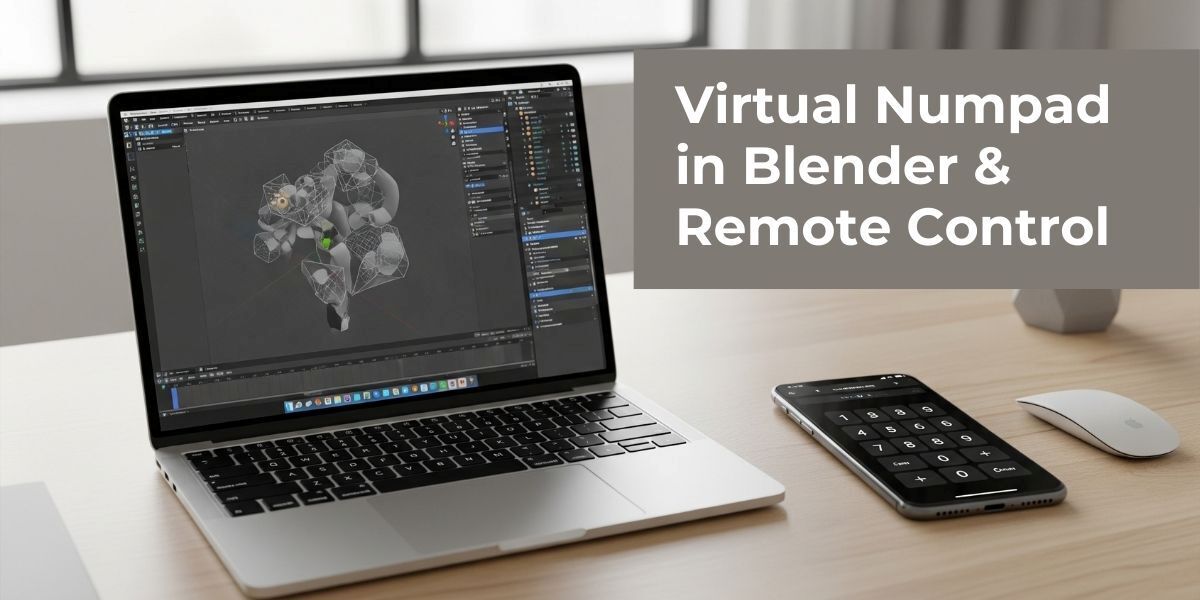
Virtual And Remote Numpad is a Blender add-on for people who want numpad view controls without a physical numeric keypad. It adds a virtual numpad to Blender’s N-panel and can open a remote web numpad on a phone, tablet, or browser connected to the same local network.
Navigate views from Blender’s N-panel
Open the 3D Viewport sidebar with the N key and select the Numpad tab. The panel provides one-click access to standard numpad view functions, including Top, Front, Right, Camera, and Perspective/Orthographic.
Use a phone, tablet, or browser
For remote control, start the local server from the add-on’s Server Controls. Copy the address shown in the panel and open it in a browser on a device connected to the same local network as the computer running Blender. The responsive web numpad sends viewport navigation controls to Blender.
The server runs inside Blender and stops when Blender closes. Remote access is limited to the local network; it does not provide internet access. The computer’s firewall must allow connections within that network.
Install the add-on
- Download the add-on ZIP file and extract
numpad-emulator-and-remote.py. - In Blender, open Edit, then Preferences, then Add-ons. Choose Install and select the extracted Python file.
- Search the add-ons list for “Numpad Remote Control” or “Numpad,” then enable it.
- In the 3D Viewport, press N to open the sidebar and select the Numpad tab.
- To use another device, start the server in Server Controls and open the displayed address in a browser on the same local network.
Compatibility and license
The marketplace listing specifies Blender versions 4.0 through 4.5. Its documentation says the add-on was tested with Blender 4.0 and newer on Windows. If your Blender version is outside the listed range, check with the developer before installing. The listing identifies the license as GPL.