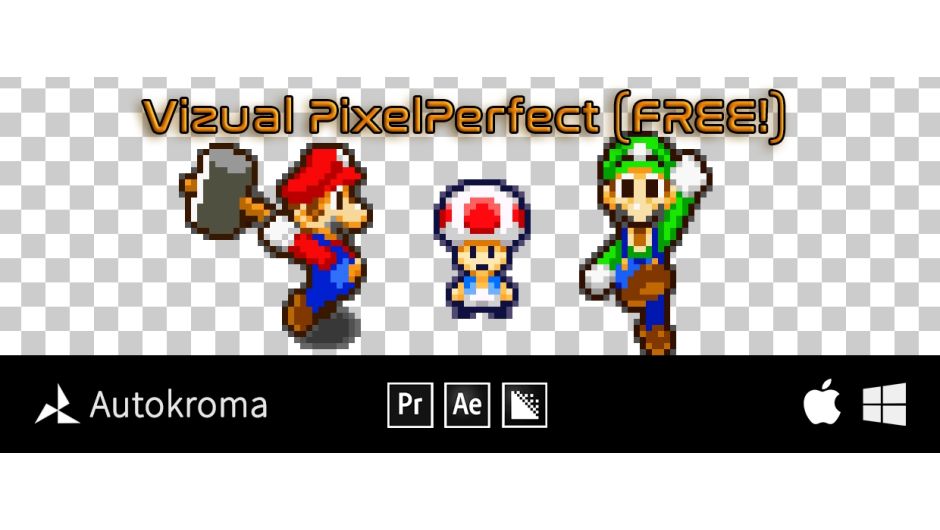
Autokroma’s free Vizual PixelPerfect plugin adds pixel art upscaling options to After Effects and Premiere Pro. Choose nearest neighbor for the square pixel look, linear interpolation, or nearest neighbor with antialiasing controlled by the Edge Blur slider.
Choose a scaling algorithm
Nearest neighbor keeps the hard-edged look often used for pixel art. Linear interpolation is another available method. For a softened edge, the antialiased nearest-neighbor mode lets you adjust Edge Blur. These options are useful when enlarging sprites or other small pixel-based artwork for a video project.
Use it in After Effects or Premiere Pro
PixelPerfect is available for both hosts, where nearest-neighbor upscaling is not natively available. The scaling origin depends on the application: Premiere Pro scales from the center of the original image, while After Effects scales from the layer’s anchor point. In After Effects, set the anchor point with the original image resolution in mind. The plugin also includes GPU acceleration in After Effects.
Check footage and project settings
Non-square pixel aspect ratios are not well supported in Premiere Pro and Media Encoder. Interlaced input and output are unsupported. If either applies to your project, check the Autokroma product page before building a workflow around the effect.
For operating-system and host requirements, see Autokroma’s requirements page.