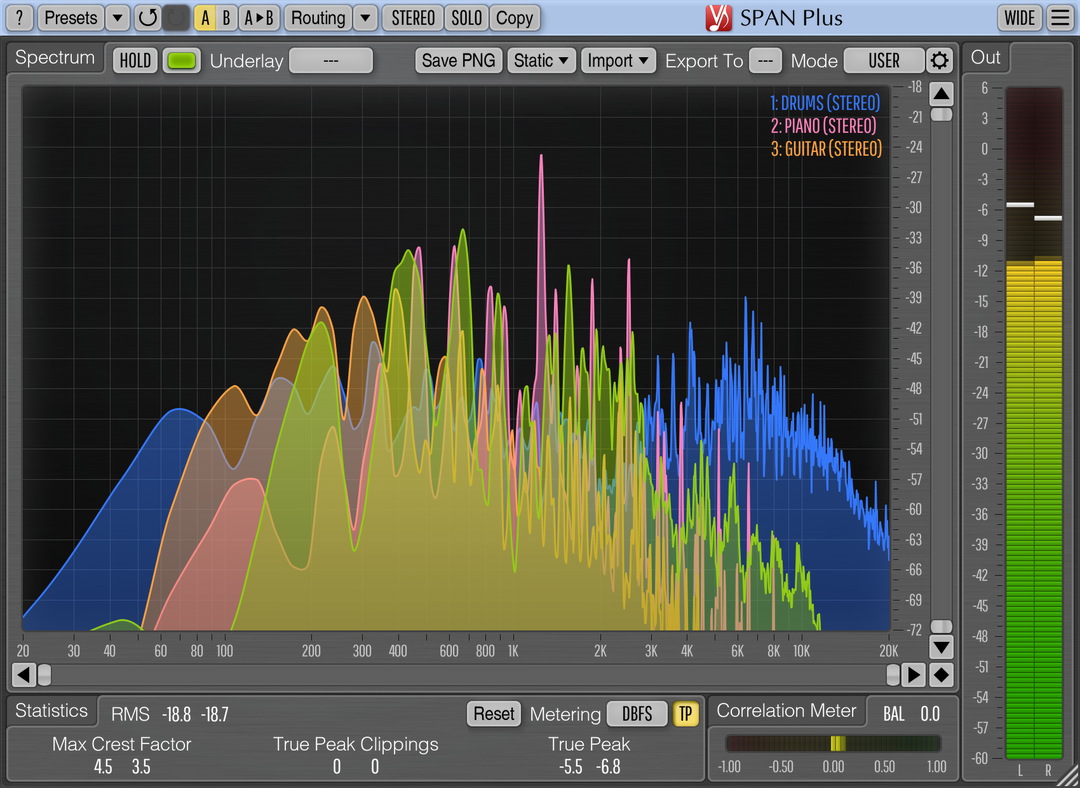
Voxengo SPAN Plus is a real-time FFT spectrum analyzer for music and audio production hosts. It helps you inspect a track’s frequency balance, compare spectra across a mix, and monitor output levels while audio plays. When narrow-band sweeping/soloing is off, the plugin does not affect the sound; you can engage that mode from the spectrum display.
What SPAN Plus adds
SPAN Plus extends Voxengo’s free SPAN with real-time spectrum import and export between plugin instances, static spectrum displays, a wide display mode, and PNG export. You can also load and save spectra as CSV. The exported CSV stores frequencies on a linear scale and power values in decibels, which is useful when reviewing the data outside the plugin.
Compare spectra across tracks
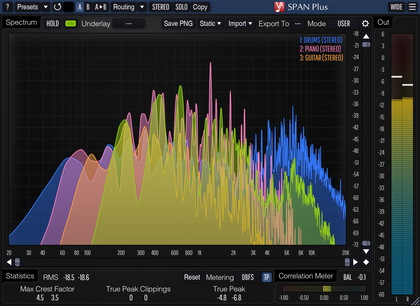
For a mix comparison, place SPAN Plus on each track you want to monitor. Set an export slot on the source instances, then choose those slots in the Import From controls of the instance where you want to view the spectra together. Clear instance names, such as “Bass” and “Drums,” make the import list easier to use. Leave Export To off on instances whose spectra you do not plan to import into another SPAN Plus instance; active exports can use CPU. Avoid assigning the same export slot to multiple instances because the imported spectrum can become unpredictable.
Inspect frequency and level information
You can set the FFT block size, window overlap, and display slope, and show secondary spectra such as real-time or all-time maximum. Smoothing can make the display easier to examine. The analyzer supports stereo, mid/side, multi-channel, and channel-group analysis. Its default display slope is 4.5 dB per octave, which you can change in the Spectrum Mode Editor.
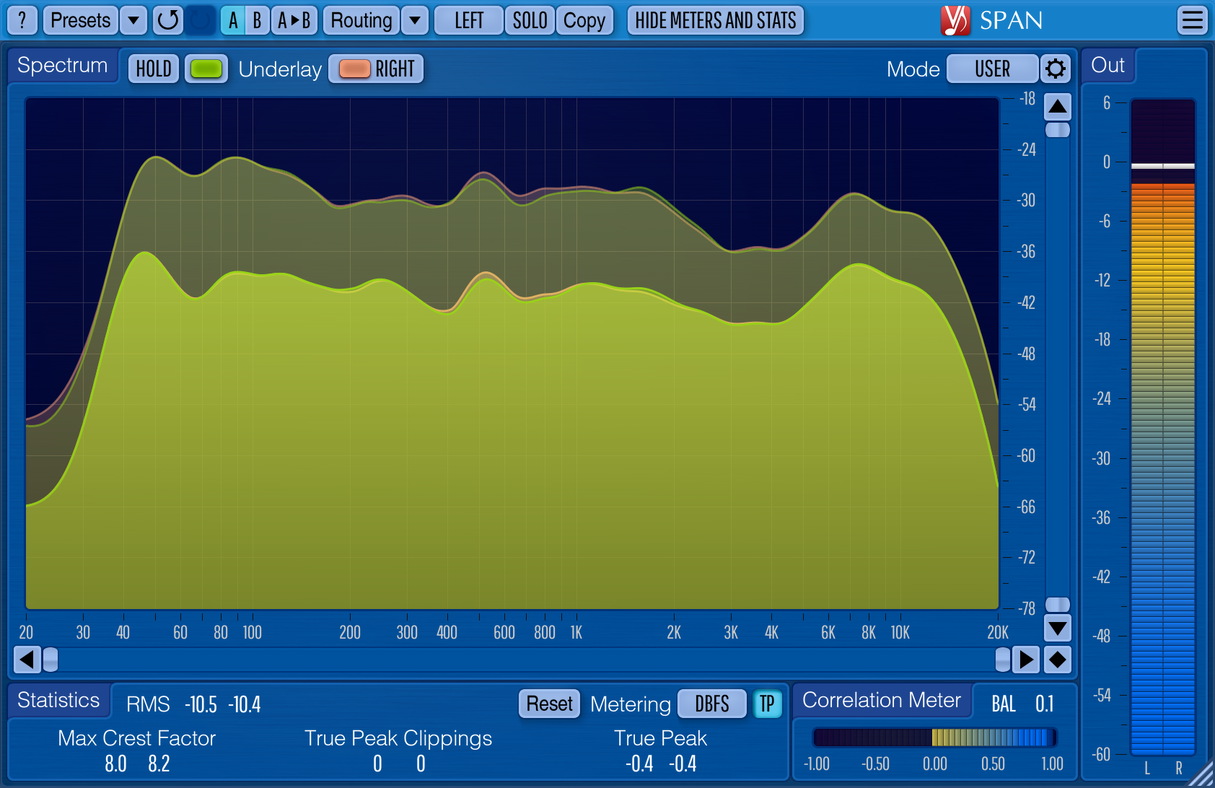
Level tools include RMS and output statistics, headroom estimation, true-peak or sample-peak readings, clipping detection, EBU R128 LUFS/LU metering, K-system metering, and a correlation meter that averages the first two input channels over 500 ms. Integrated loudness updates twice a second and uses only the most recent five minutes of measurements since reset or playback restart.
Compatibility and evaluation
SPAN Plus supports VST, VST3, AudioUnit (AU), and AAX hosts. Voxengo lists Windows 32- and 64-bit support and macOS 10.12 or later on 64-bit Intel and Apple Silicon, with Sonoma, Sequoia, and Tahoe specifically named on its compatibility page. Voxengo lists a 2.5 GHz dual-core or faster processor and at least 4 GB of RAM as computer requirements. Separate Mac and Windows downloads are provided. The host must support the installed format; Logic Pro and GarageBand require the AU component. Voxengo lists hosts including Ableton Live, Cubase, Logic Pro, REAPER, Pro Tools, FL Studio, and Studio One.
The evaluation version briefly mutes output every 45 seconds. It is authorized with a text product key, without challenge-response or a dongle; a Voxengo website connection is not required for the plugin to run.