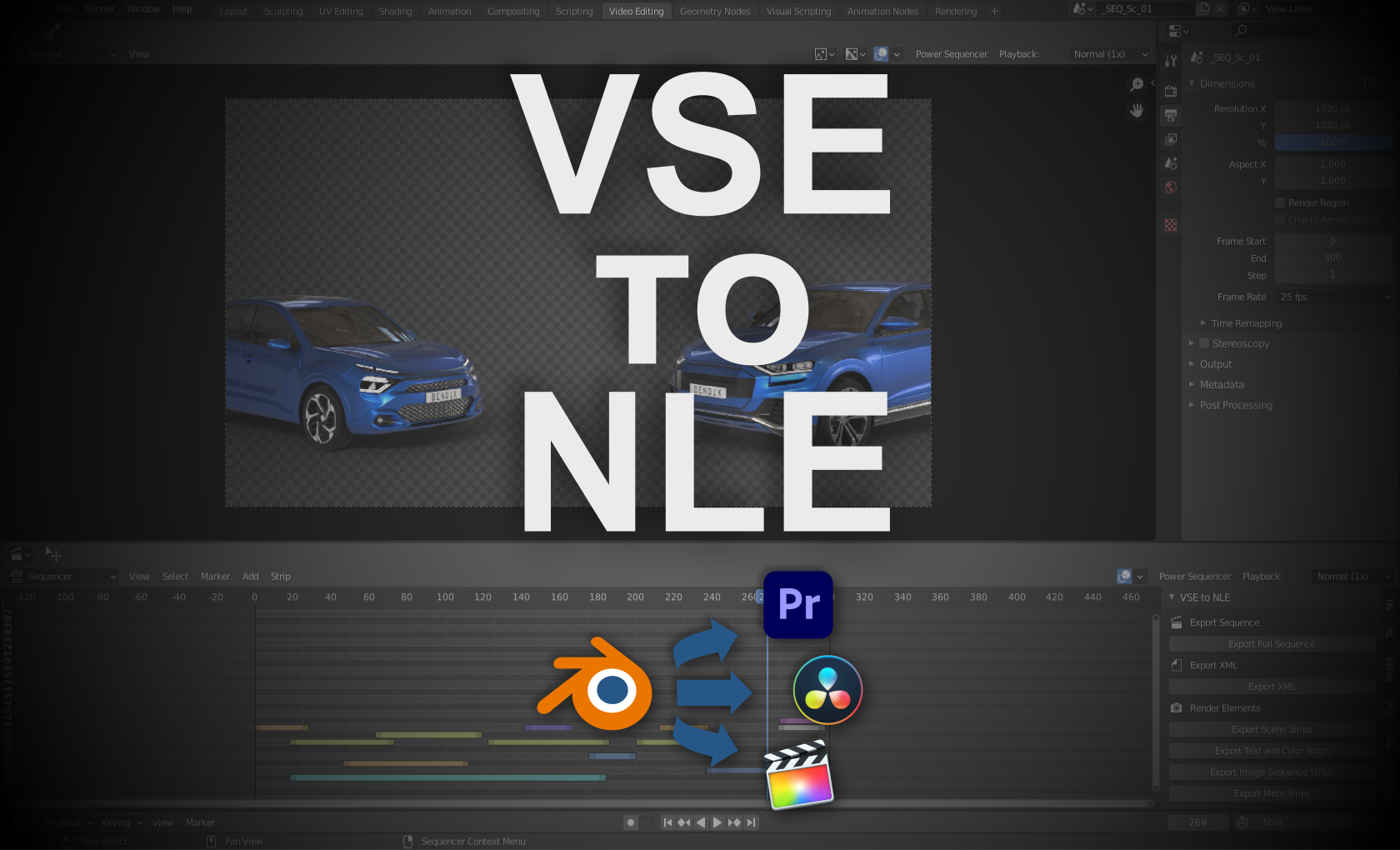
VSE to NLE exports a Blender Video Sequence Editor timeline as an FCP XML interchange file for use in an editor that imports that format. Movie clips, audio, and still images can link to their files on disk; other supported strip types are rendered as OpenGL preview MOVs. The add-on suits video edits, storyboards, animatics, and animation productions moving from Blender into an NLE; some effects and strip controls are baked into previews or unsupported directly.
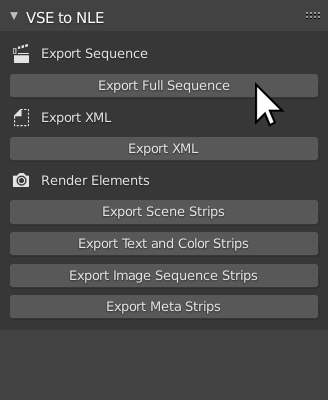
Choose an export for the changes you made
Export Full Sequence renders the supported strips that need previews and creates the XML file. Export XML creates the interchange file without rendering strips, which is useful when the sequence has no strips that need pre-rendering. You can also export Scene strips, Text and Color strips, Image Sequence strips, or Meta strips separately. Those options help when you have changed only one of those types.
Movie clips, audio, and still images are linked to their locations on disk rather than rendered into new files or proxies. Other supported types, including scene, meta, text, color, and image-sequence strips, are rendered as OpenGL previews. The XML file is saved alongside the Blender file; rendered output goes in an _Exports folder beside it. A sequence with many strips to render may take a few minutes. The developer documentation describes the export options and installation.
Editors and strip types
The developer names Adobe Premiere for Windows and Mac, DaVinci Resolve for Windows, Mac, and Linux, and Final Cut Pro for Mac. Other editors may work if they import FCP XML. Supported VSE types include Scene, Movie, Sound, Image and image sequence, Meta, Text, and Color.
FCP XML does not preserve image sequences as links to their original sequence files, so VSE to NLE converts them to MOV for the exported timeline. You can replace those clips manually in the NLE if you need to work from the original image sequences.
Check effects and compatibility before export
Transitions and fades are not exported as native, editable NLE transitions. They are applied to pre-rendered strip types during export. If you plan to recreate them in your NLE, disable them before exporting. Adjustments, transforms, and modifiers on scene, meta, text, color, and image-sequence strips are baked into their preview renders. Effect strips and adjustment layers are not supported directly; the FAQ suggests nesting them inside a Meta strip before export. Blending modes and multicam strips are also listed as unsupported.
Version 1.0.5 was updated for Blender 4.4 on May 28, 2025. That listing does not establish compatibility with later Blender releases, so check the developer's page for current version details before installing.
For import steps and issue-specific guidance, see the developer FAQ.