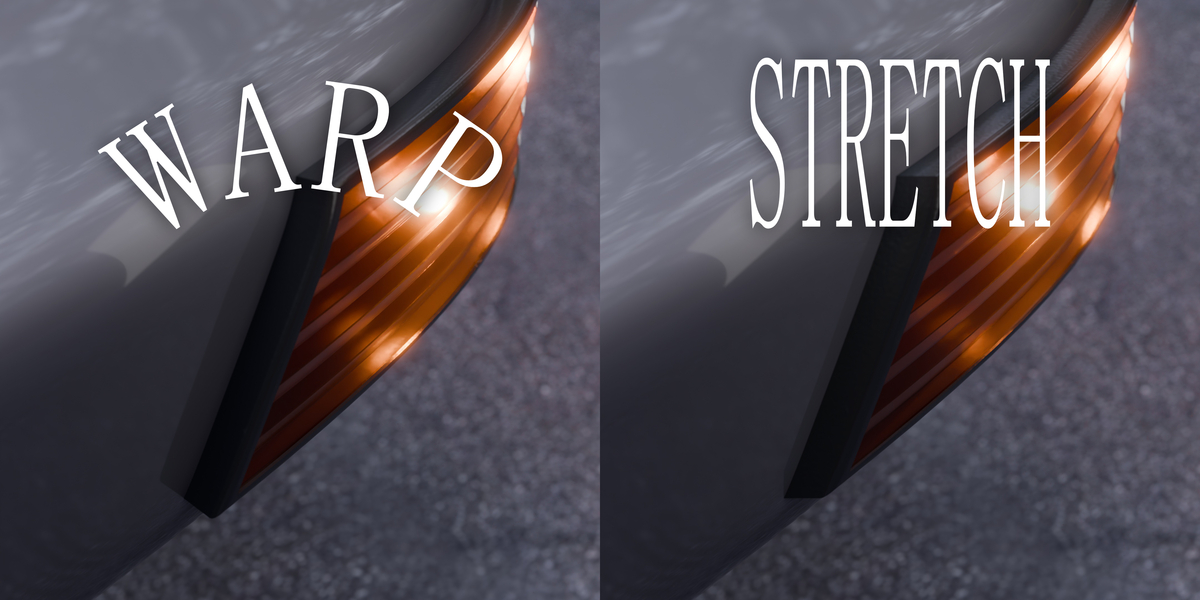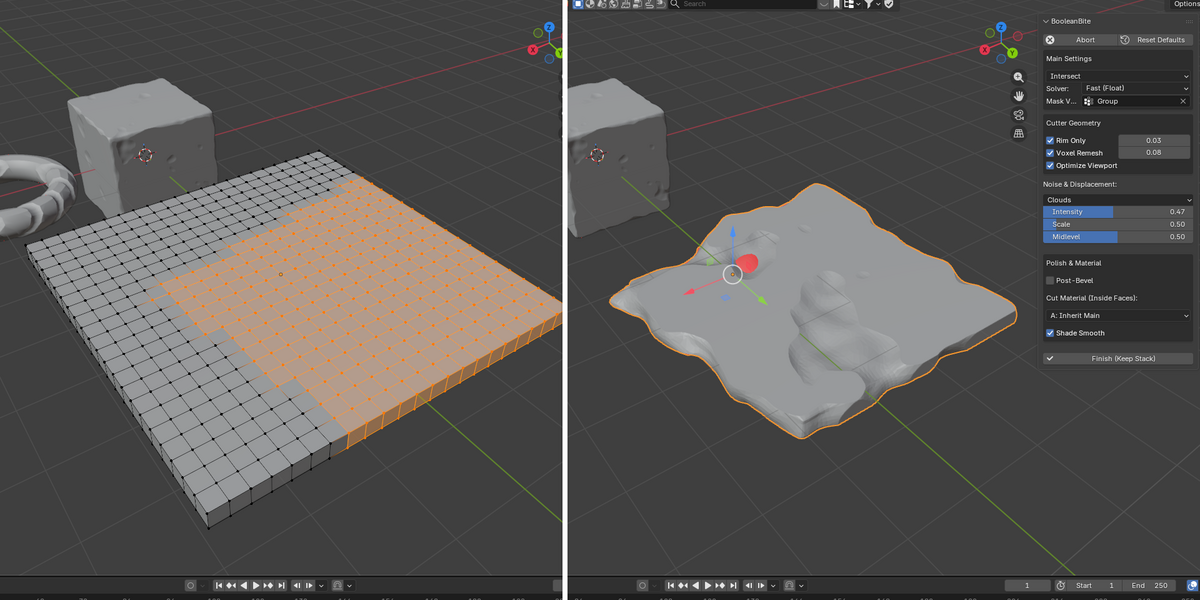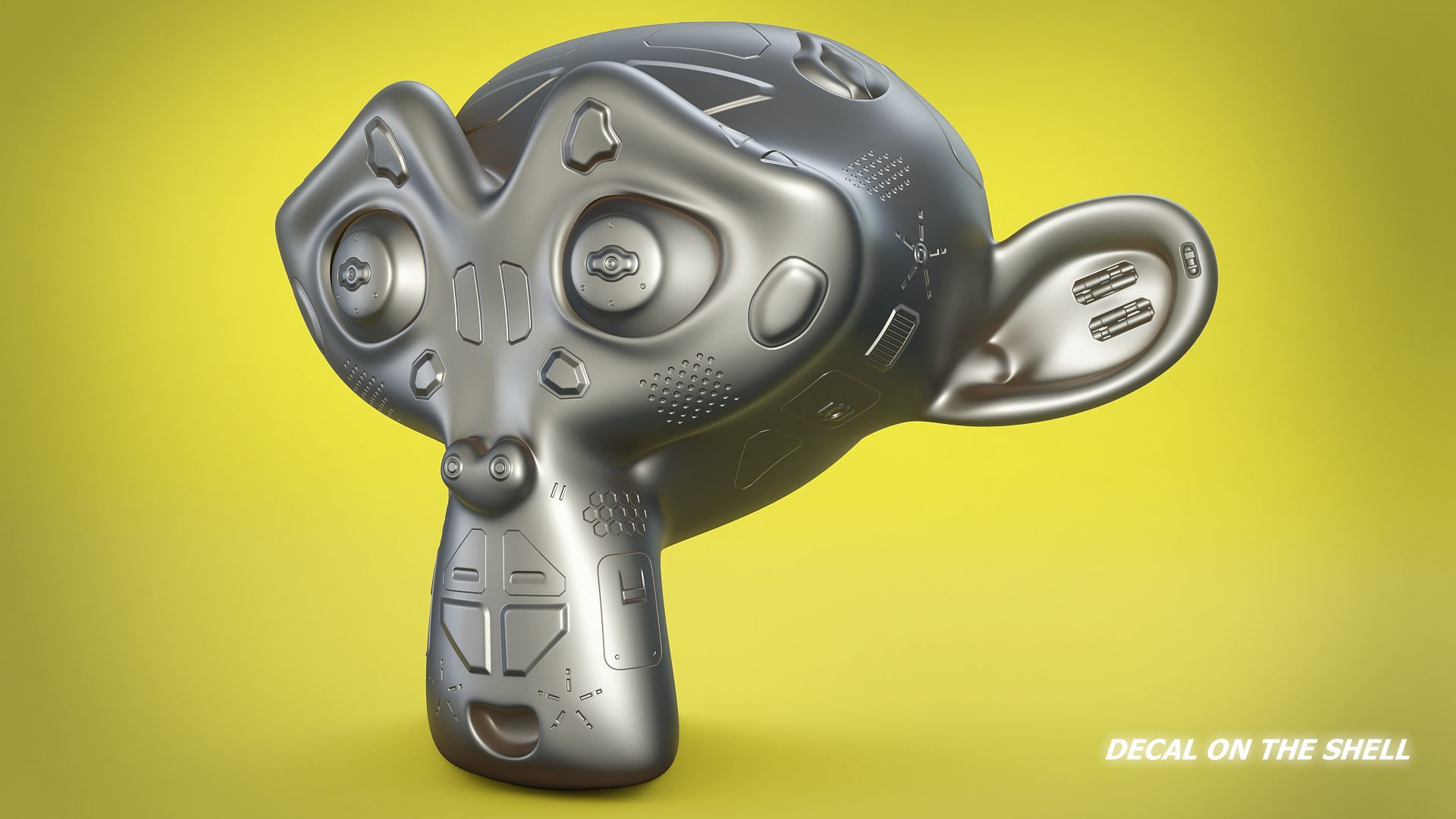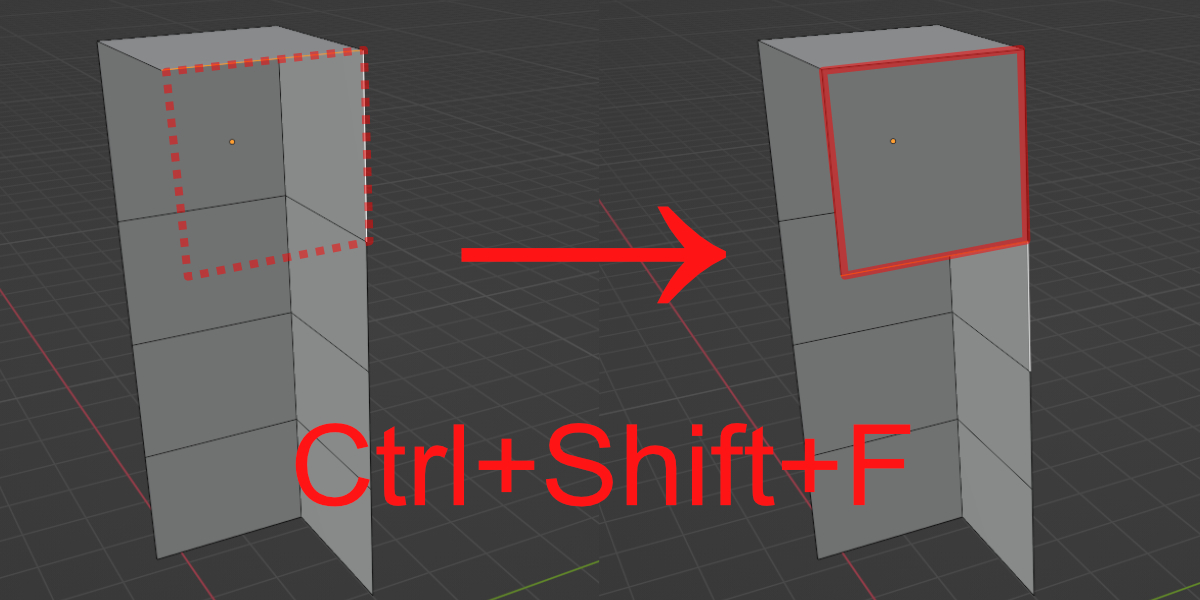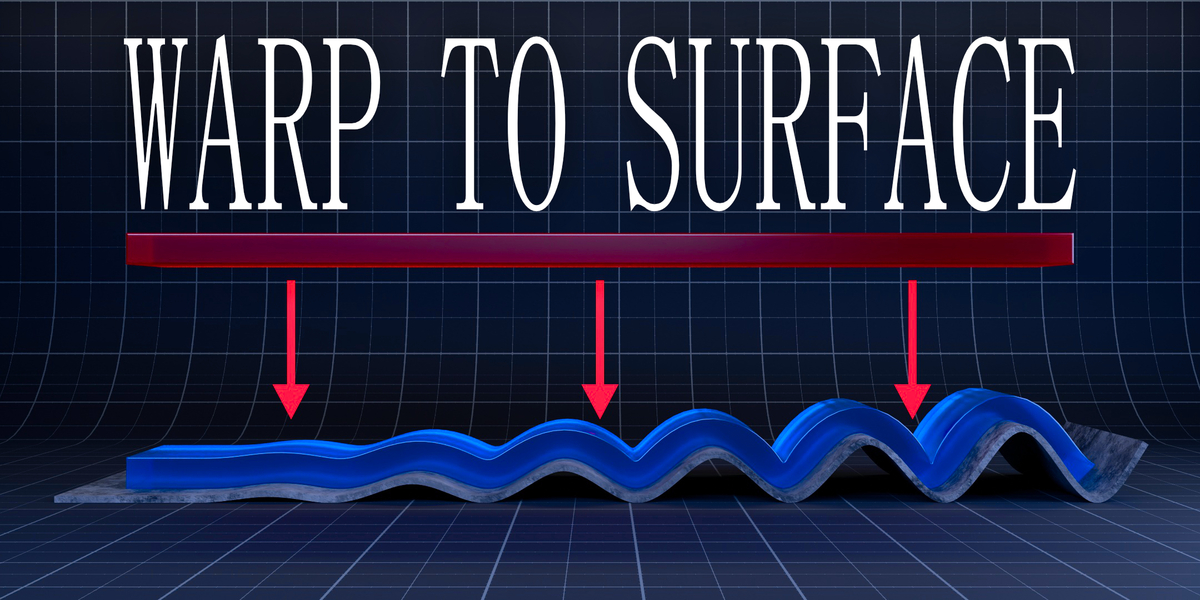
Warp To Surface is a Blender add-on for bending meshes onto a target object. Its surface-aware warping follows the target’s curvature, helping you place details such as decals, panels, cables, trims, engravings, and sci-fi elements on curved forms.
Wrap details to curved forms
Warping makes an object follow the shape of a surface instead of stretching across it. This can help when adding hard-surface details to curved geometry, where manual vertex adjustments would otherwise be part of the work.
Offset controls let you set distance along the surface normal or choose a fixed gap. The gap is intended to help avoid intersections while keeping details separated from the underlying mesh.
Place objects with Snap Mode
Snap Mode places objects onto a surface along a chosen axis and keeps them locked to its contours. The product listing describes using it to scatter objects, place an object on the ground, or run tree roots along uneven terrain.
These controls suit different jobs: use surface warping to conform a mesh to a curved form, or Snap Mode when you need objects placed against a surface along an axis.
Installation and compatibility
The installation notes instruct you to drag the ZIP file over Blender and click OK. Then open the side panel, find the Warp to Surface modifier under CMA Tools, and select a surface to begin.
The Superhive listing marks Warp To Surface as Blender Extension compatible and lists Blender versions 4.4 through 5.0. It identifies the license as GPL and states that commercial use is allowed. Review the license terms for conditions relevant to your project.