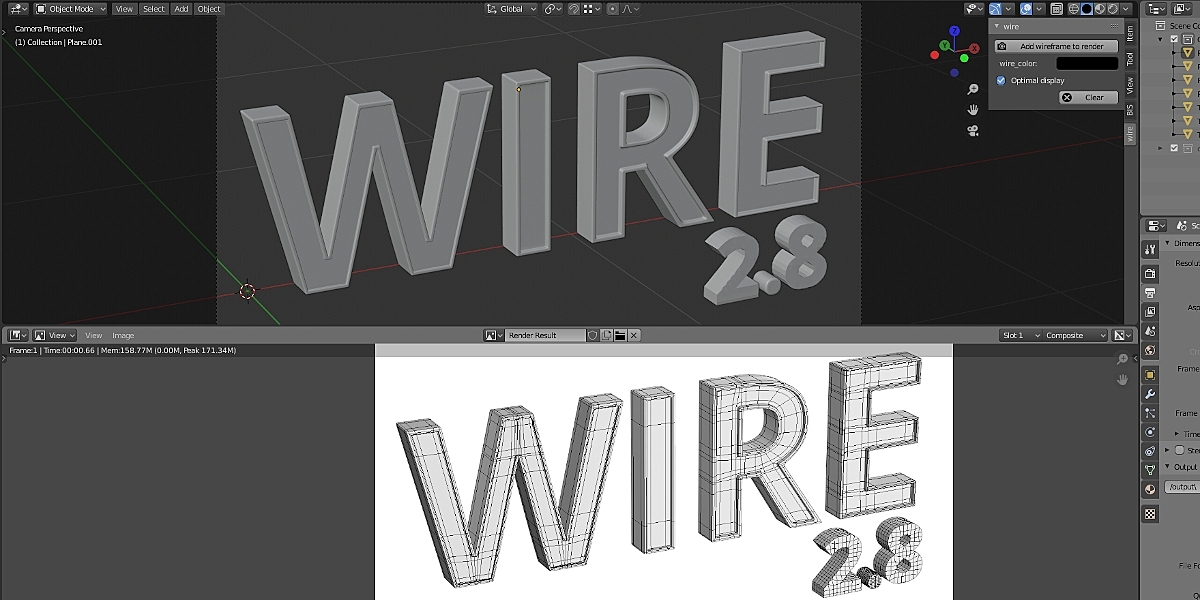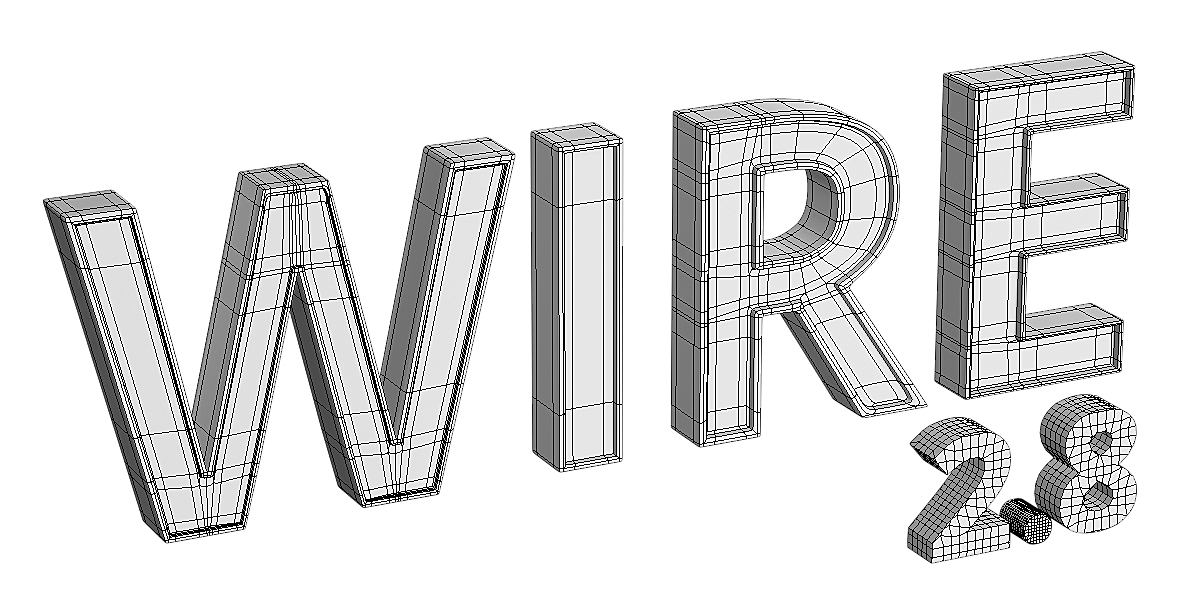
Wire is a Blender add-on by Nikita Akimov that creates a wireframe render and adds it to the main render. Its controls are in the 3D Viewport's N-panel, under the Wire tab.
Adding a wireframe to a render
Render the main image with F12 first. Then open the Wire tab in the N-panel and use the add-on's render controls:
- Choose a color with the Wireframe color picker if you want to adjust the overlay's contrast.
- Set the Use optimal display checkbox. When enabled, Wire renders in an optimal mode; when disabled, it renders the full mesh wireframe.
- Press Add wireframe to render to create the wireframe and add it to the main render.
This workflow suits Blender artists who want a wireframe overlay in a rendered image and are using a documented Blender version. The source material does not confirm compatibility with newer Blender releases.
Compatibility and license
Superhive's documentation describes Wire as an add-on for Blender 2.8 and 2.9, and says earlier versions are not supported. The product listing identifies version 1.1.0 and a GPL license. Check the Wire documentation and product listing for version details before installing.