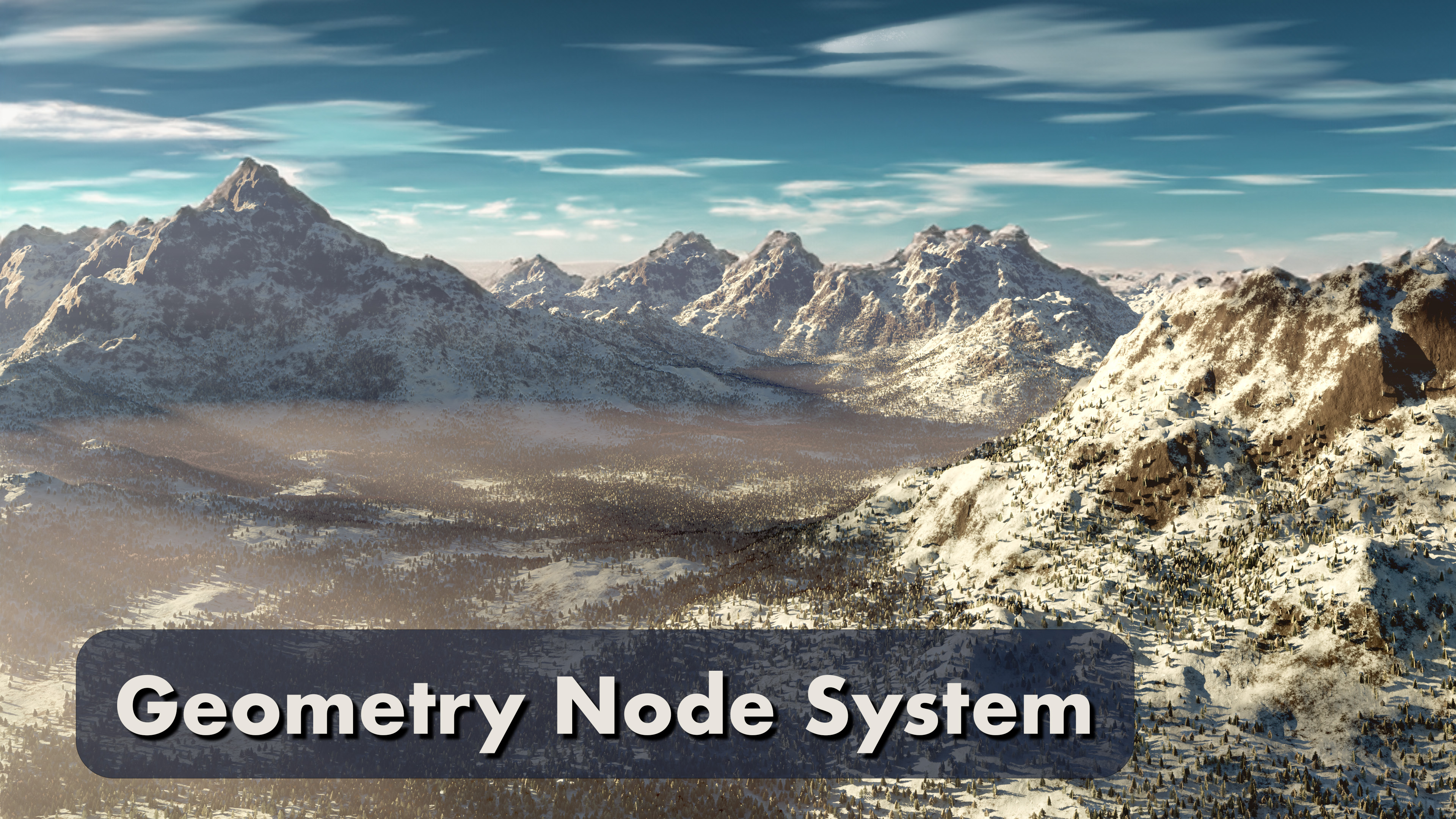
World Generator is a Blender add-on for building procedural landscapes for 3D scenes. It includes four landscape types: arid desert, snow-capped peaks, canyon and island. Its Geometry Nodes setup lets you adjust terrain settings, while each landscape comes with materials built from masks and procedural textures.
Choose a landscape and shape its geometry
Select a landscape, adjust its settings, work with its materials and render the scene. Available controls vary by landscape type. The documentation describes settings for the base grid or a custom mesh, global scale and rotation, viewport and render subdivisions, displacement height and midlevel, and texture coordinates across the X, Y and Z axes. You can also flatten the landscape edges and add a separate water plane.
Subdivision levels affect how many vertices the default grid uses. Higher counts can slow Blender, so adjust them with your computer's performance in mind. The landscape settings are intended to be changed after generation, with geometry edits made in the Geometry Nodes workflow.
Materials and viewport performance
Each landscape has its own material. The product listing describes procedural rock, grass, snow and other shaders, with masks used to combine materials. The documentation says the materials can be edited in Blender's shader editors. Camera, distance and backface culling controls can help reduce the geometry drawn in the viewport.
Geometry Nodes and complex procedural textures can use substantial resources. The developer recommends editing geometry in Solid View and switching to Render View when working on textures. The listing says the add-on is not optimized for Eevee; performance depends on the computer and the scene.
Check the Blender version before installing
The product description lists version 1.01 for Blender 4.0 and newer, and version 1.00 for Blender 3.6 and below. The linked documentation is still labeled for version 1.00 and says that version does not support Blender 4.0 and above. Since those notes differ, check the instructions attached to the download you choose. The marketplace lists the license as GPL.
Installation and object requirements
The published installation steps describe version 1.00: install the downloaded add-on through Blender's Edit > Preferences > Add-ons > Install menu, then enable it. The controls appear in the N-Panel, and the add-on works in Object Mode. Before adding a landscape, select a basic mesh such as a plane or cube. The documentation warns that adding a landscape replaces all modifiers on the selected object, so avoid using an object with modifiers you need to keep.