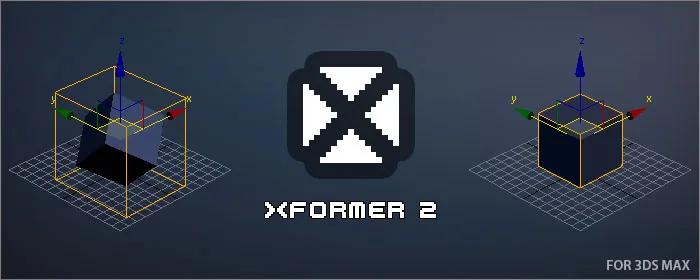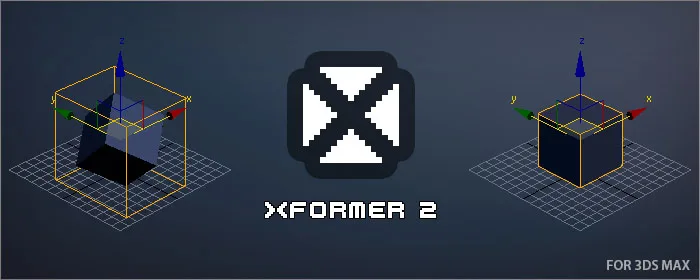
XFormer from PolyTools3D is a 3ds Max utility for recovering an object’s transformation. It is intended for cases such as a transform matrix reset with Reset XForm, a part detached into a separate object, or an imported model that is misaligned. Version 2.6.1 supports 3ds Max 2016 through 2027 and lists Editable Poly and Editable Mesh objects. See the developer’s overview and compatibility details.
When XFormer helps
These situations can leave an object oriented differently from the way it should sit in a scene. XFormer lets you define the object’s axes from its geometry, preview the resulting alignment, and apply the transformation. Its axis controls use one or more selected faces or at least two selected edges to establish the Z and X directions. The selection’s position on the model does not determine the orientation: the selected faces’ average normal or the direction perpendicular to selected edges is used.
Review the alignment and pivot
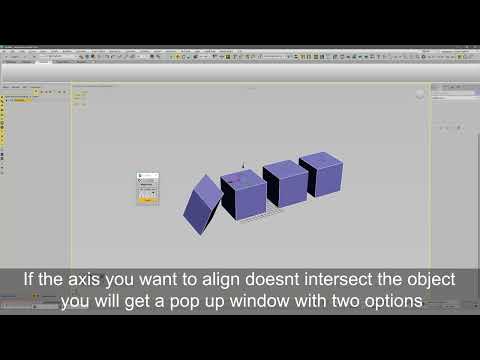
PolyTools3D recommends using Reset XForm before XFormer. In the Axis section, define the axes and inspect the local bounding box. You can preview alignment to the Z or X axis. The “Always Align to Z Axis” option lets you apply changes immediately using the defined Z axis, without a separate alignment step. Incorrect definitions for the Z or X axis can produce unexpected results.
After alignment, you can position the pivot. It defaults to the object’s center, and the pivot controls can move it to the minimum, center, or maximum of the local bounding box, or to the average position of a vertex, edge, or face selection. The axis guide and pivot guide describe these controls.
The Align buttons temporarily change the rotation for preview. The transformation is applied only when you click Apply, and the developer says that operation cannot be undone. Check the axis and bounding-box preview before applying it.
Install XFormer
- Drag
xformer_installer.mzponto the 3ds Max viewport, or run it from MAXScript > Run Script. - Choose Install in the installer, or Update if a previous version is present. After installation completes, restart 3ds Max.
- Open Customize User Interface, choose the Tools category, find XFormer in the Action list, and drag it to a toolbar.
See the developer’s installation guide for the full steps. ScriptSpot lists version 2.6.1 and an update date of April 3, 2026.
Version and pricing
Price listings differ: this catalog lists XFormer as free, while the PolyTools3D product page shows a $20 purchase option. Confirm the current price and license terms with the developer before purchasing.