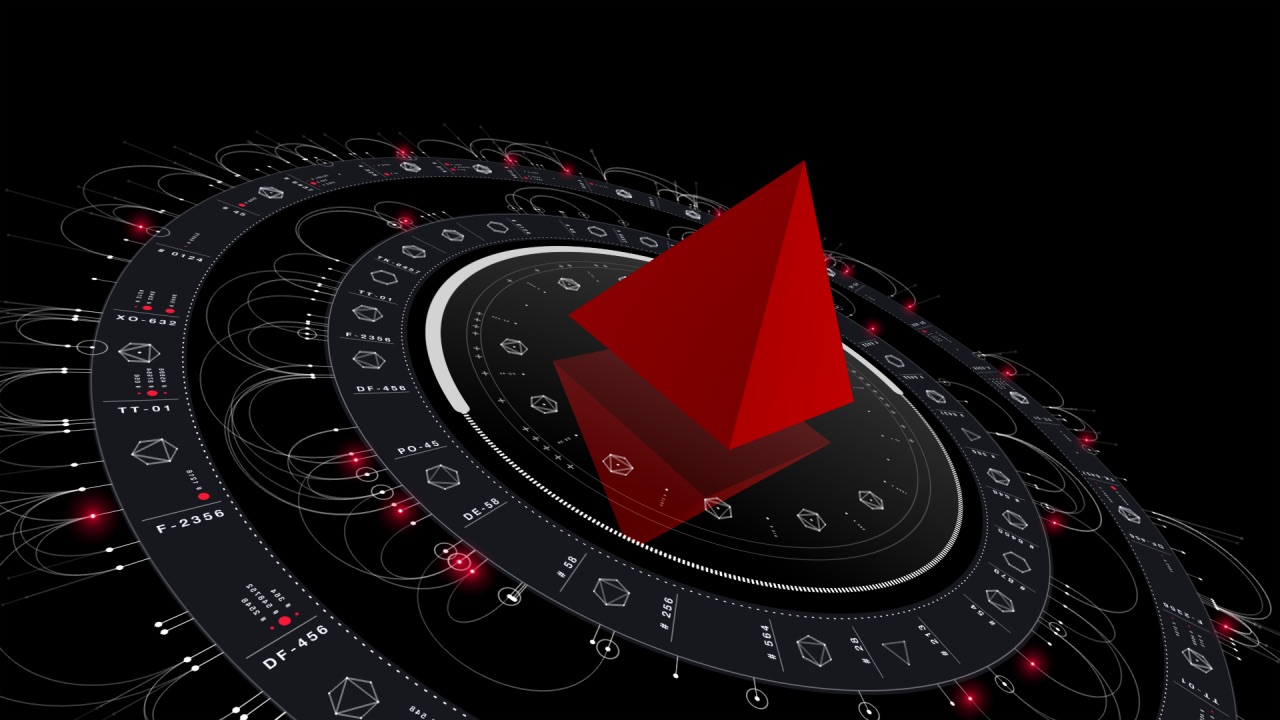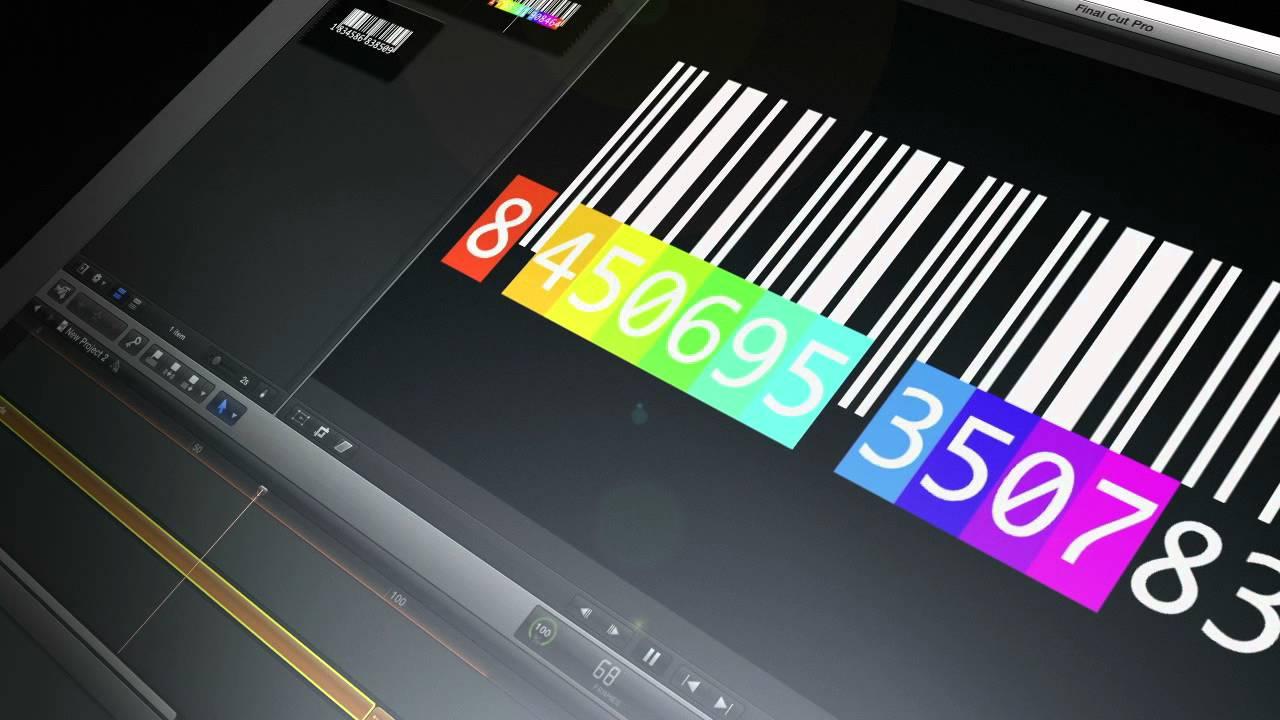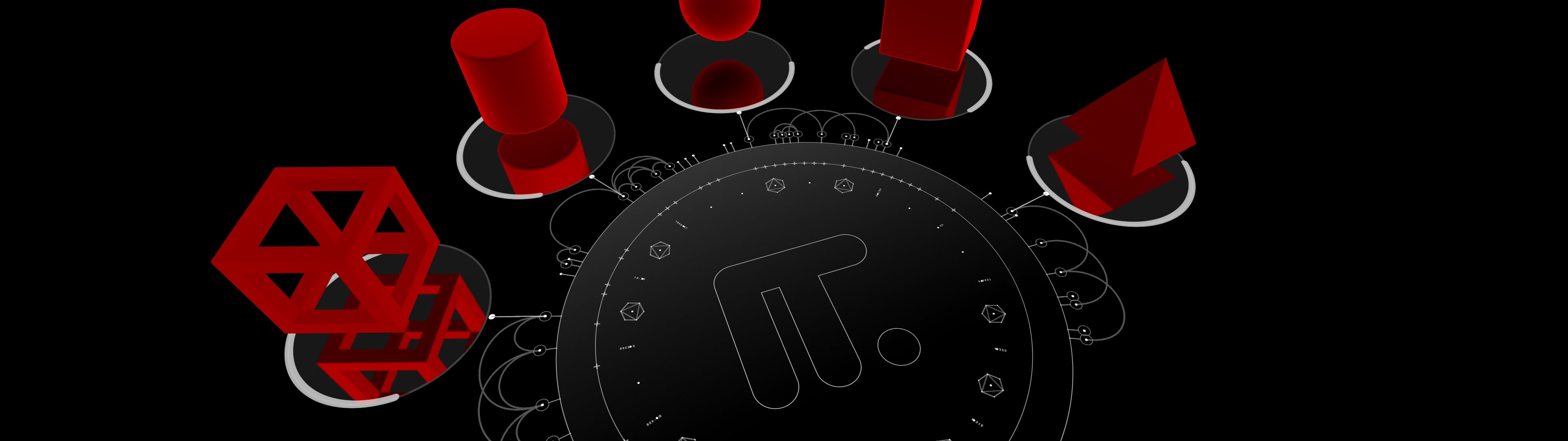
Yanobox Nodes 3 is a generative motion graphics plugin for building connected particles, point clouds, diagrams, wireframes, text clouds and abstract 3D scenes. Its procedural geometry can start from primitives, footage or OBJ models, then combine nodes with images, text, lines and Bezier curves. The Nodes user guide describes the available geometry and connection controls.
Build a scene from procedural geometry
Choose a primitive, image or video footage, or an OBJ model as the source for a point cloud. You can place particles, images and text across the resulting nodes, then define how those nodes connect. Lines, curves and wireframes can follow the connection rules, while scripted links let you specify particular relationships.
For OBJ models, Nodes can use individual files or image sequences. The model’s vertices become positions for nodes, and its face information can drive connected lines that reproduce the wireframe. In After Effects, Nodes 3 supports the composition camera, so the generated elements can share the composition’s 3D perspective.
Animate and reuse graphics
Nodes 3 added a replicator, a revised animation module and a preset browser with category and keyword search. Its library includes 300 animated presets and templates that you can modify. Controls for color, transforms, probabilities and grid offsets let you adjust repeated forms and their motion.
Check host and version requirements
Nodes requires FxFactory to be installed. The listed host applications include After Effects, Premiere Pro, Final Cut Pro X, Motion and DaVinci Resolve. FxFactory’s release history says Nodes 3.0.7 first added support for DaVinci Resolve 20 and later; host requirements vary by release. FxFactory lists Nodes 4 as the latest version, and it requires FxFactory 9.0.4 or later. Customers seeking a prior version should contact FxFactory tech support; check the product page for separate host and macOS requirements before installing.
Confirm the license for the version you need
This catalog lists Nodes 3 as free. Yanobox’s current product and store pages describe Nodes 4 as a paid product with a free trial. Check the version and license shown in Yanobox’s current Nodes information or FxFactory before downloading. FxFactory itself is a separate application, and its free download does not establish the plugin’s license terms.