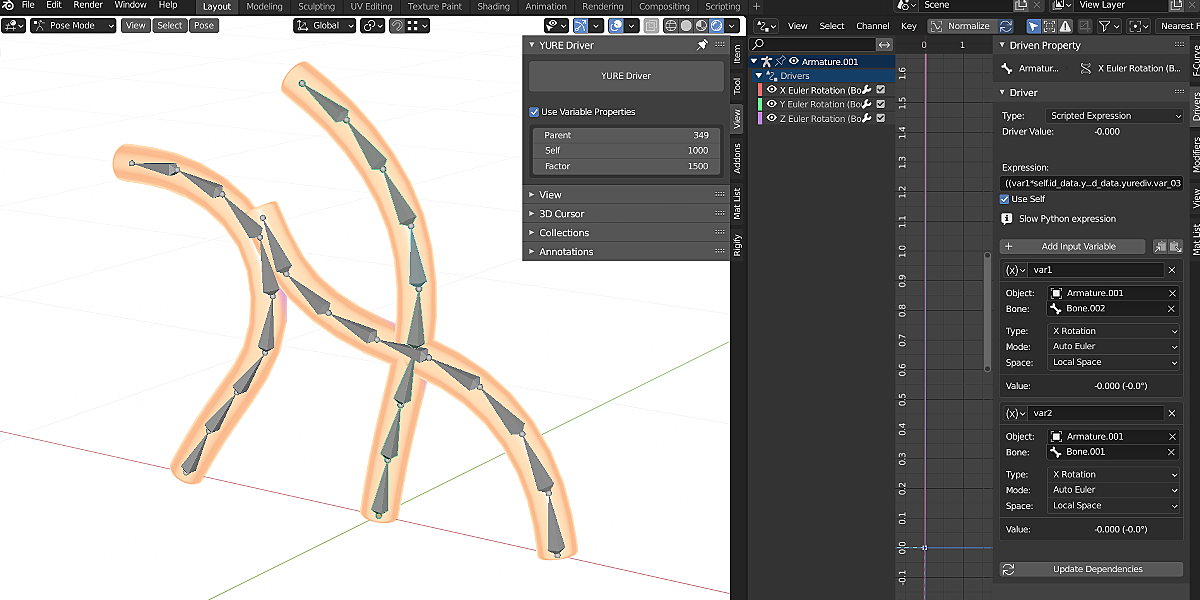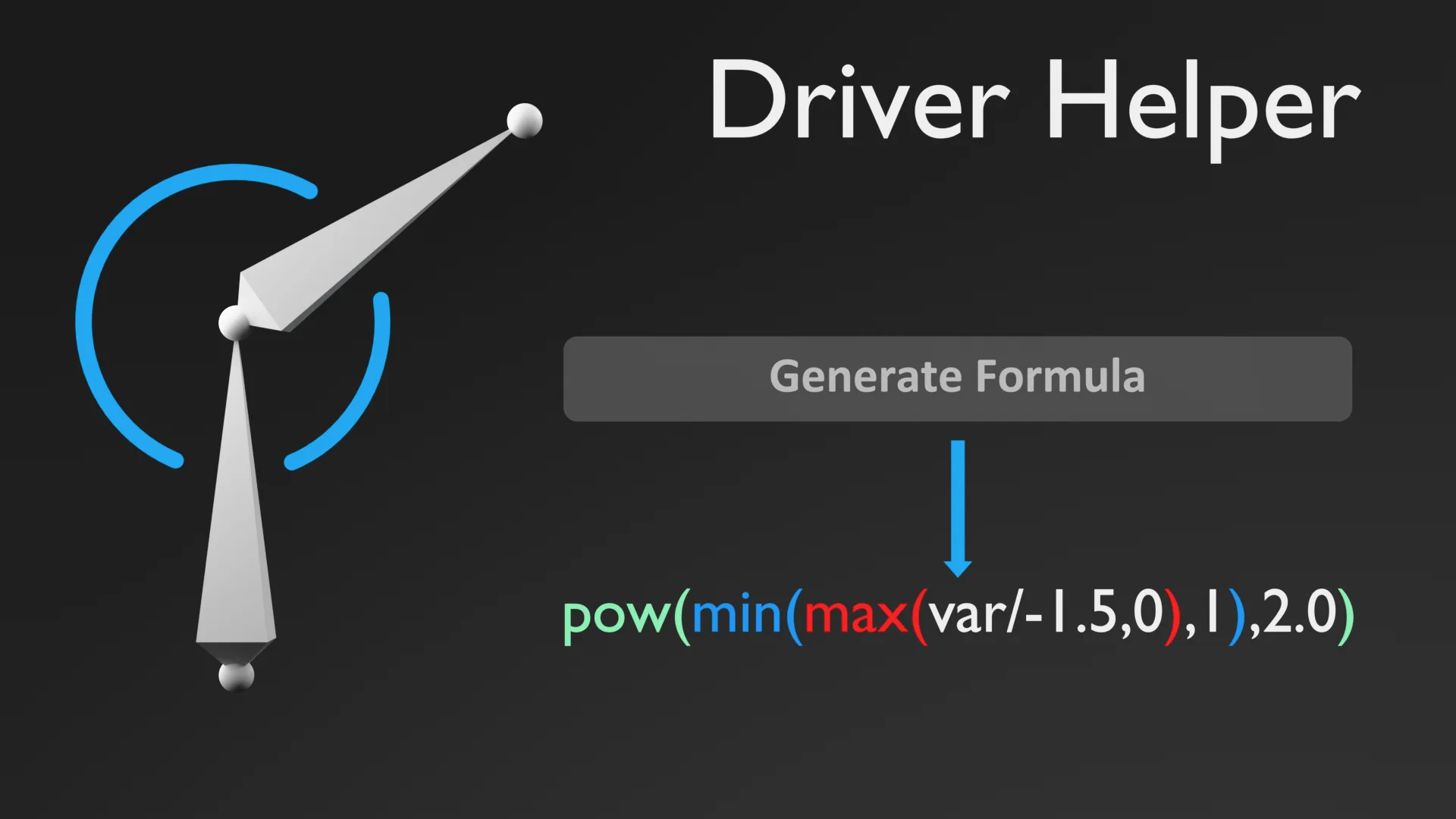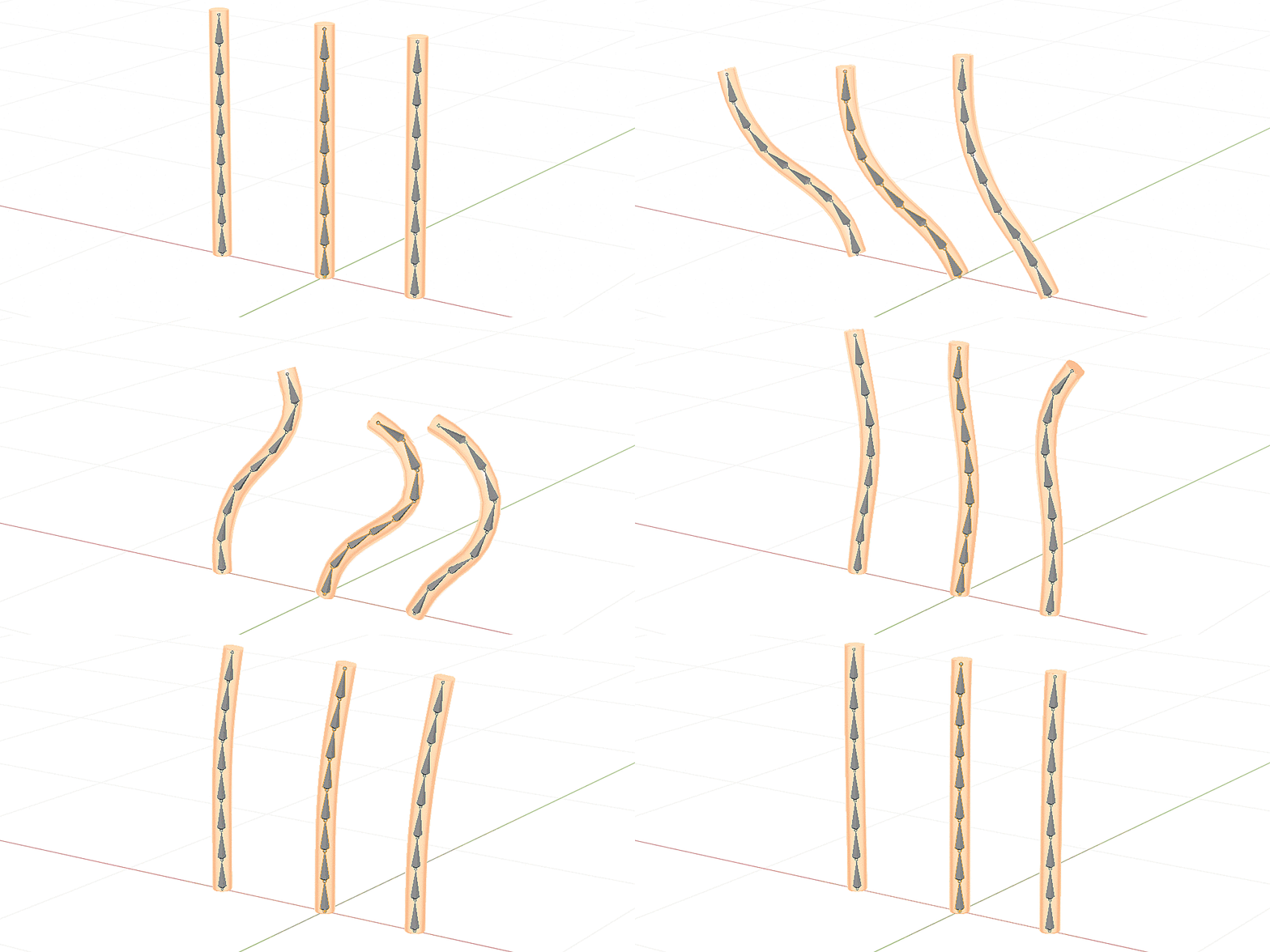
YURE Driver [Setup Spring Driver] is a Blender add-on by Bookyakuno for adding delayed motion to child bones. It sets up a driver that uses a parent bone’s rotation value, so a keyframe on the parent can make its child bones spring and wave.
Spring and wave motion for bone chains
The driver makes child bones follow the parent’s motion with a delay. For movement based on location, the listing says a driver using the “location” transform type can make child bones follow that movement with a delay as well. Transform type, axis, and target settings are available.
Adjusting driver values
YURE Driver can use variable properties or object properties. Its options allow real-time value adjustment and keyframes for shaking. To update a bone’s enabled state, select the bone and run the add-on again. For per-bone value adjustments, the listing says, “Disable recommended if you want to adjust the value for each bone,” but does not specify what to disable.
Find the add-on in Blender
Open the 3D View Sidebar with the N key, then go to Addons and find the “YURE Driver” panel. The panel can show a list of active bone drivers.
Bake motion for export or rendering
The documentation says to bake the animation when you need the generated movement as data for export or rendering. Its outlined sequence is:
- Switch to Pose Mode and move to a frame where the bones are not affected by spring.
- Mute the drivers set by the add-on.
- Choose Pause > Clear Transform > All, then enable the driver again.
- Choose Pose > Animation > Bake Action, enable “Visual Keying,” and perform the bake.
- Mute the add-on’s drivers before rendering the animation.
For FBX export, the documentation also points to the export operator’s animation bake option. See the YURE Driver animation documentation and product listing.
Blender versions and license
Superhive lists Blender versions 2.8 through 4.5 and a GPL license for YURE Driver.