CADAKAY BIM CHEST
CADAKAY BIM CHEST is a Revit add-in with 50+ tools, nine free Squire tools and a free 7-day Knight trial. See how Royal Herald's local MCP server works.
Published software and plugin guides for Autodesk Revit. Page 2 of 6.
Read the software guideCADAKAY BIM CHEST is a Revit add-in with 50+ tools, nine free Squire tools and a free 7-day Knight trial. See how Royal Herald's local MCP server works.
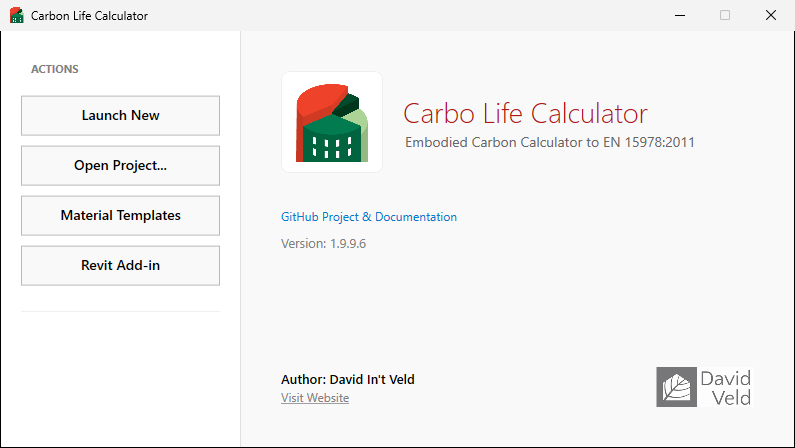
Assess embodied carbon in a Revit model with EPD or custom material values. Create heatmaps, add results to element parameters, or export data to CSV.
Ceiling Attach sets a gap below nearby floors or roofs for Revit MEP elements and Spaces, using loaded Revit links too. Free for Revit 2022 to 2027.
Compare MEP, structure, architecture and linked RVT/IFC models in Revit 2025, track clashes, and check formats and licensing on Autodesk Marketplace.
Compare MEP, structural, architectural and linked RVT or IFC models in Revit 2026, track clash status, and export findings to Excel, PDF or BCF.
Clash Zero 2027 checks MEP, structural and architectural clashes in Revit 2027. Track status and export Excel, PDF or BCF reports. Review compatibility.
Clashguard checks current and linked Revit models, with optional clearance checks, issue statuses, and HTML or BCF reports. Check compatibility.
Cloud Link Mnanger is a Revit add-in for adding or reloading links from ACC, local, and network sources, with search and filtering for existing links.
Color Tabs Ez colors Revit view tabs by document, helping distinguish files across projects. Check its free Marketplace listing for support details.
Copy, rename, batch-apply, and remove Revit family parameters with Copy Remove Parameters. Check version support, limitations, and Marketplace pricing.
CRXAI creates AI-assisted visuals from selected Revit views, sheets, or camera perspectives. Check supported Revit versions; license terms are in-app.
CutScene - 3D View Animator animates Revit's Section Box in six directions for GIF, MP4, or PNG sequences, with adjustable timing and resolution up to 8K.
Data Cells are spreadsheet-like cells for Revit sheets, with formulas that read model data, Excel exchange and conditional formatting. See trial options.
See how Autodesk's free Revit 2023 Tech Preview connector exchanges geometry and property data, which apps it names, and what installation requires.
DeluxMeasure for Revit reports distances, angles and point coordinates in two chosen units, with model or view measurements and reusable length unit styles.
Design Option View Isolator separates Revit design options into 3D views for export to visualization software that supports multiple file import.
Explore Details, a Revit add-in for searching firm detail libraries. Check supported versions, Autodesk access, local parsing, synced data and setup limits.
Digitteck Suite brings Revit tools for numbering, naming, family management, room data and model QA. Review its features and licensing details.
Dusty for Autodesk® Revit® exports robot-ready layout files from native Revit categories mapped to Dusty layers. Uploads require a Dusty Portal account.
Create Revit openings manually with Easy Openings or in bulk from Revit clash reports or imported Navisworks data. Tag passes and create reports.
Manage Revit warnings with Easy Warnings: find, isolate, filter, hide them, or apply a section box. See the Autodesk Marketplace listing for details.
Review Revit power circuits with ElectraSuite for voltage drop, panel loads, and wire totals. Check flagged inputs; export HTML, Excel/CSV, or JSON.
Edit panels, size cables, run electrical studies and create single-line diagrams in Revit. See the listing for the $7/month price and free one-month trial.