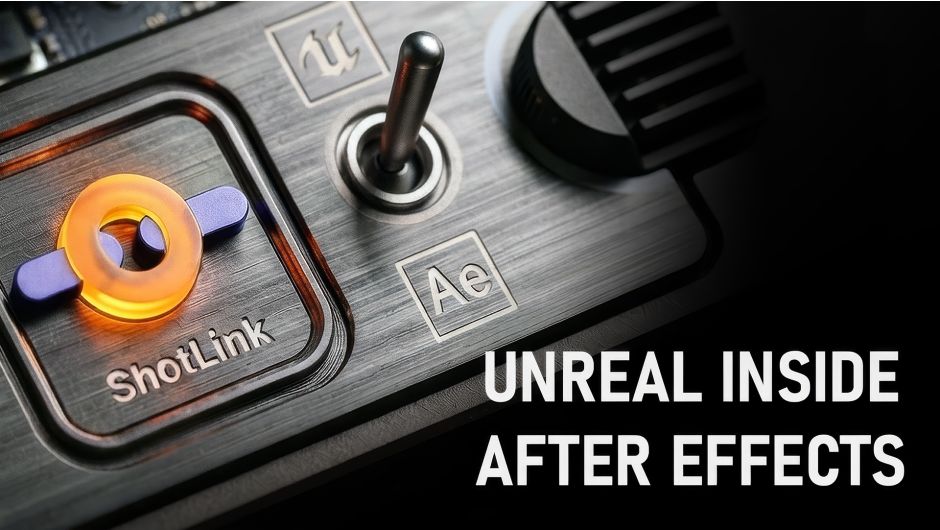
Unreal Engine holds the 3D scene and renders its cameras, lighting, materials, and animation. In an After Effects workflow, the separate ShotLink plugin can send a running Unreal project’s render into a composition as a live layer, avoiding an export and re-import each time the scene changes.
Work from the Unreal scene
Choose a ShotLink Camera from the connected Unreal project to bring its render into After Effects. Beauty, depth, normals, and object mattes can arrive as separate layers with alpha. With Realtime Mode on, changes to lights, materials, or objects in Unreal update in the composition while you work.
Unreal remains the renderer; ShotLink carries its frames into the composition. If you see flicker or smeared reflections, the product documentation says some settings, including auto exposure, screen-space reflections, and temporal accumulation, may need project-specific adjustment.
Use Sequencer and transfer cameras
A Level Sequence is Unreal’s timeline for animating a scene. Select one in ShotLink to have the After Effects layer follow its frames and duration. You can also copy an Unreal camera’s position, rotation, and lens settings to an After Effects camera.
ShotLink can render directly in After Effects with Unreal supplying each frame. To render in Unreal, select a Source and a Level Sequence, make sure the layer spans the sequence’s full duration, then use Bake to Sequencer to write the animated After Effects camera into that sequence as keyframes. ShotLink creates a CineCameraActor for the render, which you can send through Movie Render Queue. The original ShotLink Camera remains in the project.
Check the workflow requirements
ShotLink’s listing specifies Unreal Engine 5.6, 5.7, or 5.8, Adobe After Effects 2025.2 or newer, and Windows 10 or 11. It does not support macOS at present. These are ShotLink compatibility requirements, not general Unreal Engine system requirements.
To try the After Effects side without installing Unreal Engine, the listing provides a packaged Earth scene that runs with the plugin. The ZIP is 600 MB. See the ShotLink product listing for its compatibility details and trial.
This workflow fits projects where the editable 3D scene stays in Unreal while compositing and camera work continue in After Effects. Check the version and operating system requirements, then test the scene and render settings with your own project before settling on a final-render path.