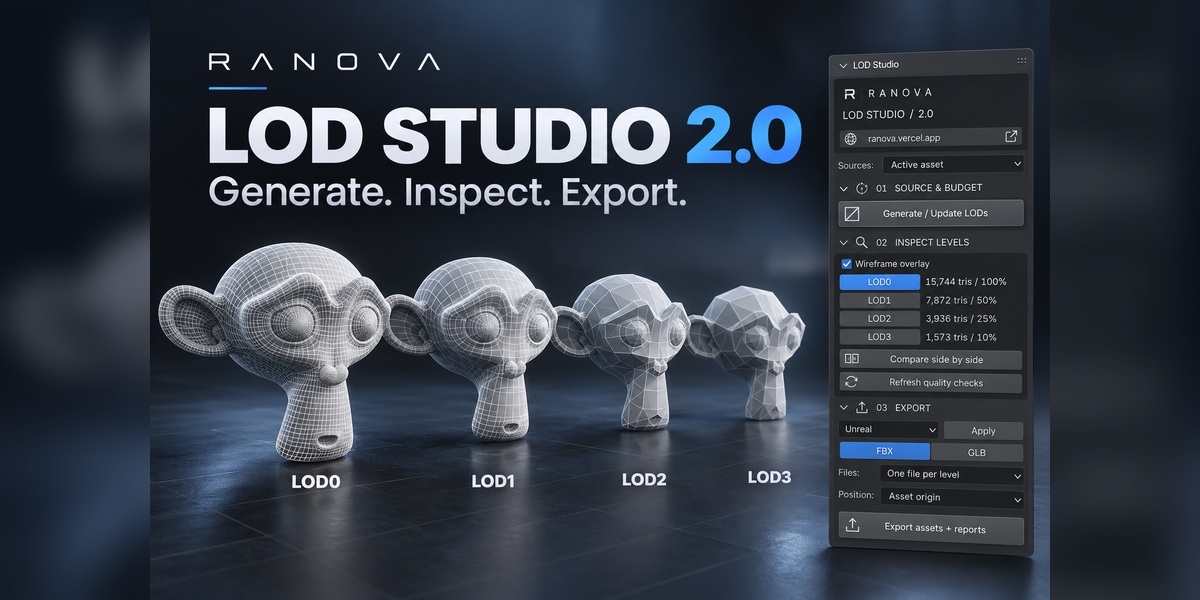
1-Click LOD Generator is the former name of RANOVA LOD Studio, currently listed as version 2.1.0. Created by Rana Abdullah, this Blender add-on generates, compares and exports levels of detail (LODs) for static meshes. It is for artists preparing assets for real-time projects who want to manage a set of mesh levels in Blender before checking the exported files in their destination application. Read the current product listing and its quick-start documentation.
Build a set of detail levels
Choose between 2 and 8 levels, including an unchanged LOD0. Set reduction percentages or approximate triangle targets for the lower-detail meshes. You can process one mesh, selected meshes or a source collection. The original source remains available, while generated LOD groups are managed separately.
Inspect geometry before export
Use level buttons, wireframe view and side-by-side comparison to inspect the generated meshes. The add-on reports triangle counts, UV layers, material slots and common geometry issues. Protection weights can help preserve boundaries, marked seams, sharp edges and material borders during reduction.
Triangle targets and geometry protection are approximate. Check silhouettes, shading, UVs and material assignments at each level, then adjust the reduction settings if too much detail is lost. The checks do not guarantee visual quality or performance in a game engine.
Export for a real-time pipeline
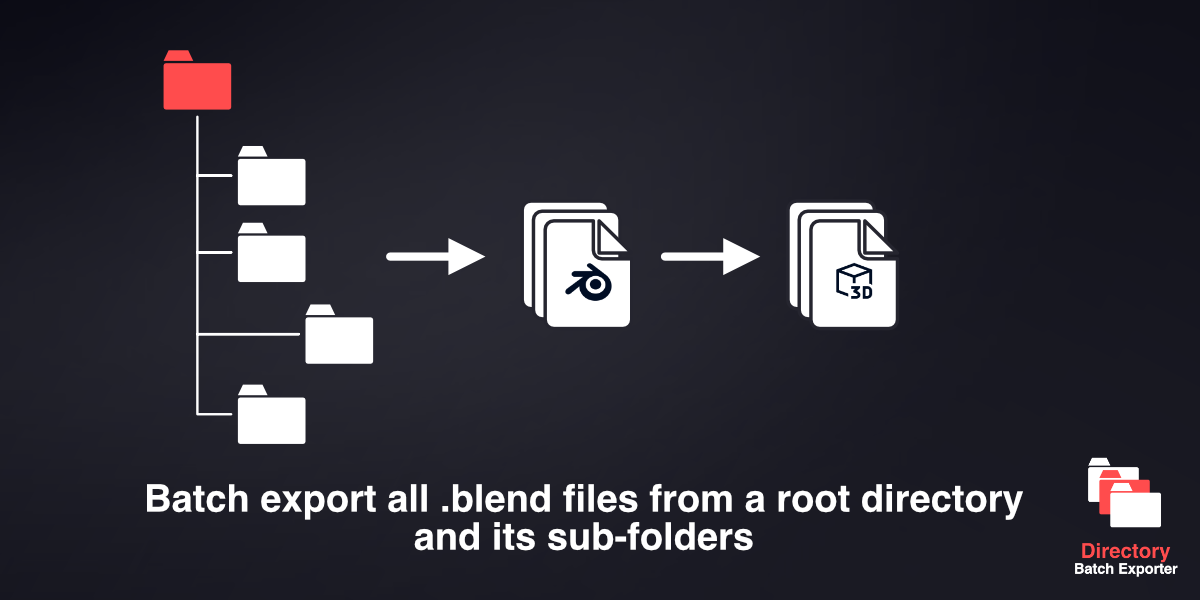
Export as FBX or GLB, either as separate files per level or as one grouped file. Presets cover Unity, Unreal, Godot/Web and custom settings. You can save geometry reports alongside the exported assets. Existing export files are protected from overwrite by default.
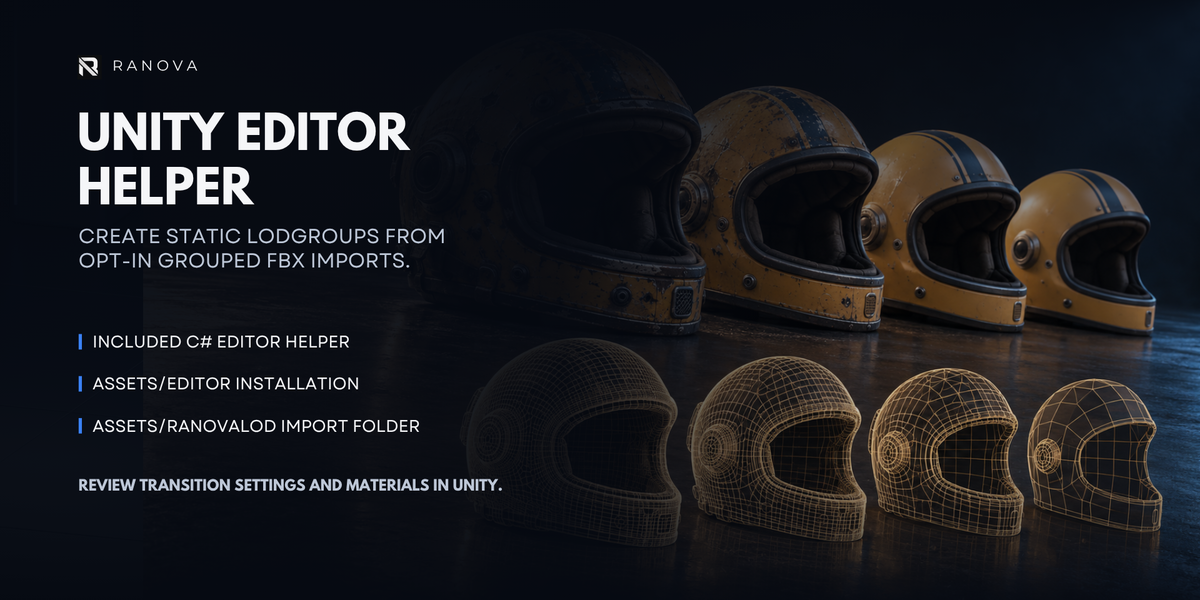
An optional Unity C# helper supports setting up static LODGroups from grouped FBX exports. It is a separate Unity setup step. After export, inspect the imported asset and its LOD transition settings in the destination application.
Compatibility, installation and limits
The current 2.1.0 quick start requires Blender 4.5 or newer and says the add-on was tested on Windows with Blender 5.2.2 LTS. The marketplace details panel also lists Blender 2.8–5.2, so the supplied compatibility information differs. If you use a Blender version earlier than 4.5, confirm compatibility with the creator before installing.
To install, keep the downloaded ZIP file zipped, disable an older One-Click LOD Generator installation if present, then choose Install from Disk in Blender Preferences and select the ZIP. Enable RANOVA LOD Studio; restart Blender after replacing an older installation. In the 3D Viewport, press N, open the Ranova tab and choose Start Here.
The add-on is designed for static meshes. Skeletal LODs, animation transfer, texture baking and impostors are not included. Its code is licensed under GNU GPL v3 or later; the included LICENSE.txt has the license terms. Promotional models shown in product artwork are not included.