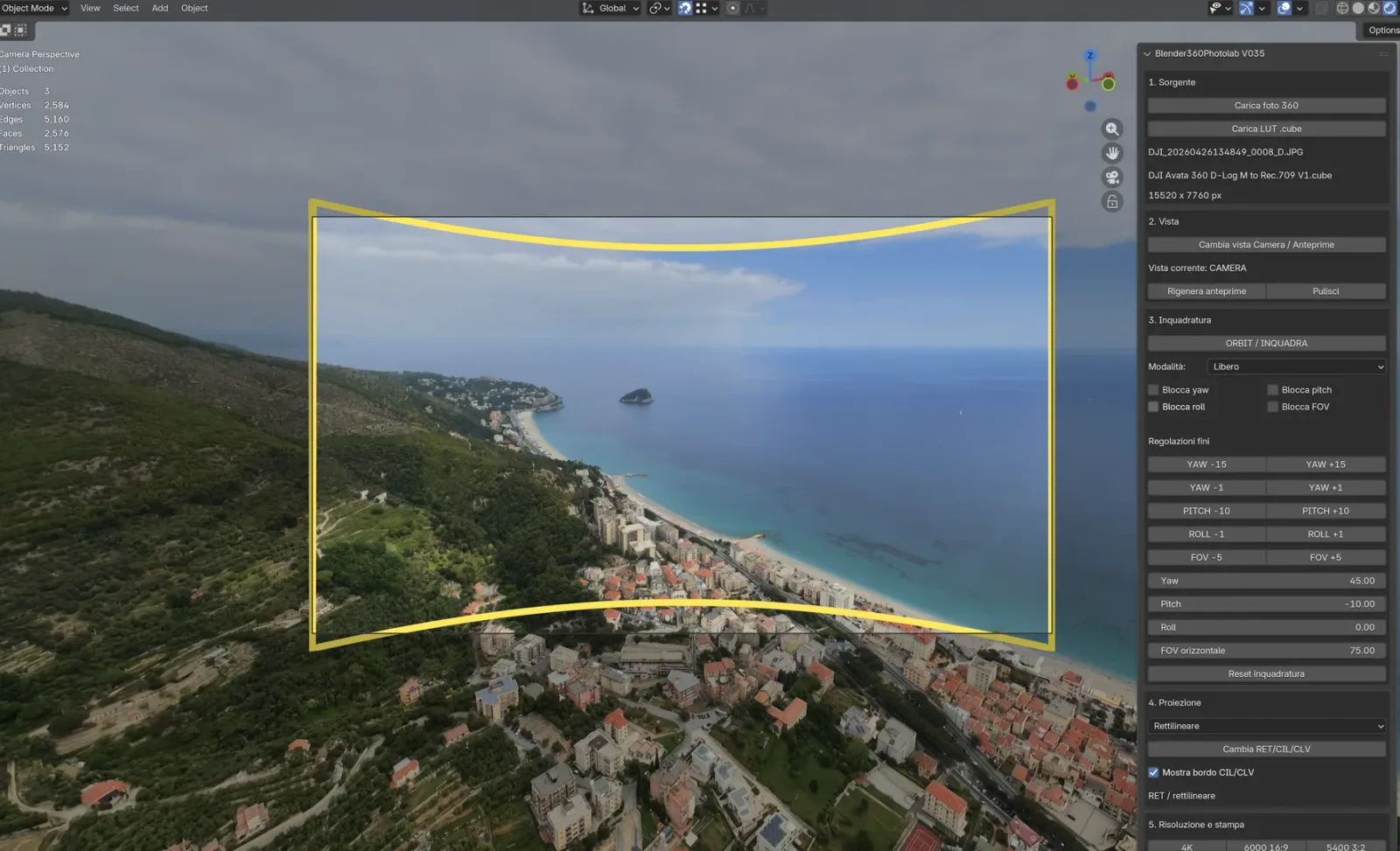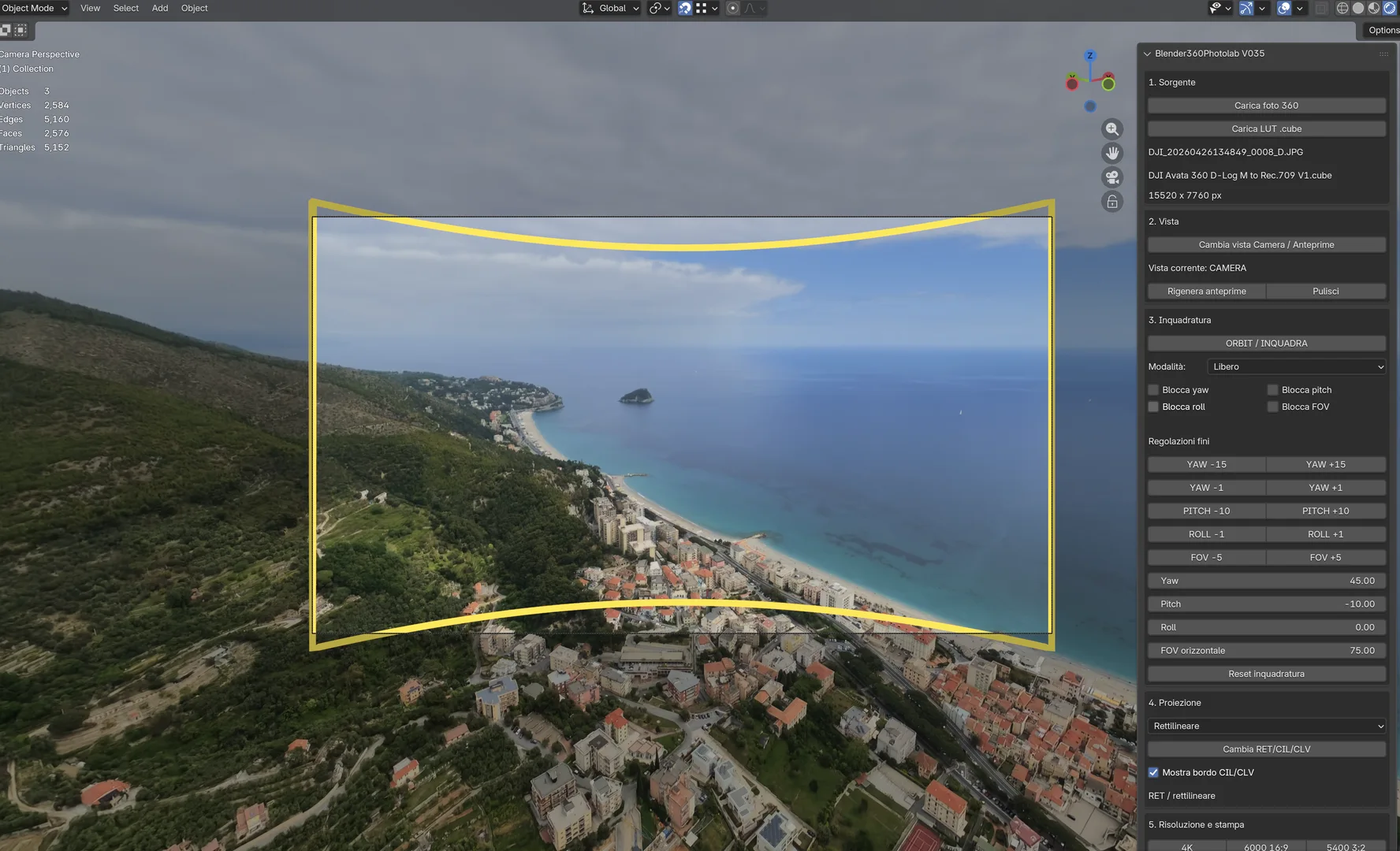
360 PhotoLab is a free, open-source Blender add-on for reframing equirectangular 360° still photos. Its camera-based workflow helps you compose a view from a panoramic source image. It suits work with drone panoramas, virtual tours, landscapes and print-oriented crops.
Set up and frame the source photo
After you load a 360° image, the add-on sets up Blender’s Rendered view and Camera View. Adjust yaw, roll and horizontal field of view to choose the direction and width of the frame. Vertical framing uses pitch or vertical shift, depending on the projection mode. Fine-adjustment buttons let you make smaller changes to those controls.
Compare RET, CIL and CLV previews
360 PhotoLab provides RET, CIL and CLV projection modes. Its comparison layout places CIL and CLV on the upper row, with RET centered below, so you can compare the available projections. An orthographic preview is also available without the semi-transparent camera frame.
For image edges, the add-on includes seam handling at ±180° and uses bilinear sampling around image borders.
Prepare and export the reframed image
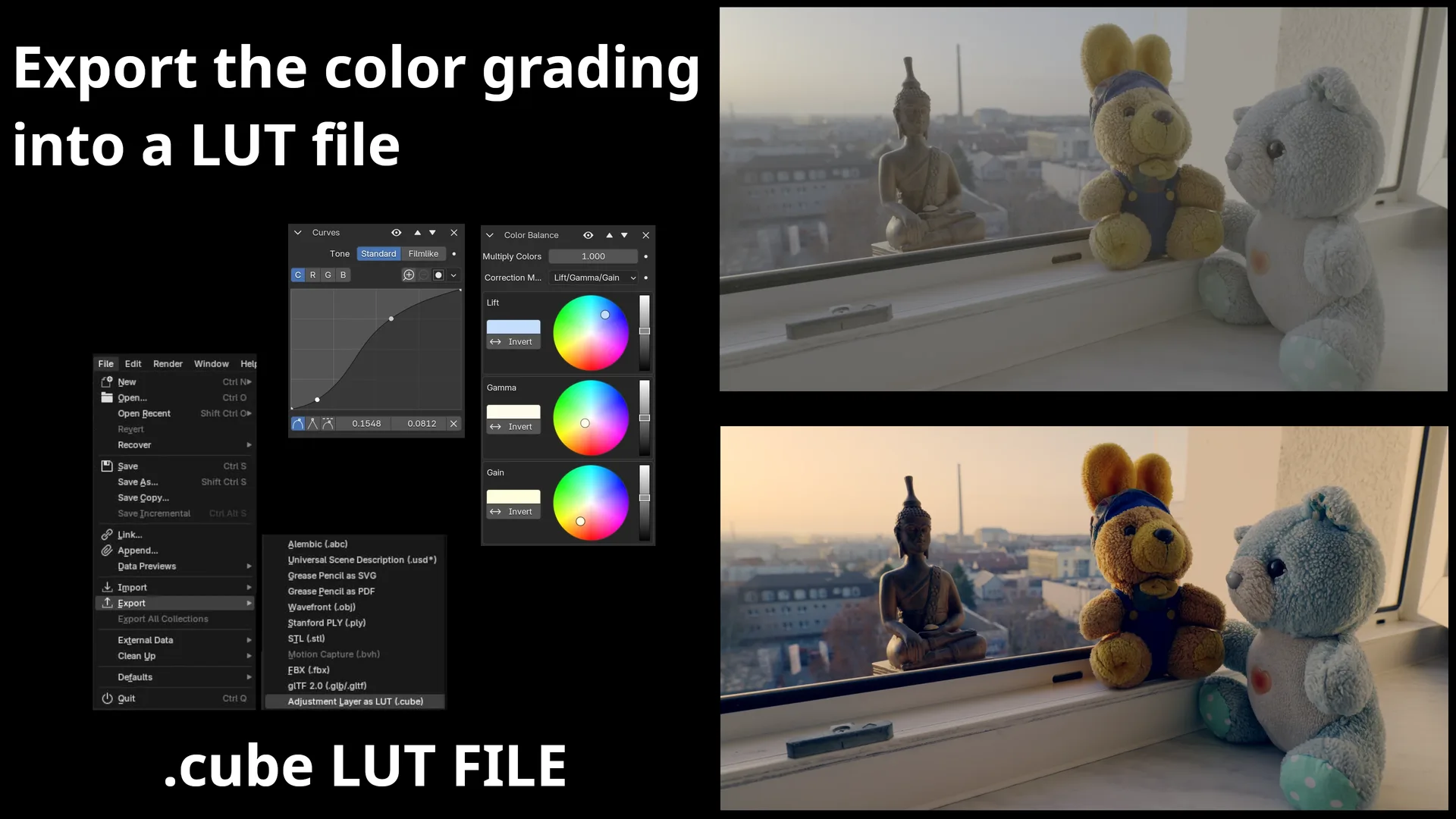
Optional .cube LUT correction is available alongside resolution presets and print-size estimation. Export the finished still as PNG, TIFF or JPEG.
Compatibility, license and installation
The Blender Extensions listing identifies Mattia-Fiorini as maintainer, lists Blender 4.2.0 as the minimum version and records a GPL-3.0-or-later license. The add-on is listed as free. The listing links to Blender’s Install from Disk documentation and the developer’s GitHub repository.
Its Files permission covers loading local 360 images and LUT files, and exporting images. Check the Blender Extensions entry for current release and compatibility details before installing.