AC Tools is a Blender add-on for modeling Assetto Corsa tracks. It brings track-specific object placement, materials, project setup and FBX export checks into a workflow organized around a track project folder.
Set up a track project
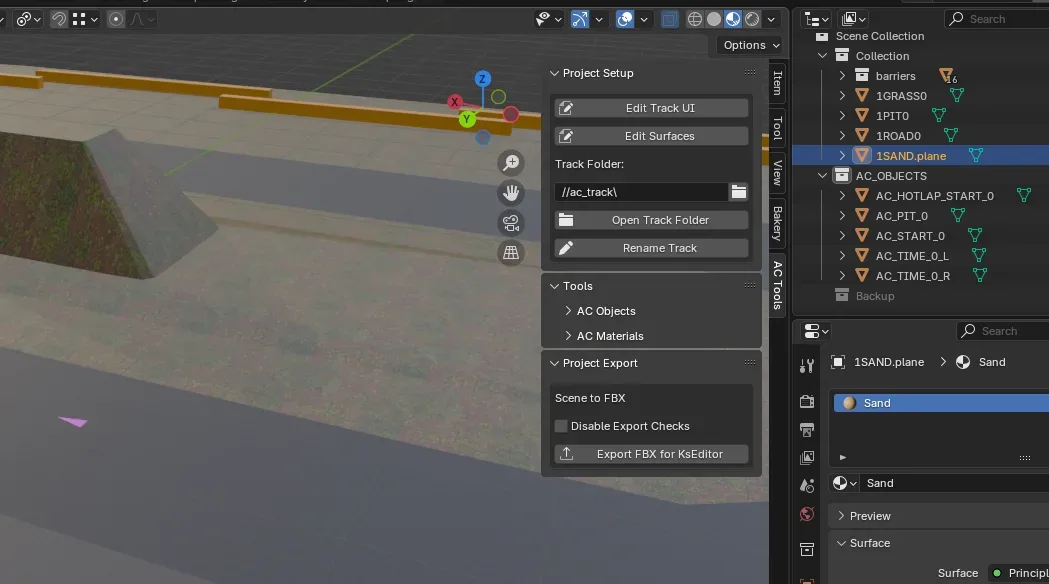
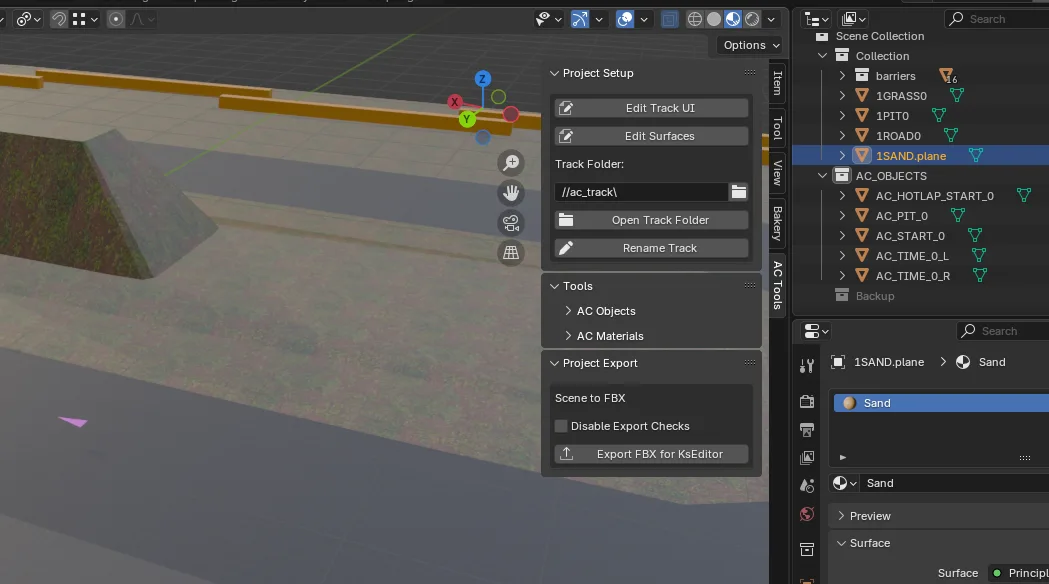
The add-on can initialize or select a track folder and create a project structure for Assetto Corsa compatibility. The listed setup includes a ui_track.json file with placeholders and default .ini files. Track renaming can update the folder and track file, and can also update the Assetto Corsa installation when one is selected and present.
The described folder layout includes an ac_track working folder, a .blend project file, a track.fbx export and a textures folder for ksEditor. The Blender Extensions listing describes keeping work in the track folder and copying it to the Assetto Corsa installation when ready.
Create track objects and materials
AC Tools creates and places AC-Objects with the expected axis orientation (Y up, -Z forward), numbering and naming, plus a default mesh. It can create start positions with left or right alignment and an adjustable grid-lineup offset, as well as left and right timing positions.
For track surfaces, the add-on assigns physical AC materials to objects and renames them using patterns such as 1ROAD.<object name>. The listed default material names include 1ROAD, 1KERB, 1GRASS, 1SAND, 1PIT, 1WALL and 1OUT. Custom materials can also be created and managed through the interface.
Check and export the scene
The export tool writes an FBX with Assetto Corsa-specific parameters and runs validation checks. The add-on's description says export is blocked when the scene lacks required AC-Objects, which helps catch that setup issue before creating the FBX. Manual export is also possible.
AC Tools is aimed at track modders who build Assetto Corsa circuits in Blender and want track-specific setup and export tools in the same project. The official listing identifies version 0.1.6 and Blender 4.2.0 or later. It requests file access to import and export FBX files and manage track folders. The license is GNU GPL v3.0 or later.
The Blender Extensions listing provides a drag-and-drop installation route and a download for Blender's Install from Disk option. For bug reports or feature requests, use the developer's GitHub issues page.