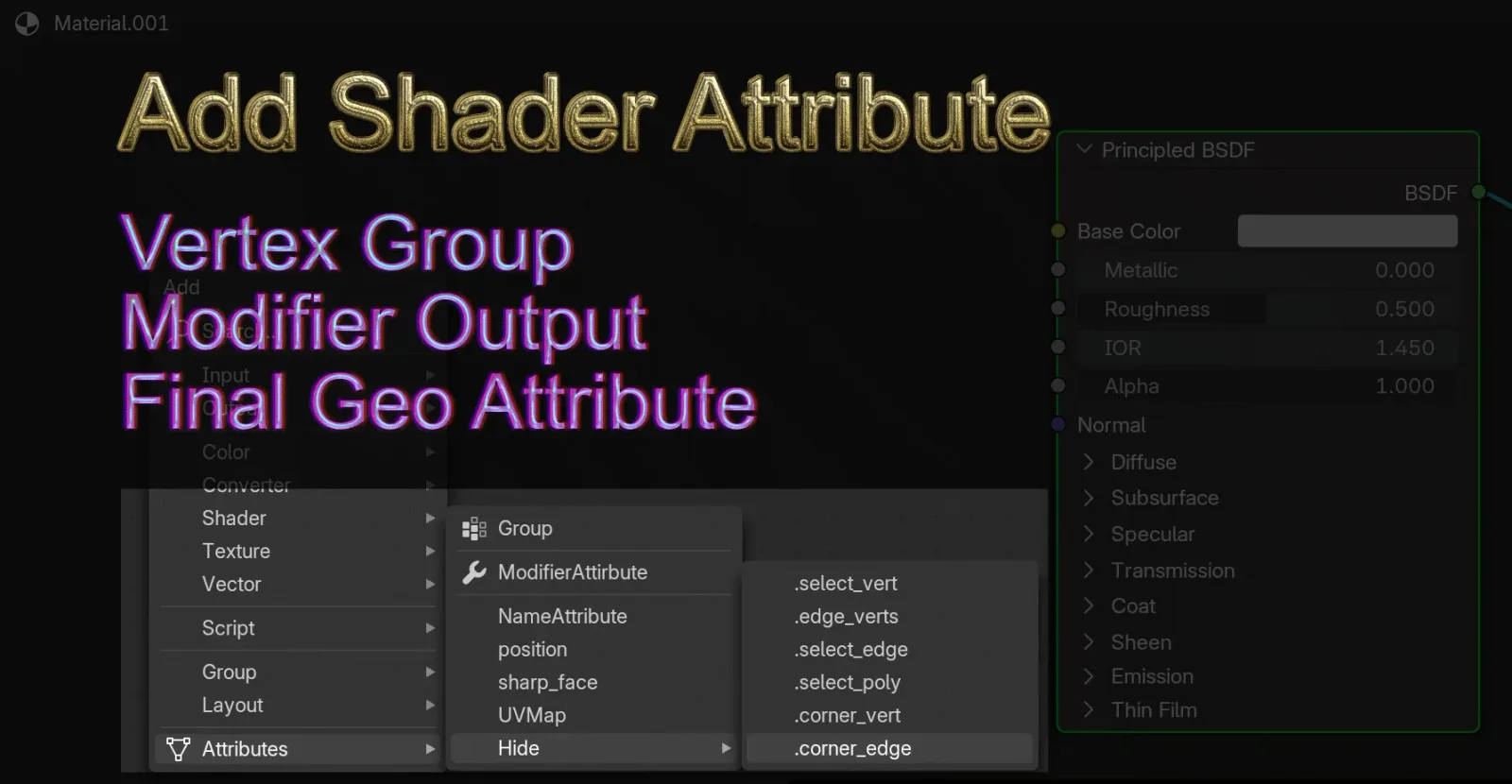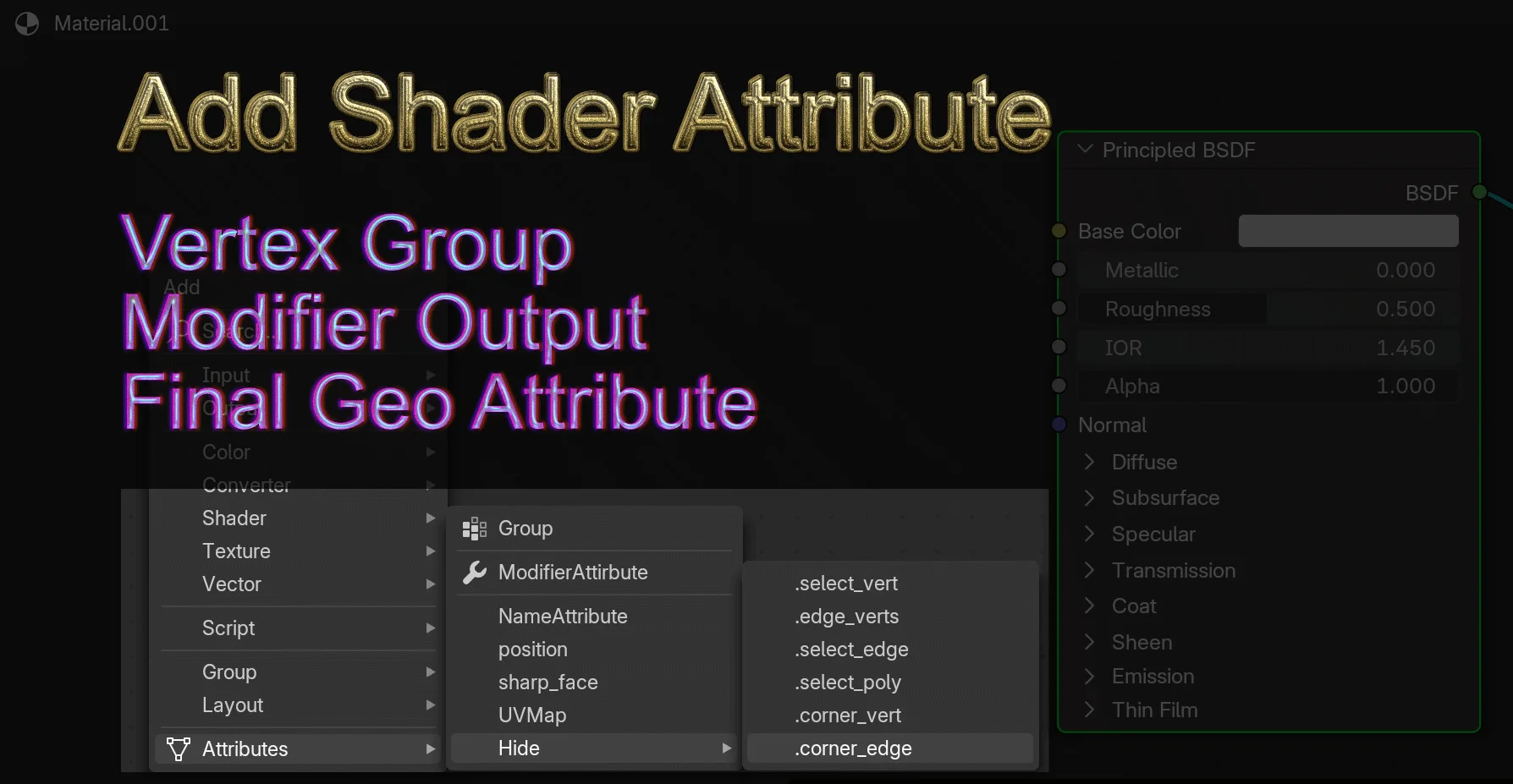
Add Shader Attribute is a Blender add-on by atticuslv for adding attributes directly in a shader node tree. It keeps the task in the Shader Editor when you need to find an attribute and use it in a material, rather than switching to another view and returning to type its name.
Attribute types it covers
The add-on supports attributes from several parts of a Blender project:
- Vertex groups.
- Geometry Nodes modifier attributes, often defined in the Properties panel.
- Final geometry attributes, including stored name attributes, UVs and hidden attributes.
- Final geometry instance attributes.
Use it from the Shader Editor
- Select the object whose attributes you need.
- Open the Shader Editor and make sure the object has a material assigned.
- Press Shift + A and choose Attribute.
This opens the add-on's attribute option from the shader editor menu, so you can add the attribute to the node tree in the same workspace where you are building the material.
Instance attribute search
Version 0.3.0 added support for searching attributes from an instance. That is useful when the attribute you need belongs to instance data and you want to find it while working in the shader node tree.
Compatibility and installation
The Blender Extensions listing specifies Blender 4.5.0 or newer, including Blender 4.5 LTS. It offers installation by dragging the add-on into Blender or by downloading it and using Install from Disk. The listing says the add-on requires no special permissions and is licensed under GNU GPL version 3.0 or later.
Add Shader Attribute is suited to Blender material workflows that use vertex group, modifier, geometry or instance attributes. The listing links to the developer's GitHub repository for source code and issue reporting.