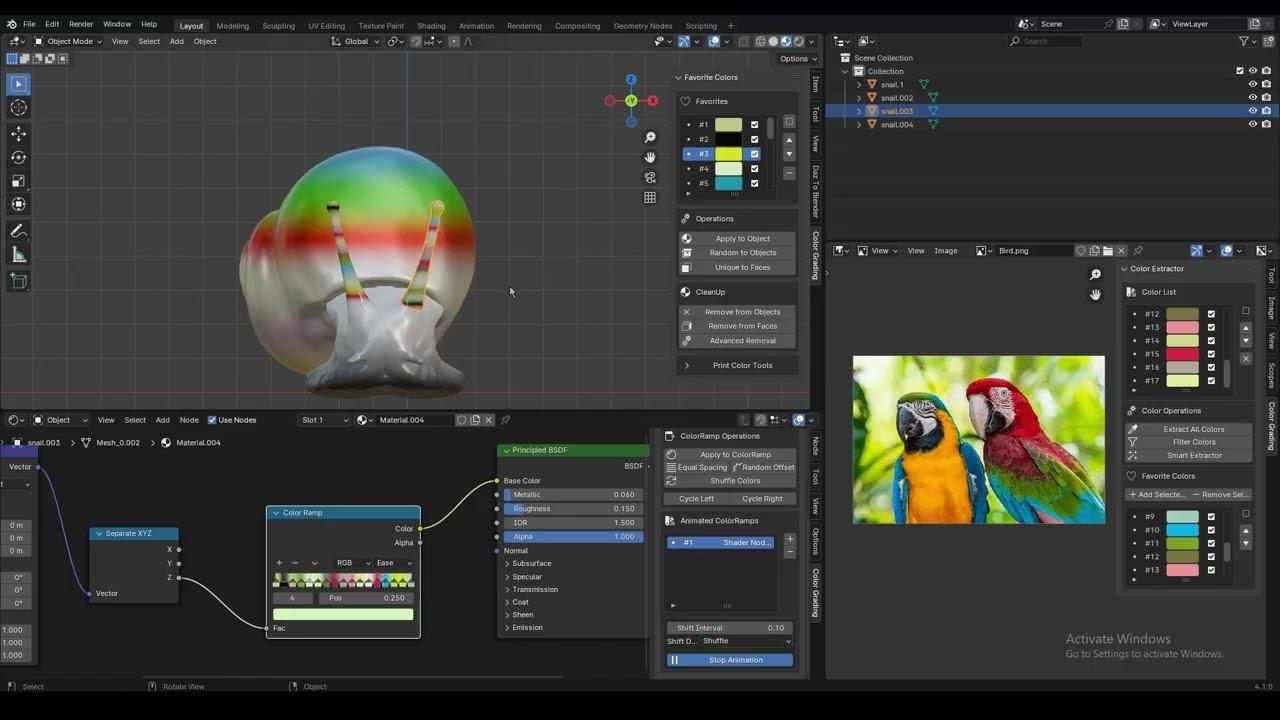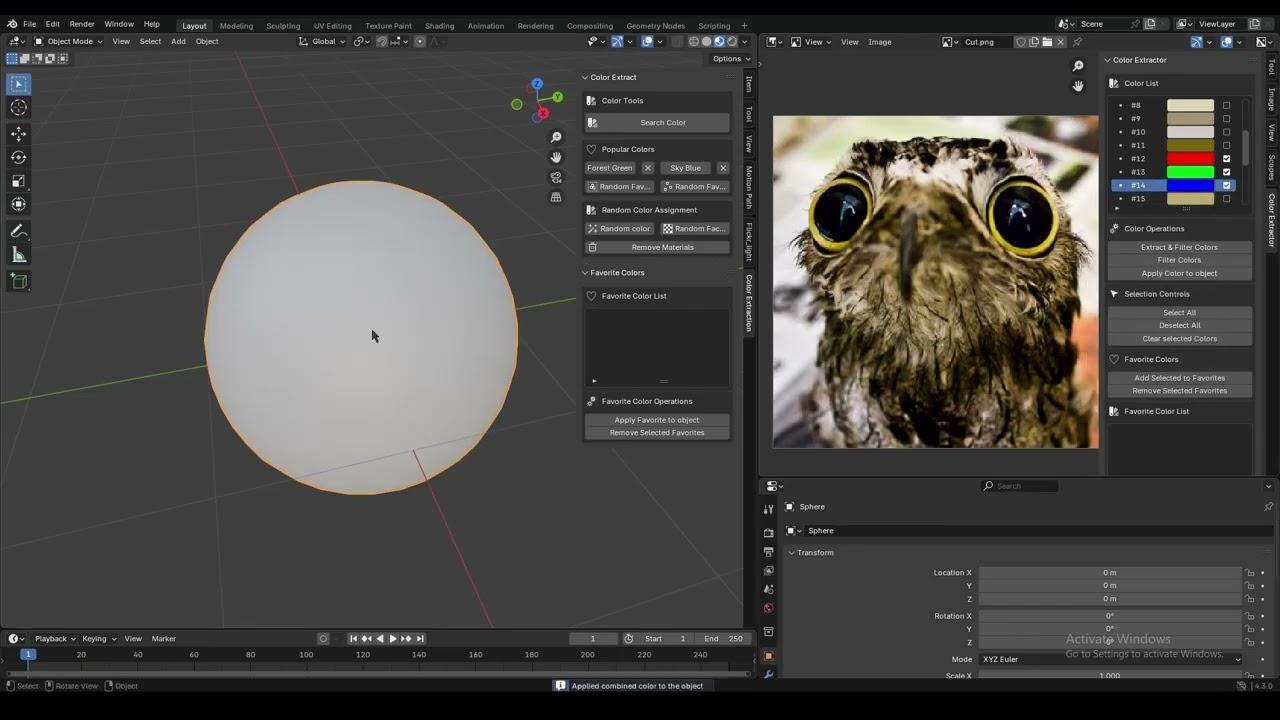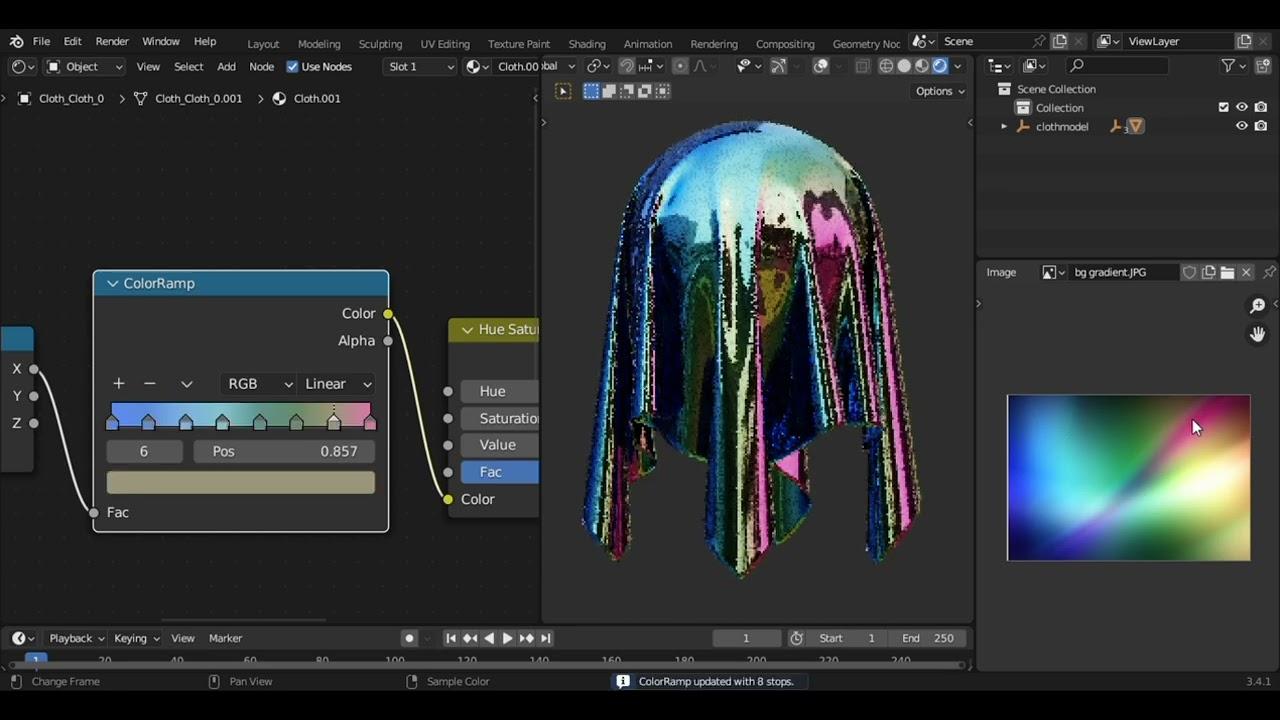
Color Motion is a Blender add-on by Animation Store for extracting colors from images, organizing palettes, animating Color Ramp nodes, and applying colors in the viewport. Its four sections cover image-based color extraction, shader-side transitions, object and face coloring, and RGB or CMYK workflows involving Adobe tools.
Extract and organize image colors
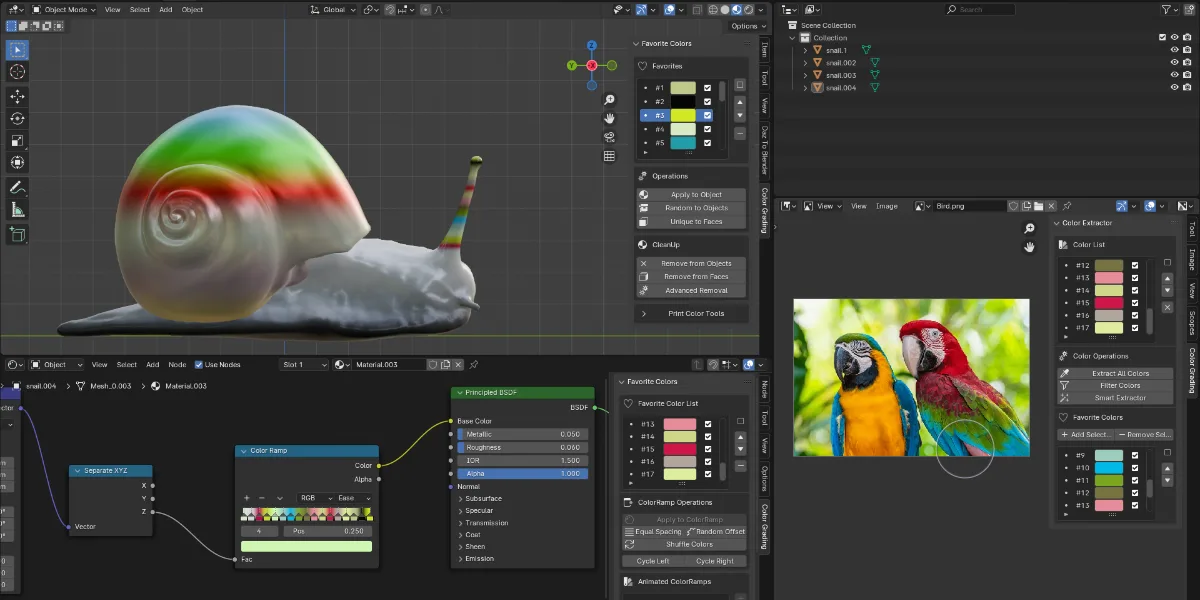
The Color Extractor reads an image and gathers its unique colors into a list. A threshold-based filter can remove duplicate or similar colors, while the Smart Extractor operator lets you control how many colors it extracts. You can move selected colors to Favorites for use across different windows.
Extraction and filtering inspect image pixels. The developer advises against using very large images, such as 4K images, for this process; no specific maximum image size is given.
Animate colors on Color Ramp nodes
In Blender's Shader Editor, Color Motion can add extracted colors to a Color Ramp, insert them, or replace its colors. It provides five automatic transition effects and six customizable manual transitions. Transitions can affect multiple Color Ramp nodes, including nodes on different objects, and each transition has individual speed control. Colors can also be changed from the list or from the node.
Apply colors in the viewport
The Color Apply section works with selected objects and faces, either singly or in groups. It can combine colors from the list, assign random colors from Favorites, and clean materials using three cleanup options.
Use RGB and CMYK color models
The Adobe-Style Color section supports RGB for digital work and CMYK for print workflows. The developer describes it as a way to keep color matching consistent between Blender assets and Adobe tools. The supplied product information does not specify a direct Adobe application integration.
Compatibility and product details
The developer lists Blender versions 3.0 through 5.2 and compatibility with both Cycles and Eevee. Color Motion is identified as a Blender add-on, is marked Blender Extension compatible, and is distributed under the GPL license. Check the Color Motion product page and its documentation for current details.