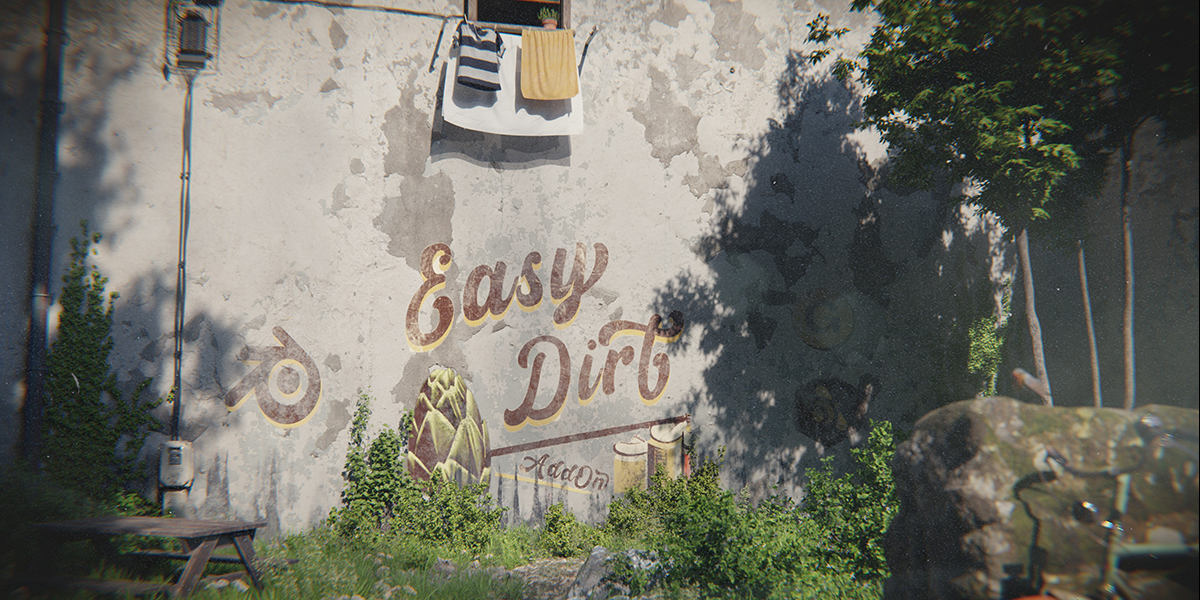
Easy Dirt is a Blender add-on by Ignacio Matey for placing an image in a localized area of a shader. Select an object and an image, then draw a bounding box in edit mode to position the dirt. The layer applies only to the selected object’s active material. The developer says the workflow generally works better on surfaces with low curvature. See the product listing and developer documentation.
Install and place a dirt layer
- Install the add-on from its ZIP file. Its panel appears in the viewport sidebar, which you can open by pressing N.
- Select the object and image you want to use, then click Add Dirt.
- In edit mode, draw the bounding box where the dirt should appear. The box determines its location in 3D space.
Adjust the dirt layer
Blend controls how the dirt mixes with the original texture. As a world-space parameter, Blend may require experimentation with low values depending on scene scale. Noise Scale and Noise Detail adjust the multiplicative noise used in the blend, while Factor sets the amount of noise. You can also adjust Roughness and the image’s Scale, Location, and Rotation.
Edit or refresh a layer
Use Edit to reposition the bounding box or Delete to remove the dirt layer. View opens a local view of the layer, and Show Guide displays the bounding-box guide. Refresh reloads data from the Blender file; the developer notes it can help remove spare parameters or objects.
Listed Blender versions
The product listing names Blender 3.4 and 3.5 and specifies a GPL license. It does not list compatibility with newer Blender releases, so check the product listing before relying on a later version.