Additional Batch Rename adds batch renaming operators to Blender. Version 1.1.1 requires Blender 4.4.0 or later, and the Blender Extensions record identifies Endertainer007 as its maintainer. Check the official extension listing for the current release and compatibility details.
Batch rename targets
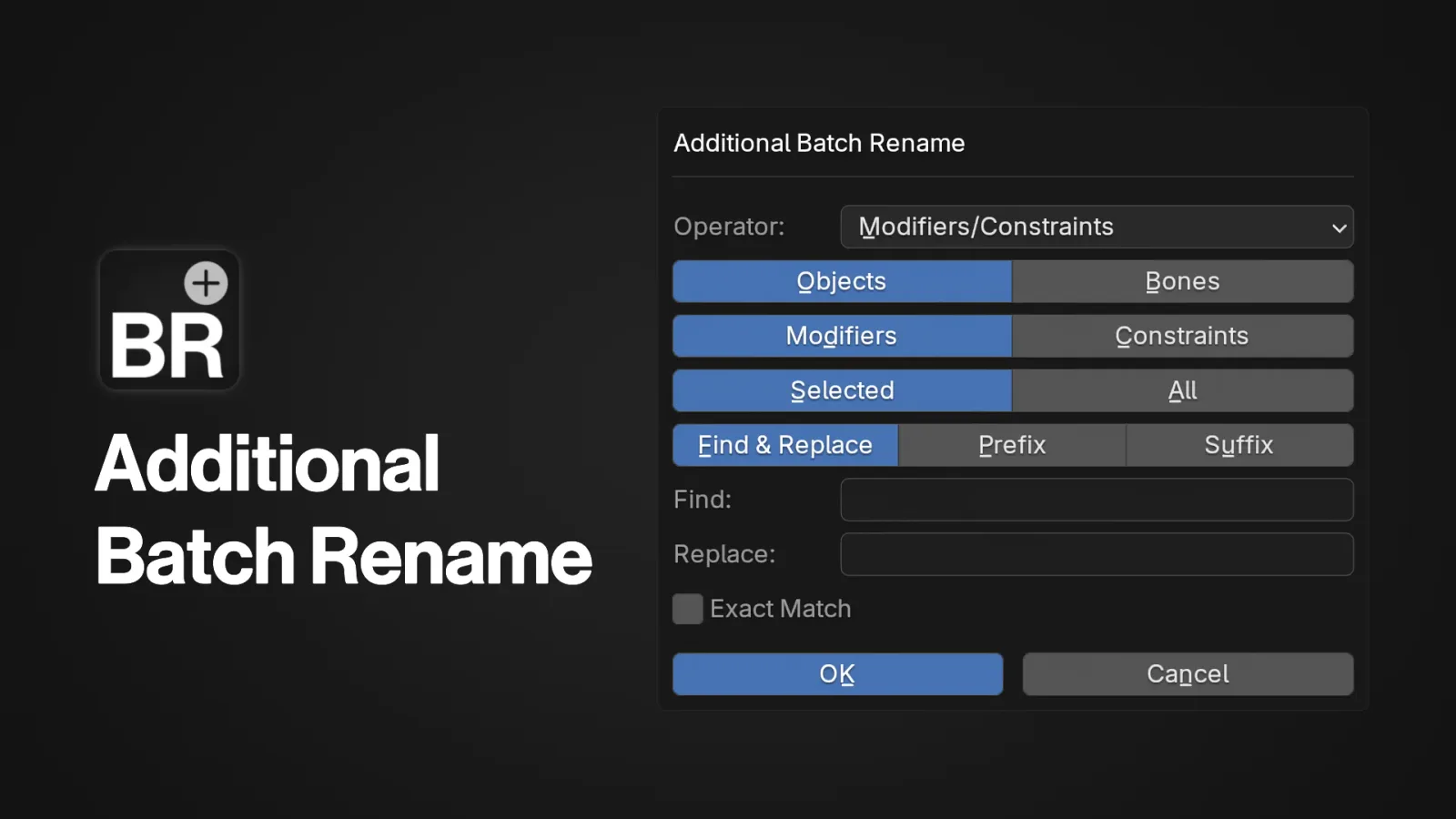
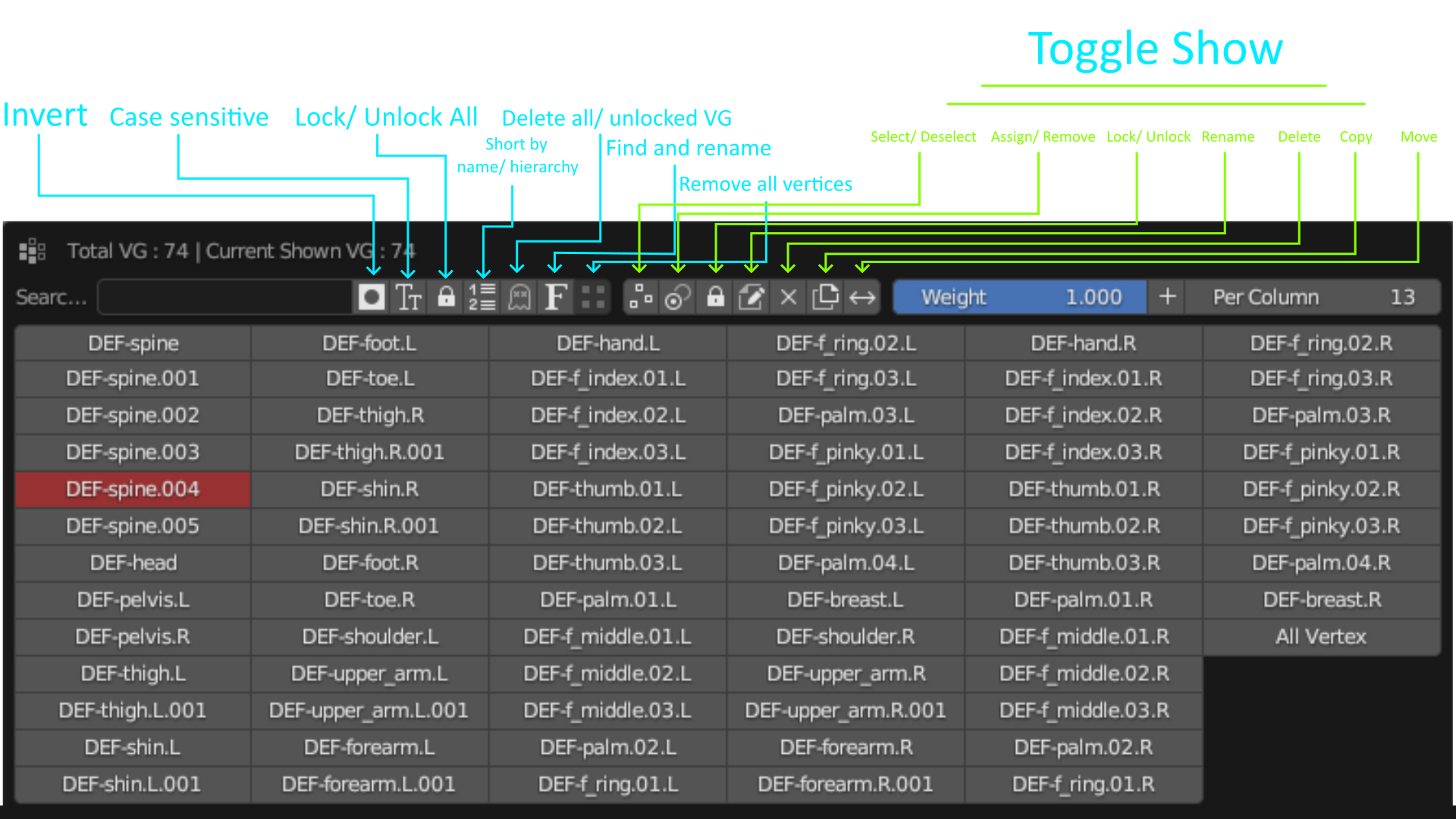
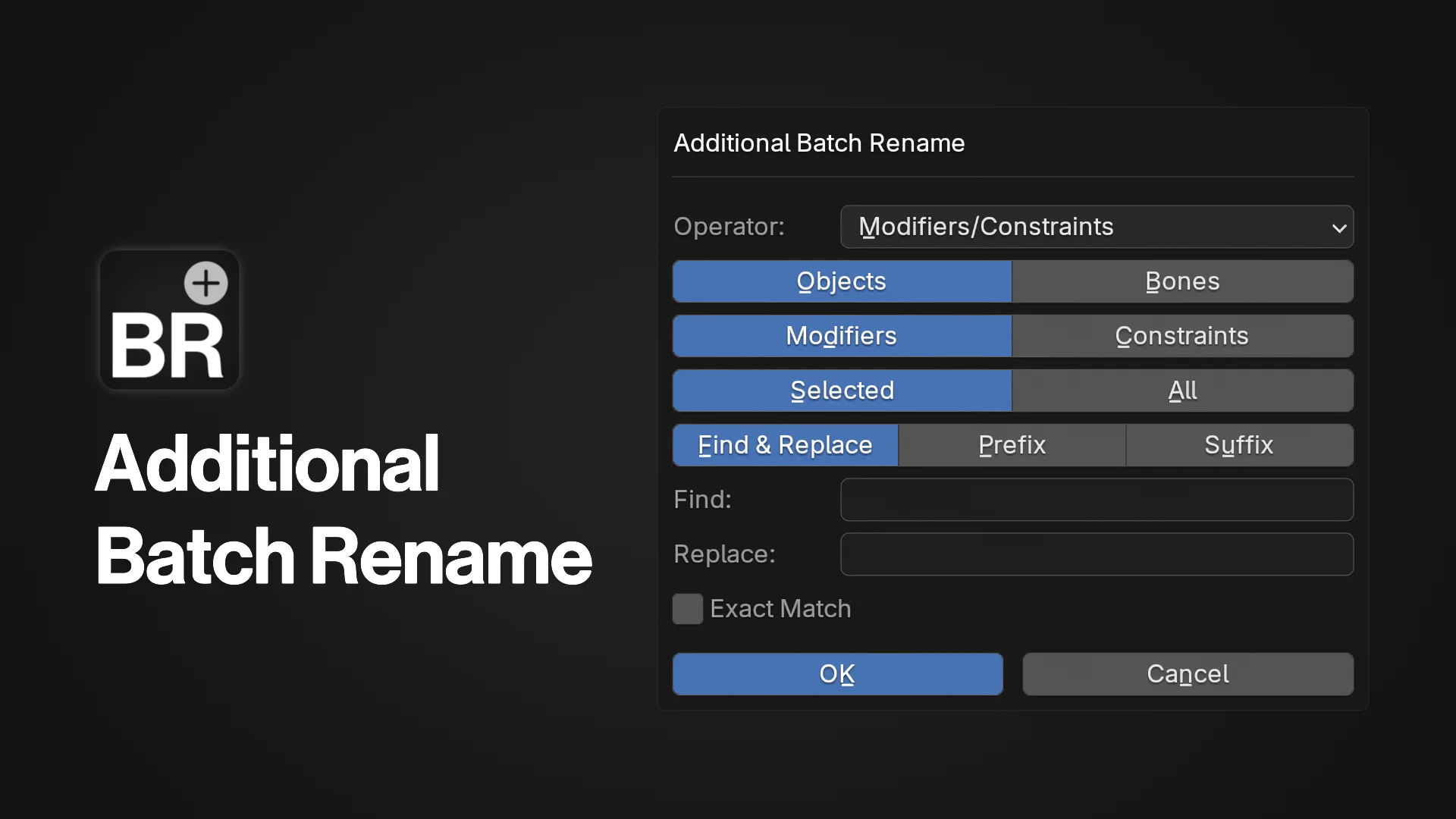
The add-on covers modifier names, constraint names, and vertex groups. Its target controls let you work with objects or bones. When the target is set to bones, it switches to constraints.
This is useful when several names need the same kind of cleanup. You can choose the relevant operator and apply a consistent change across a selection or a wider scope, rather than editing each name individually.
Choose the scope and rename method
For objects, the scope can be limited to selected objects or set to all objects in the scene. In bone mode, the corresponding choices apply to selected bones or all bones on the active armature. Selecting the scope first helps keep a batch change limited to the intended set.
Available rename methods include Find & Replace, Prefix, and Suffix. Find & Replace searches for text to replace; its Exact Match option limits matching to exact strings. Prefix adds text at the start of an existing name, while Suffix adds it at the end. These controls cover common naming passes such as replacing a repeated string or adding a shared label to a group of items.
Open it from the viewport
The product listing places Additional Batch Rename in the viewport right-click menu in Object, Edit, and Pose Mode. It notes that version 1.1.1 adds an Edit Mode menu entry. The listing also describes a separator in the right-click menu and the Exact Match option as changes in that release. See the feature listing for those workflow details.
Who it suits
Additional Batch Rename is for Blender users who regularly rename modifiers, constraints, vertex groups, objects, or bones in groups. Its scope controls suit both a focused selection and a broader scene or active-armature pass. The available methods are straightforward: replace matching text, add a prefix, or add a suffix. If you only rename one item occasionally, Blender’s existing rename controls may be enough; this add-on is most relevant when you want to apply a shared naming change across multiple items.