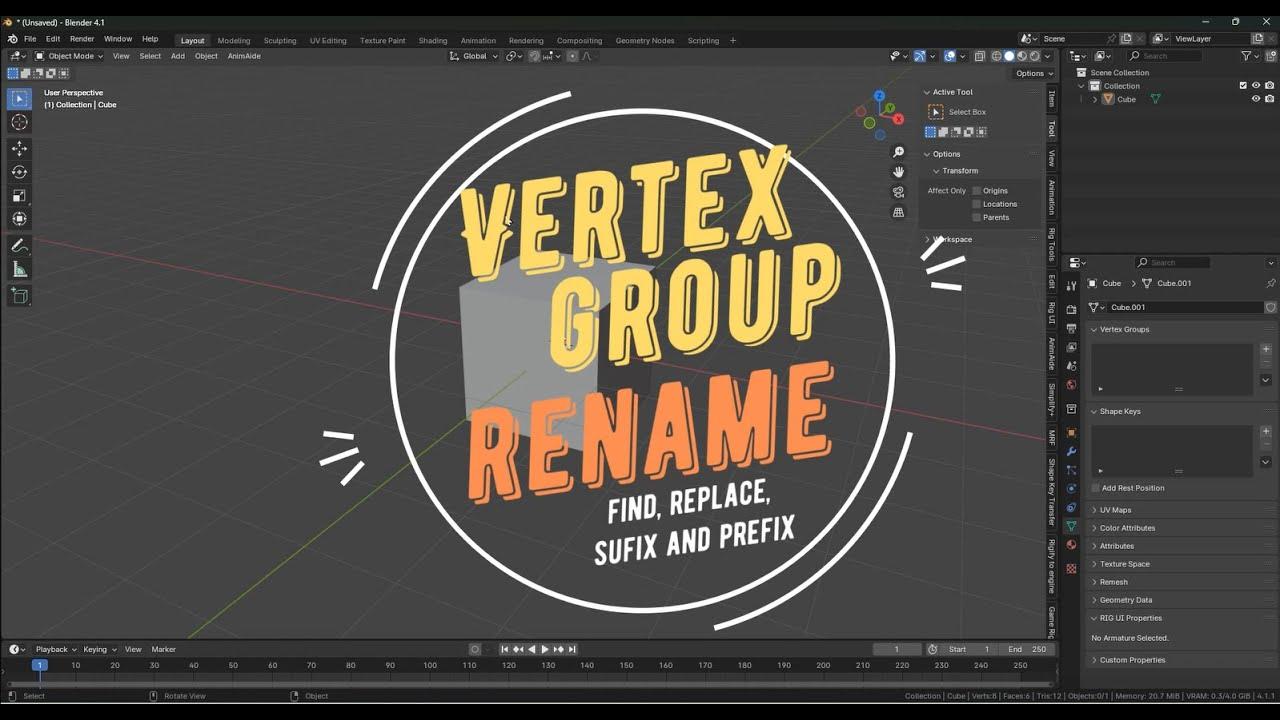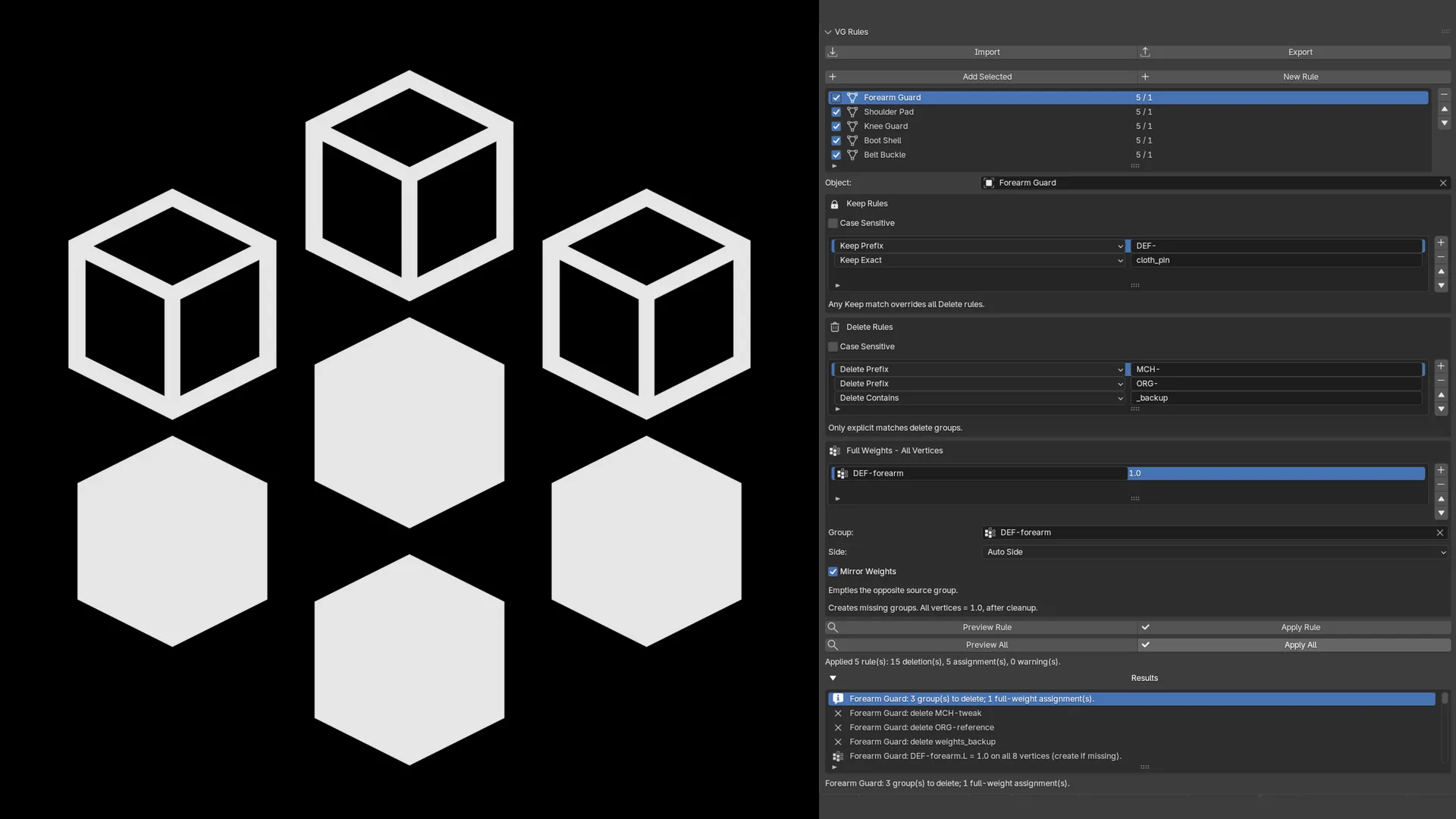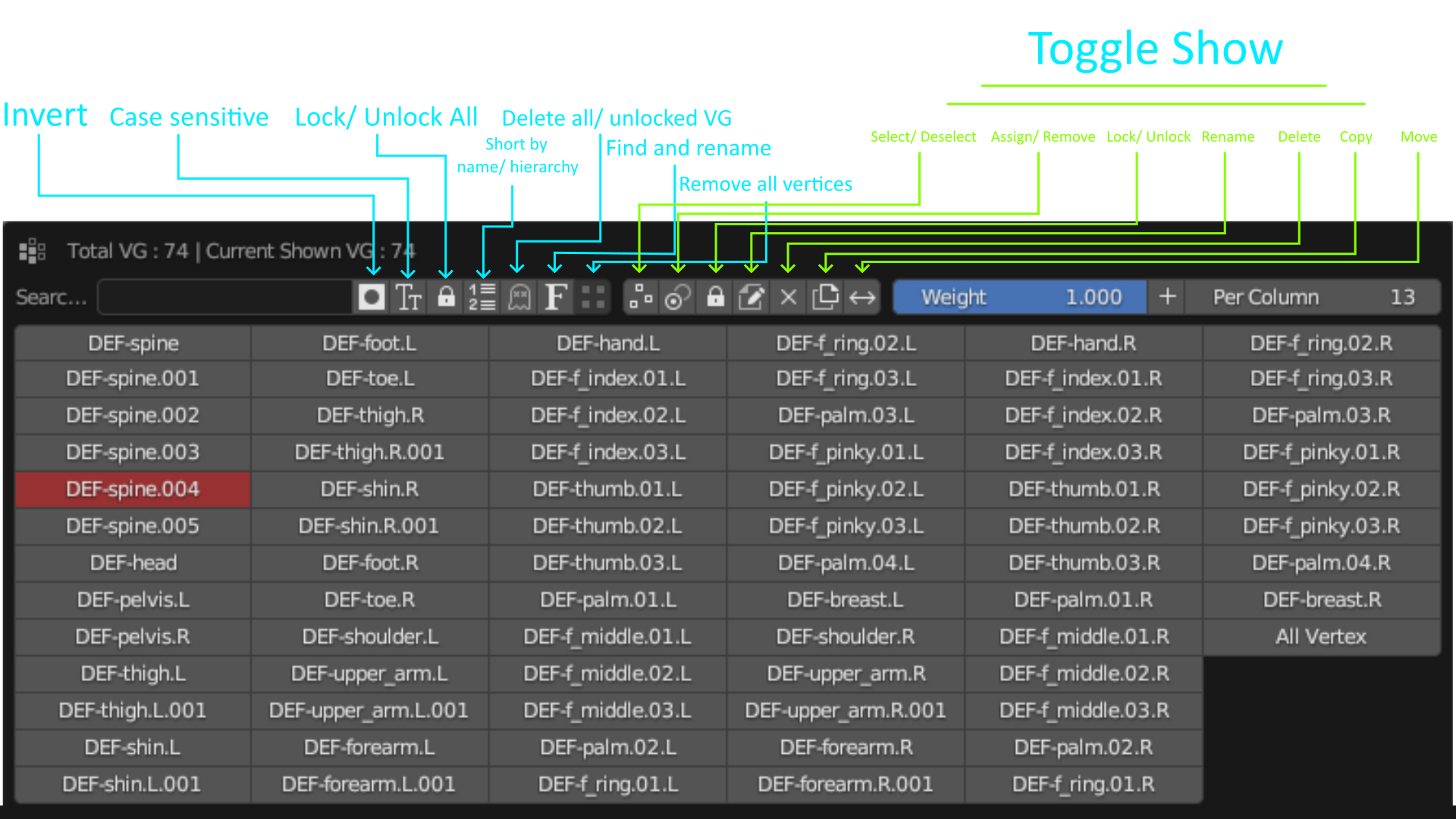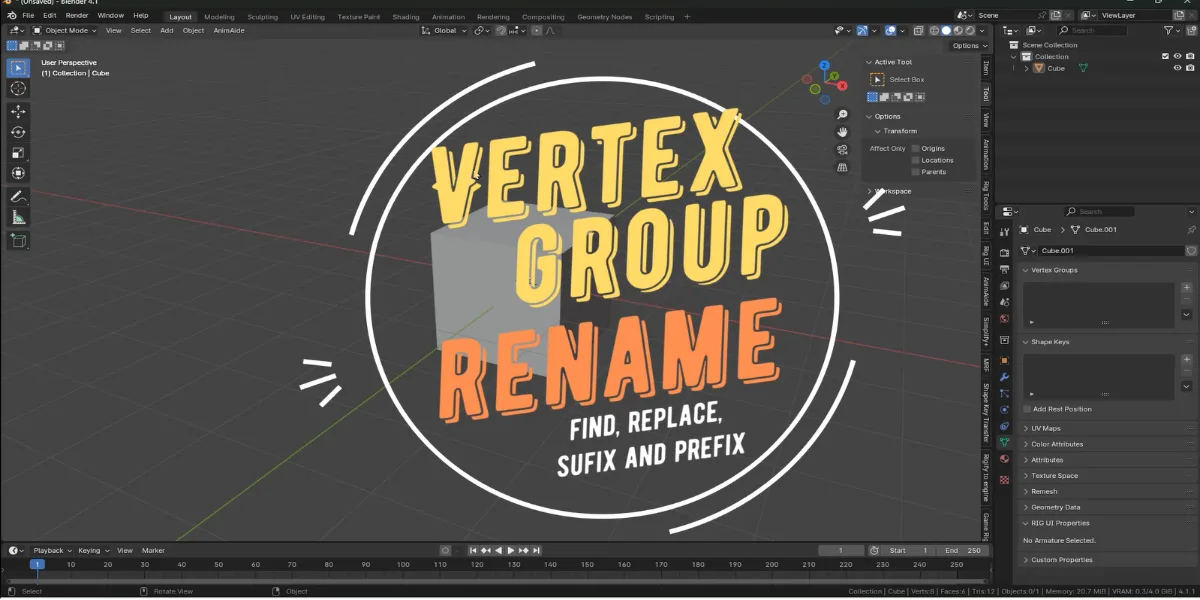
Vertex Group Rename is a Blender add-on for batch changes to vertex group names. It can find and replace letters, numbers, and symbols across multiple groups, or add prefixes and suffixes. The developer describes rig-related adjustments, including cases where names are transferred from a large chain of bones rather than from groups.
Find and replace names
Select the object that contains the vertex groups, enter the text or symbols to find, then enter the replacement and apply the change. Choose a specific search string when changing only part of a name. For example, to change a left-side suffix from .l to .r, search for .l and replace it with .r. Searching for l alone can change other letters too: the documentation shows cloth.l becoming croth.r.
Add or remove prefixes and suffixes
Enter the prefix, suffix, or both, then apply the change. Leave the unused field empty when adding only a prefix or only a suffix. Added text becomes part of each vertex group name. To remove existing text, use Find and Replace: enter the exact prefix or suffix in Find and leave Replace empty.
Install and open the panel
- In Blender, open Edit > Preferences > Add-ons > Install.
- Select the compressed add-on file, then activate it in the add-ons window.
- In the 3D View, press N to open the Sidebar. Find the Batch Rename Vertex Groups panel under Tool. You can also open the Sidebar from View > Sidebar.
The Superhive documentation gives the installation and usage steps. The product listing lists Blender compatibility from 3.0 through 4.5 and a GPL license. That range describes Blender versions; the listing does not state an add-on release number.