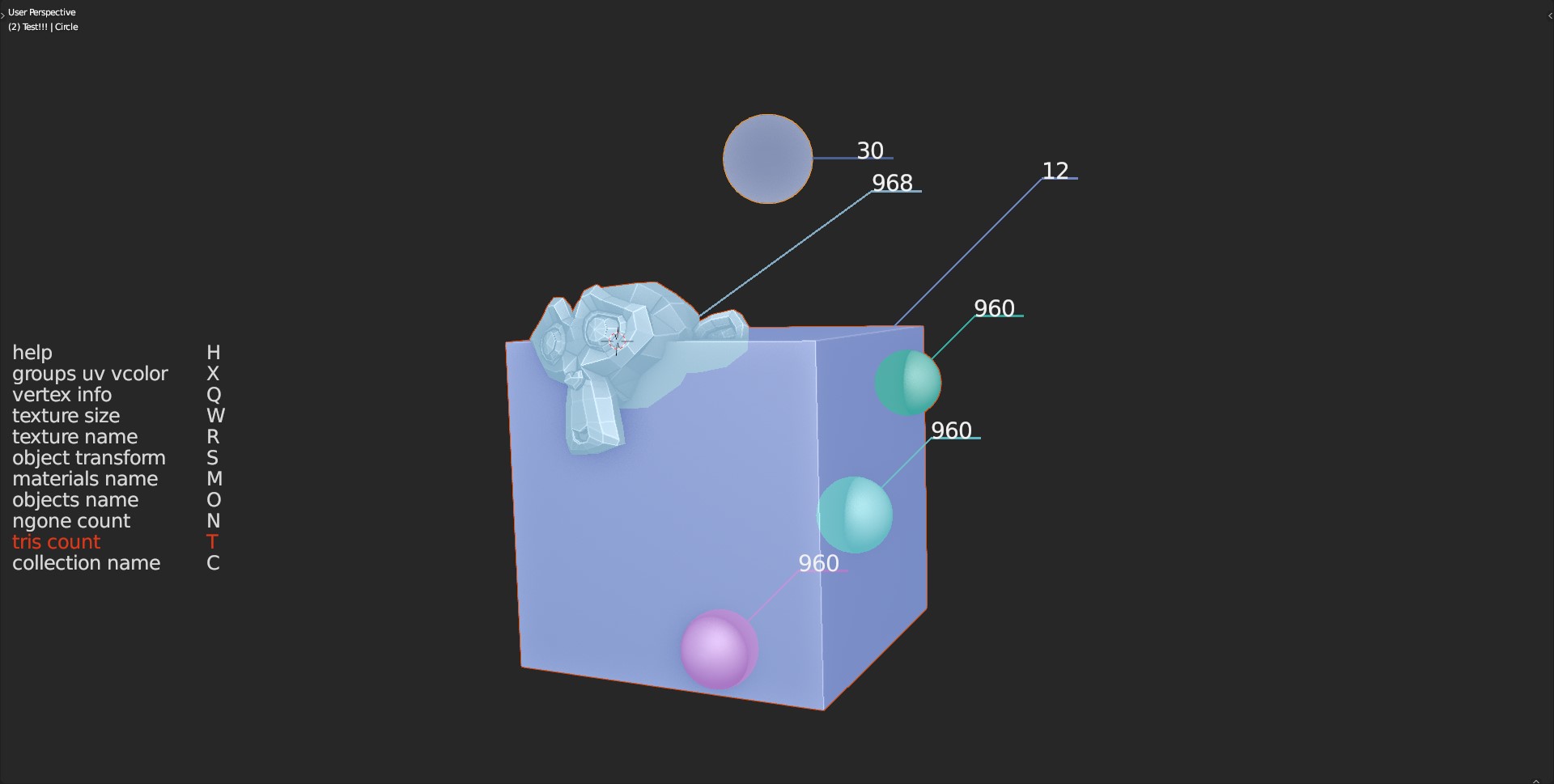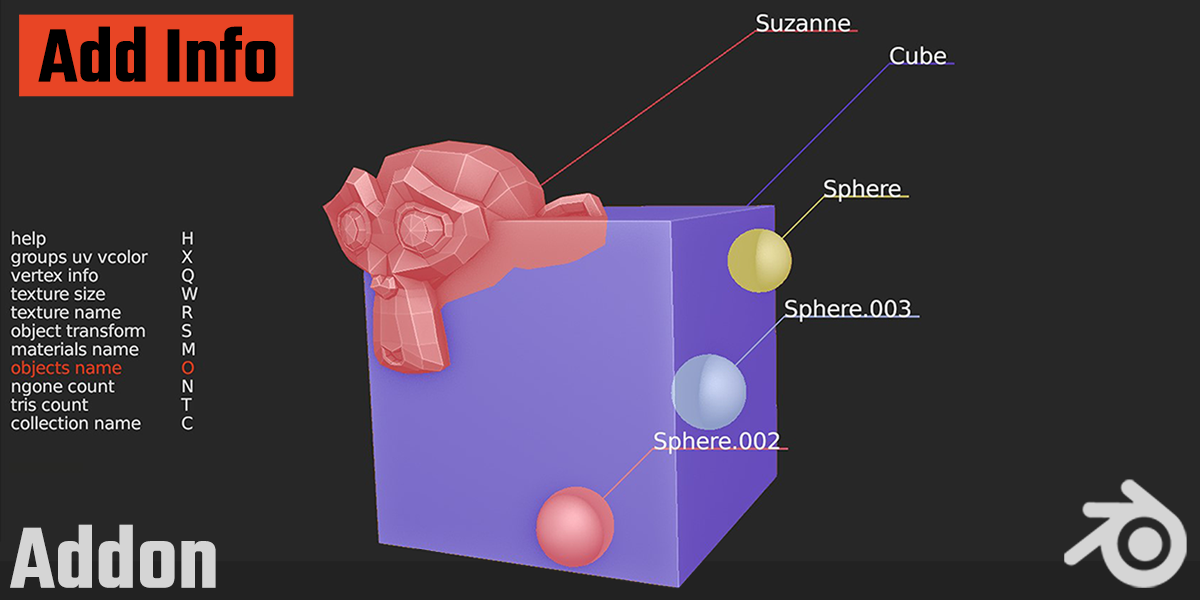
[Addon] Add Info by Aleksandr Podoprigora displays information about selected Blender objects directly in the viewport. It can show details for all selected objects, keeping object, mesh and UV readouts visible while you work.
Object and mesh information
The add-on can show object and collection names, triangle and n-gon counts, material names, object transforms, texture names and texture sizes. When an object has several materials, their names appear in a column. Vertex information includes single and double vertex counts,
It also lists vertex groups, shape keys, UV maps and vertex colors when that information is available. The display highlights n-gon counts above zero and marks double vertices on the model in a different color when their count is above zero. Changed transforms and every UV map except the first are also shown in a different color.
UV readouts and display settings
For selected objects, Add Info can show short UV edges, texel density and UV area as a percentage. You can change the color and size of the fonts, assign hotkeys to individual actions and customize the help menu. These options are in Blender under Edit > Preferences > Add-ons > Add_Info.
Version and license
The Superhive product listing identifies the license as GPL and lists Blender versions from 2.9 through 4.3. Its version 1.2.1 release notes say the add-on was updated for Blender 4.3.2. Compare your Blender version with the releases named in the product listing.