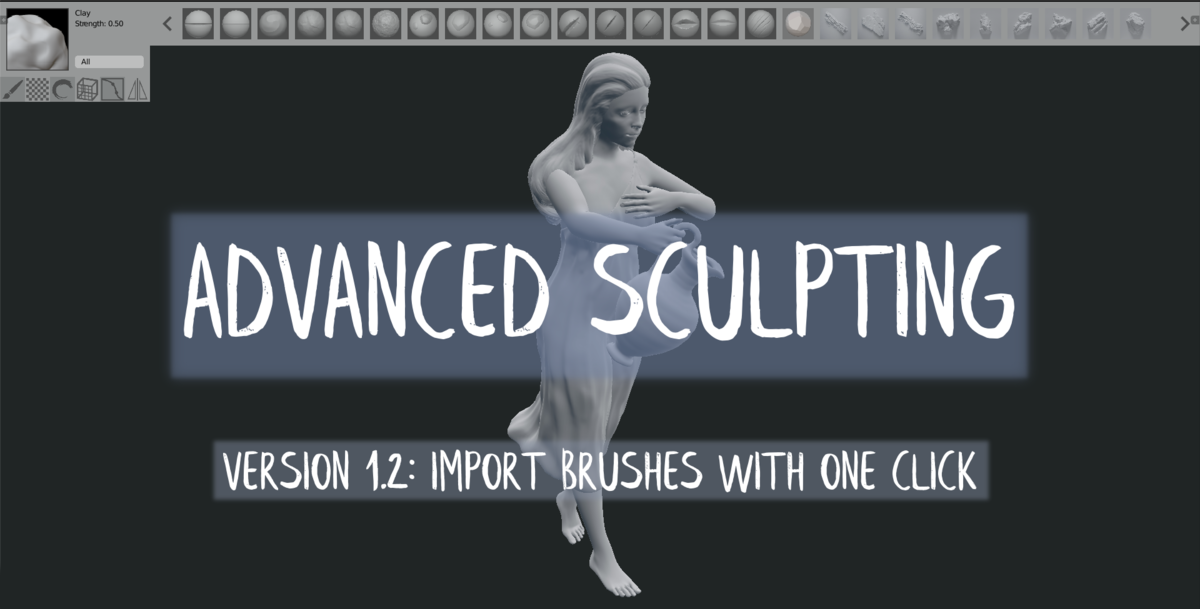
Advanced Sculpting is a Blender add-on for organizing sculpting brushes and textures. Its custom interface groups brushes into categories, gives selected texture folders their own dialog, and lets you arrange key panels around the sculpted mesh. The developer is Antonis Karvelas.
The Superhive product listing identifies version 1.3 and lists Blender 2.79. That compatibility entry does not establish support for later Blender releases, so check the seller's current details before installing.
Keep large brush libraries organized
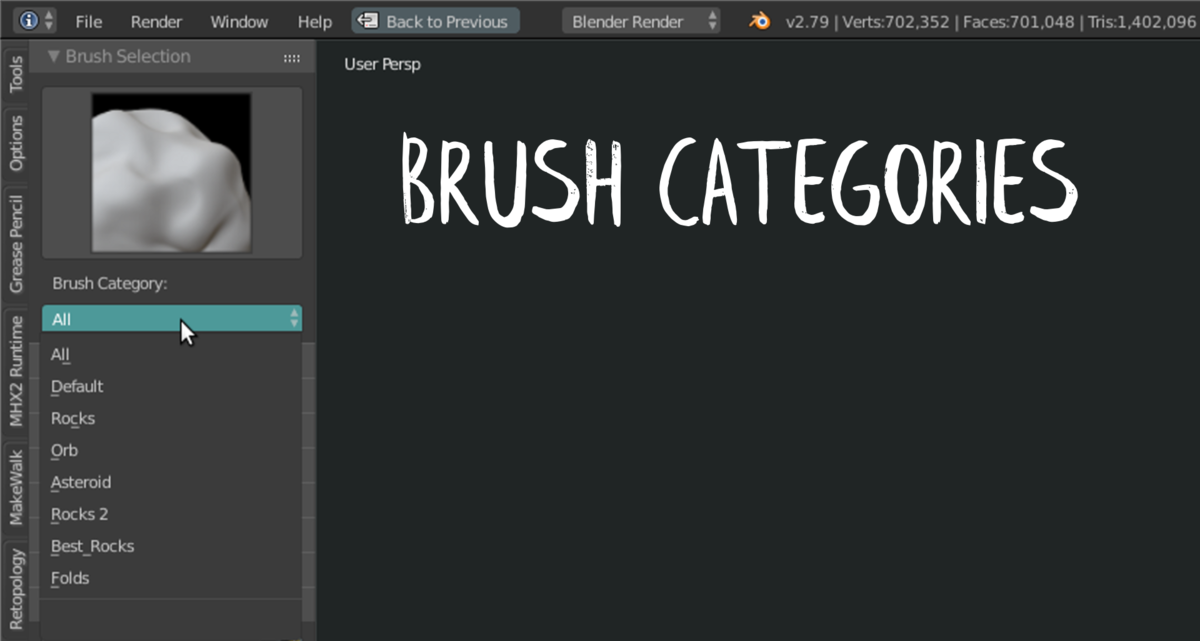
Brush Categories let you group brushes in a list and navigate between them. You can add brushes to a category, use a name sample to add several at once, or import categories organized in a .blend file. The listing says imported categories re-import when Blender is reopened, unless you remove them.
Advanced Sculpting is an add-on, not a brush set. Brushes shown in its previews are not included; you organize brushes you already have or create yourself.
Open a focused texture folder
Texture Folders help when a project contains many textures. Select a brush and a folder, then choose “Get Textures” to open a custom dialog containing only the textures in that folder. This gives you a smaller set to navigate without making a separate brush for each texture.
Arrange the sculpting interface
The interface has three parts: a Control Panel, a Brushes Panel and a Widget. You can show or hide each separately. The Control Panel and Brushes Panel can be locked in place or moved freely. You can also change interface colors from the Control Panel; the color setting is stored in the file rather than applied globally.
For brush adjustments, right-click the basic settings button to flip a brush direction. The developer's examples include changing Add to Subtract and Flatten to Contrast. The listing's version 1.1 notes say the add-on works with region overlap and loads a custom icon if a brush icon cannot load, instead of crashing.
Who may find it useful
Advanced Sculpting may suit Blender sculptors who keep or make many brushes, use texture libraries, or want a workspace with less-used settings tucked away but still accessible. It focuses on brush and texture organization and interface controls; it is not a sculpting brush pack.
The Superhive listing identifies the license as GPL. AnyPlugins listed the add-on as free in information verified in July 2026. Check the seller's listing for current availability, license details and compatibility. The listing also links to a Blender Artists discussion for feedback and bug reports.