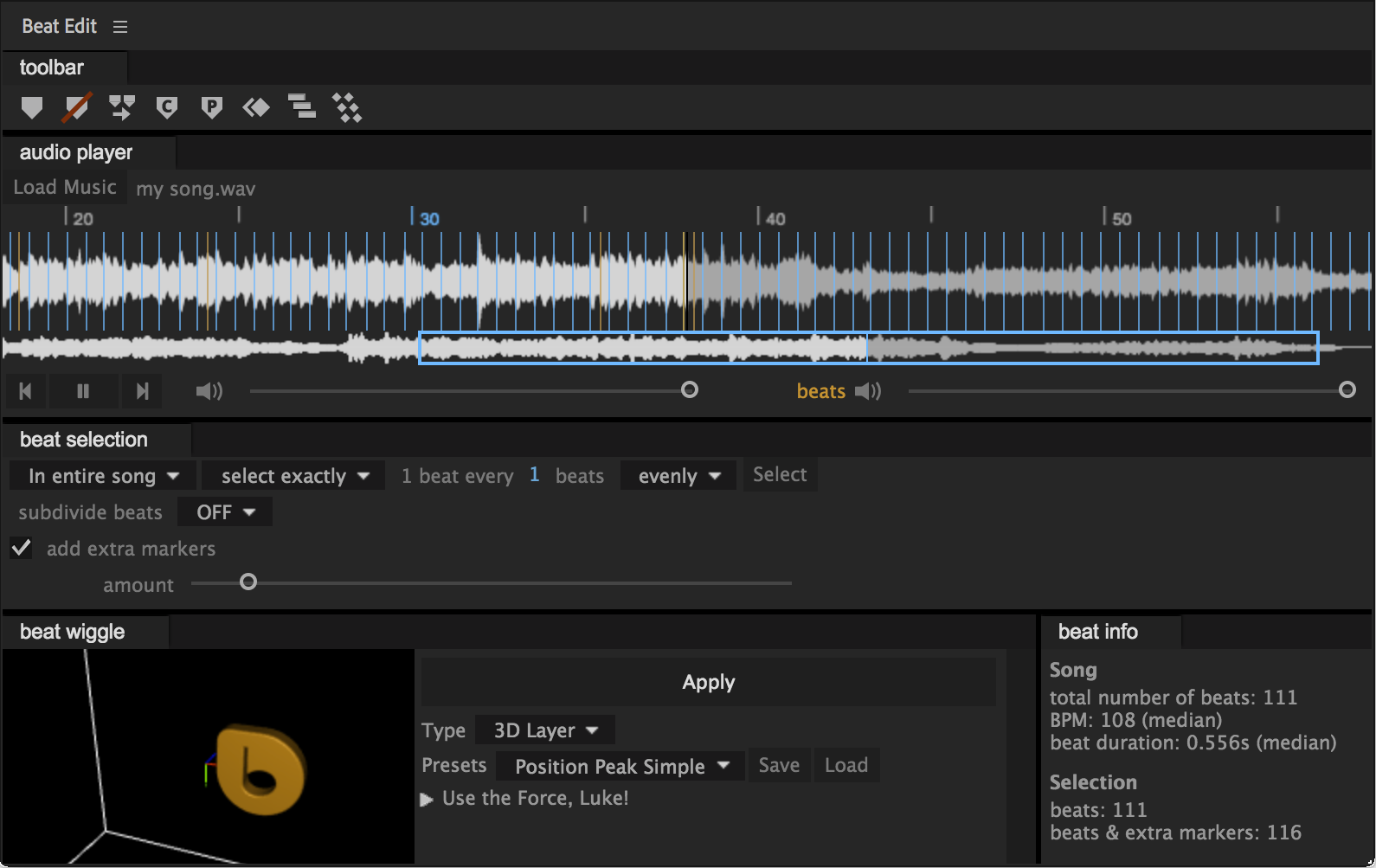
AEJuice Audio to Markers is an After Effects script that places markers on the loudest beats in audio. Use it with music or a video that has audio to create marker positions in one click. It suits editors who want prominent beats marked as timing references before arranging cuts or motion in After Effects.
How it fits an editing workflow
Run the script on music or video audio, then use the generated markers as guides for timing edits. AEJuice also lists kBar integration, which is useful if kBar is already part of your After Effects setup.
Its documented detection is based on the loudest beats. Check the marker positions against the musical accents you intend to use, since the product information does not describe controls for changing beat detection.
Compatibility and license
AEJuice lists compatibility with After Effects CC 2015, CC 2017, CC 2018, CC 2019, CC 2020, CC 2021, and CC 2022 or higher. The listed license is for one user and allows unlimited videos and clients.