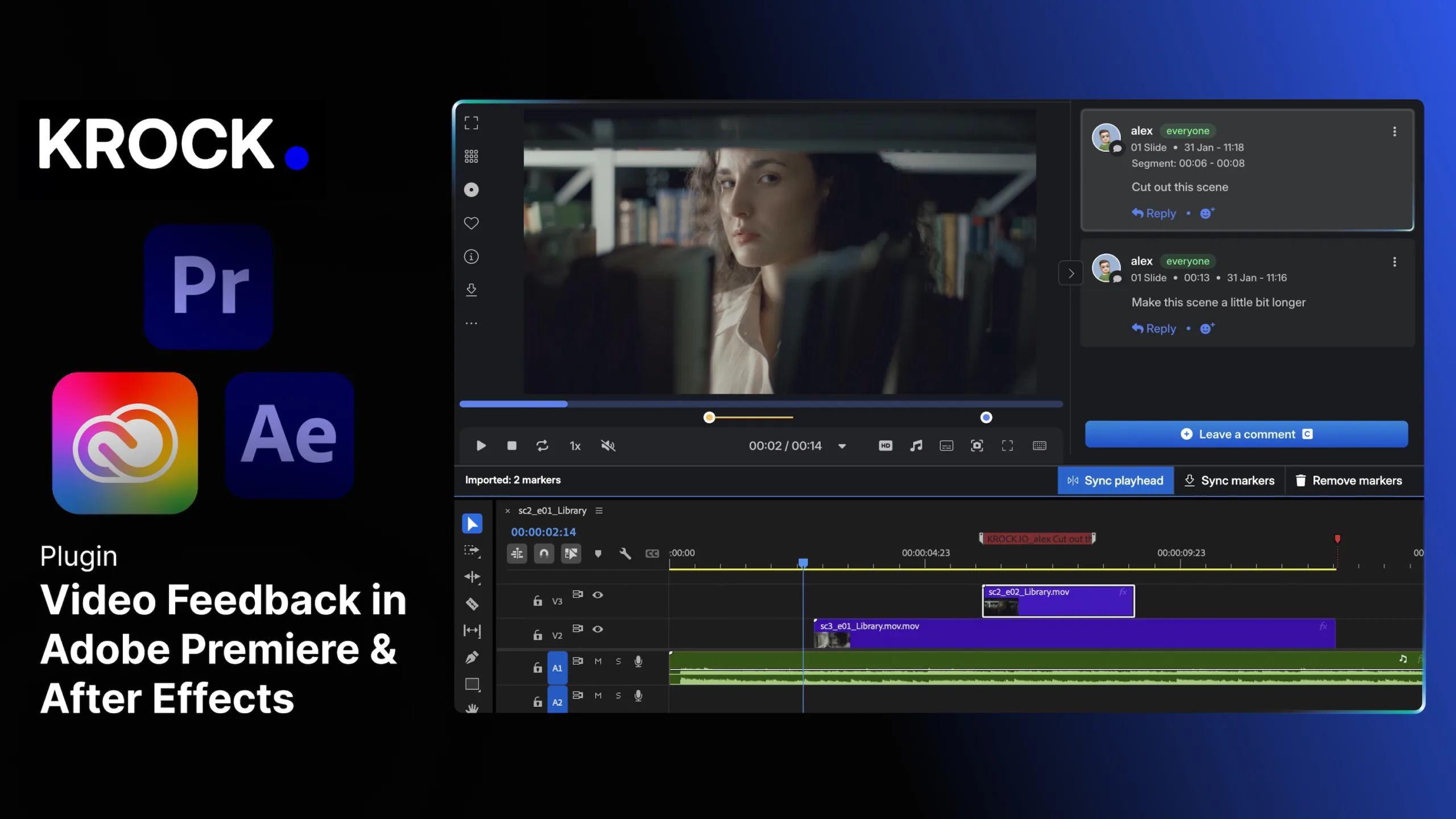
Klash's Adobe extension imports markers exported from KLASH into Premiere Pro and After Effects. It suits editors who collect review notes in KLASH and want those notes on an editing timeline while making revisions.
How the handoff works
In KLASH Studio, a marker is a comment with a timecode. Reviewers can add a comment in the right-side panel and enable the time box to make it a marker. They can also sketch on the frame or attach files to a comment.
- In the comment panel, open the three-dot menu and choose Export markers.
- Select the format for the target editing tool and set the start of the track, then export.
- Import the exported markers into Premiere Pro or After Effects with the Klash Studio extension.
KLASH also supports sorting and filtering review comments by author, timestamp, resolved status, color, and version.
Fit and compatibility
KLASH supports sketches and attachments during review, but its published instructions do not specify whether those items carry over to Premiere Pro or After Effects.
The official help guide names Premiere Pro and After Effects as supported targets but does not list minimum application versions. Check the Adobe Exchange listing against the versions your team uses before rollout.