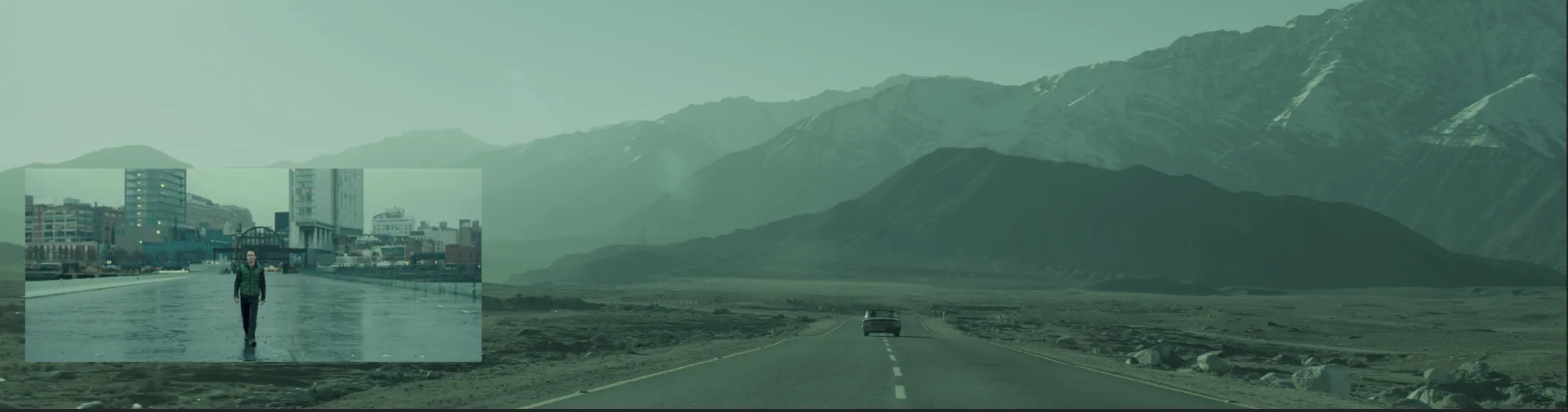
Chromatic Aberration for FCPX adds adjustable color fringing to footage in Final Cut Pro. It recreates the green and magenta shifts associated with cheaper lenses, which are often visible around high-contrast areas. You can change the amount, angle, and hue, then adjust saturation and opacity to shape the look.
Adjust the color fringing
Set the amount of aberration to make the color shift more or less noticeable. Changing the angle and hue gives the effect a different character, while saturation and opacity let you temper its color and visibility. This makes it possible to use a restrained lens-style accent or a more pronounced treatment, depending on the shot.
Fade the effect at the frame edges
The edge fading control reduces the effect toward the frame of the image.
Sequential Pictures' product listing provides the stated compatibility and installation details.