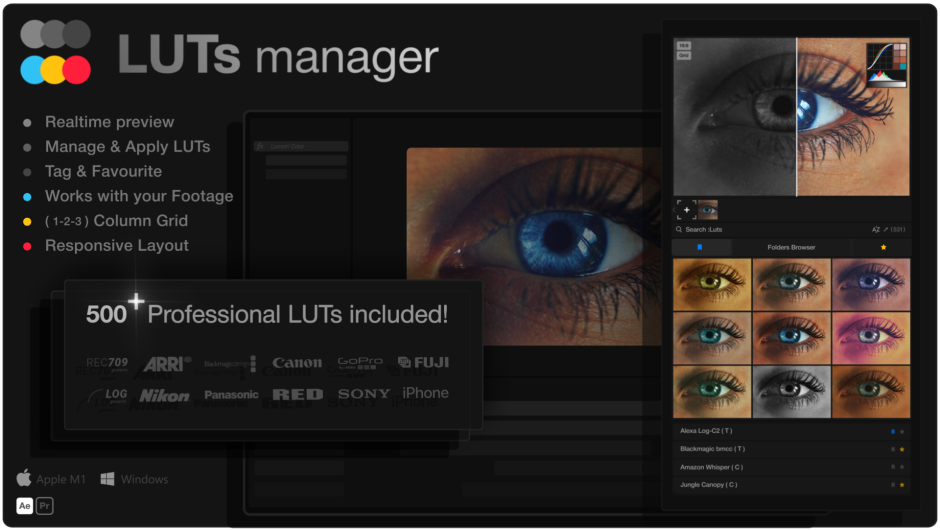
Preview LUTs on footage or imported images
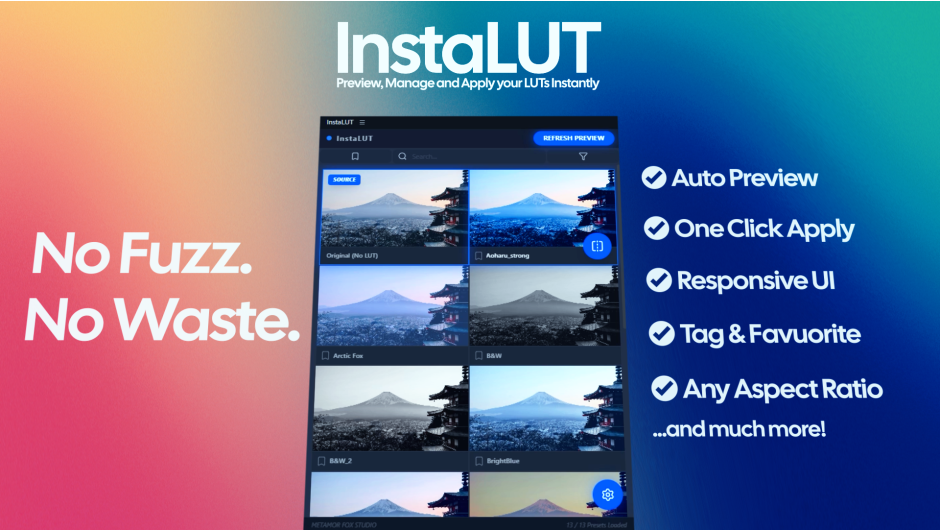
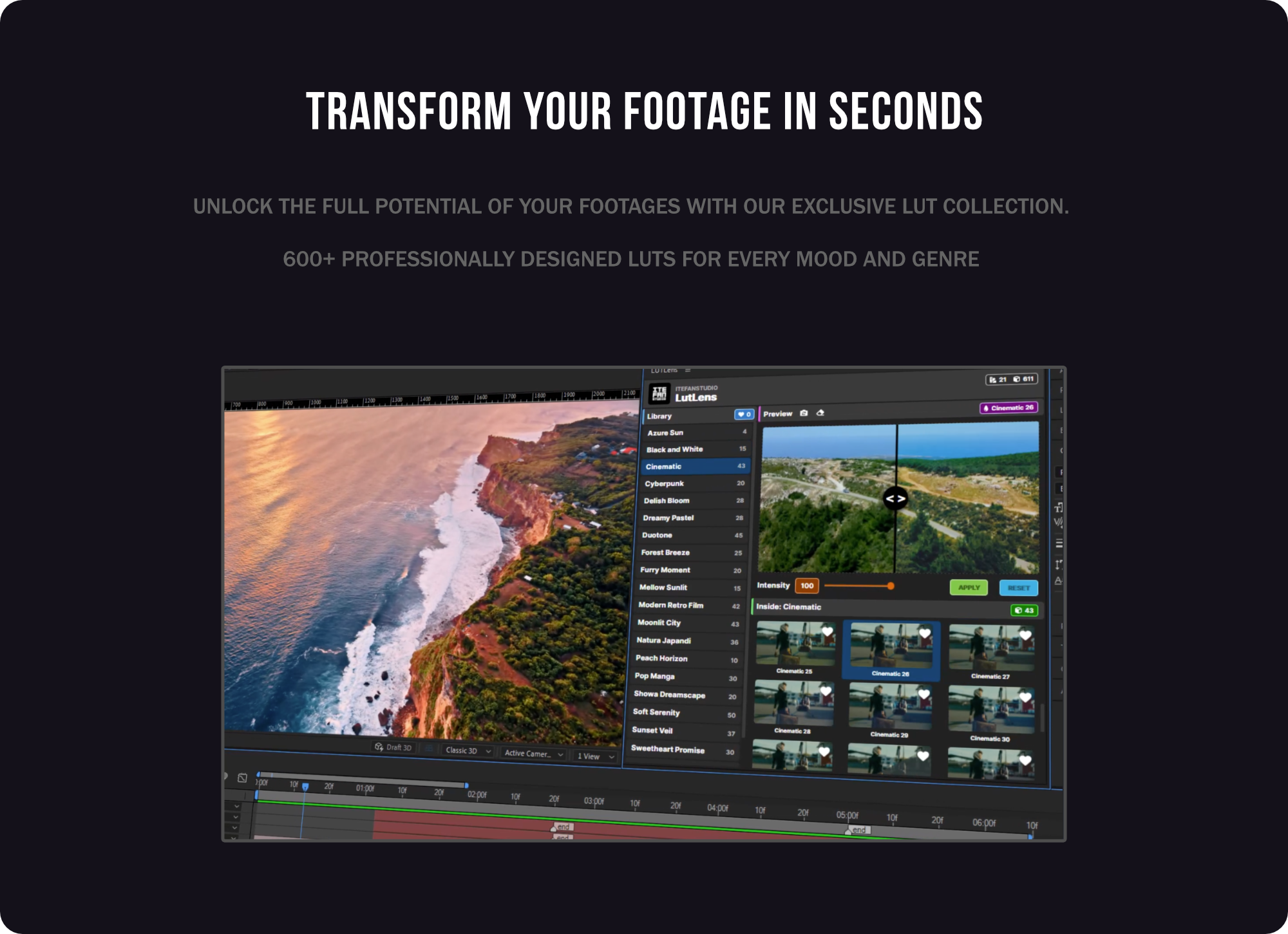
LUTs Manager is a CEP extension for Adobe After Effects and Premiere Pro. Load a preview frame from a composition or import an image, then browse a gallery that applies LUTs to the preview in real time. Its preview options include a comparison slider, Shift Preview, aspect-ratio controls, and Multi Image view for reviewing candidate looks.
Organize and find a look
Smart Search checks LUT titles, tags, and categories. Filter by custom tags or automatically generated folder tags, then browse your LUT folders in one panel. You can add tags, save favorites, filter favorites within a folder or across all LUTs, and sort by most recently used or alphabetically. The resizable panel also includes grid controls, drag scrolling, frame capture, copy path, and an Install WatchFolder action.
Apply LUTs in After Effects or Premiere Pro
Controls in the extension apply LUTs in After Effects or Premiere Pro. The included LUTs Pro pack contains more than 500 .cube LUTs across 85 color filter categories, with five variations per style. The pack's LUTs are prepared for Rec. 709 video and image use and are compatible with major editing software.
Compatibility
LUTs Manager runs on Windows and Mac and supports After Effects and Premiere Pro versions 2022 through 2025. The product page reports testing on native Apple Silicon and Intel Macs. Use the trial on your device to check compatibility and performance before purchase. If you use a newer host version, confirm compatibility first.