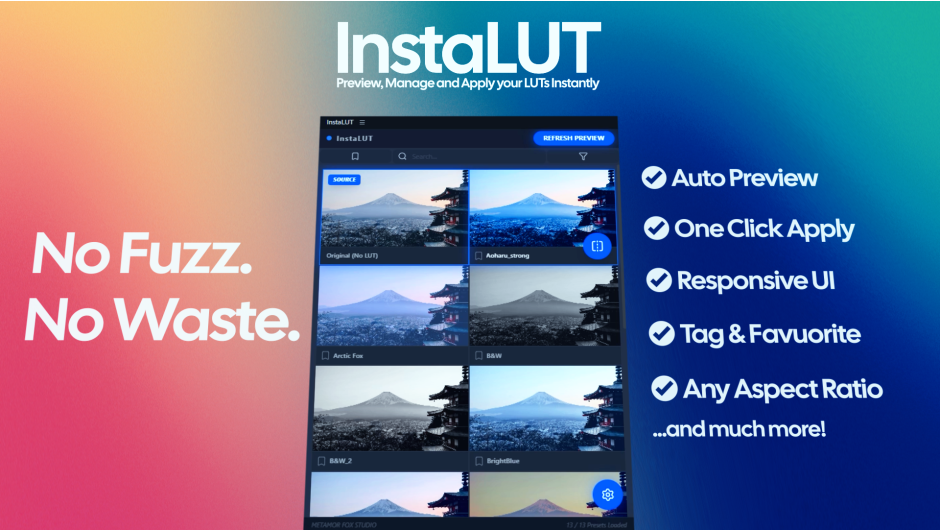
Preview LUTs on the current shot
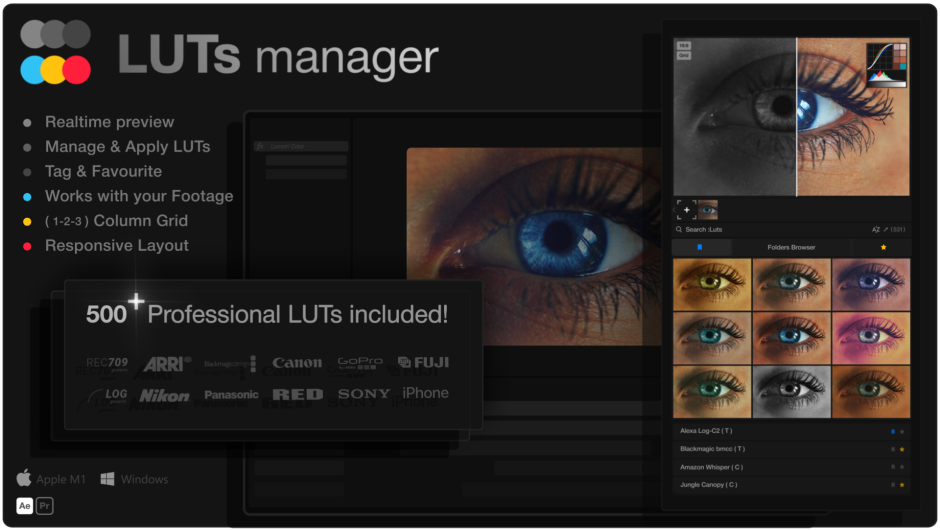
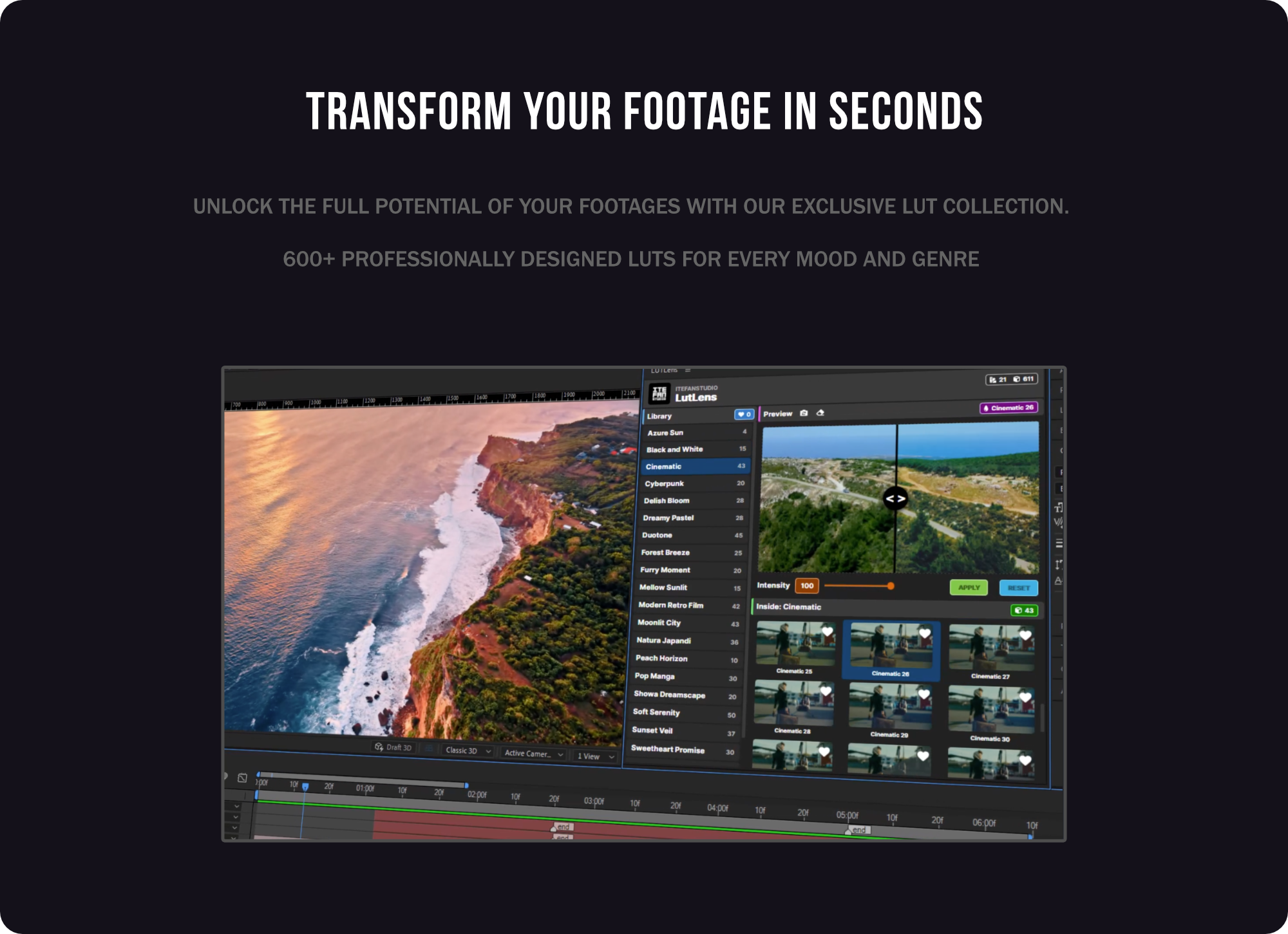
InstaLUT is an After Effects panel for reviewing LUTs against the image in your current composition. Previews update as you switch compositions or timelines, and a Refresh Preview button lets you update them manually.
Use tags, filters, and text search to narrow your LUT collection. That workflow suits After Effects editors choosing a look for a shot and checking it in context before applying it.
Compare and apply a look
- Search or filter the collection to find a candidate LUT.
- Hover over its preview and click Compare to open an A/B view of the LUT and source. A source badge shows the selected layer's LUT state, including a No LUT state when no layer is selected or the layer has no LUT.
- Click a LUT preview to apply it to the selected layer. In Settings, you can choose to create a new adjustment layer and apply the LUT there instead.
Compatibility and licensing
The aescripts listing names After Effects 2025 and 2026 as compatible and offers a free trial.
The EULA permits one copy for use on one computer at a time, plus one archival copy stored on a medium other than a hard drive and used only for reinstallation. Additional users or computers require the appropriate additional licenses.