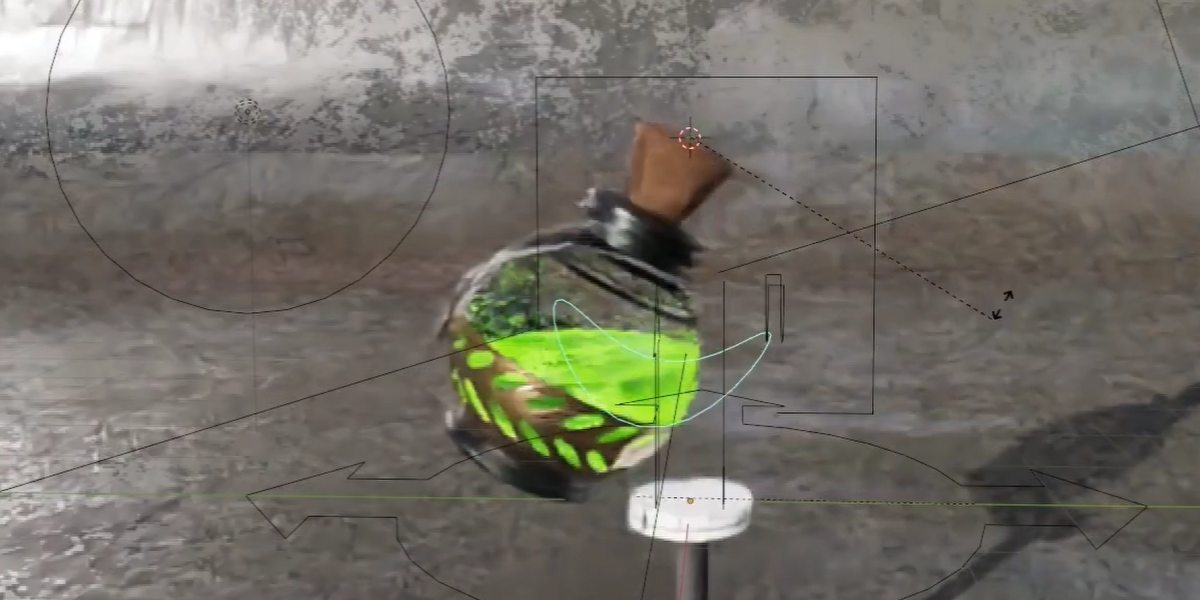
Modulation 3D brings analog signal treatments into Blender. It can add scanlines, color separation, lowpass washes and distortion to an image or rendered scene. Apply the effect to a UV-mapped object in Material mode, or process the active camera render in Fullscreen mode.
Apply the effect to an object or a full render
Material mode works with a UV-mapped mesh and an image source. Fullscreen mode processes the active camera render, so the treatment applies to the frame. Adjust image brightness to reshape the carrier pattern while keeping the source visible inside each line.
Adjust signal and color
Controls include frequency, phase, distortion, lowpass, direction and orientation. For color, choose Grayscale, RGB, CMY, CMYK or HSV. A live viewport preview lets you see adjustments as you work.
Animate and render in Blender
Modulation 3D controls can be keyframed with Blender's standard animation tools. Render a PNG still or sequence, or add MP4 output with FFmpeg. The effect can use still images, image sequences and movies loaded in Blender.
Check the trial options
The Free trial previews Material and Fullscreen modes with fixed settings. The Full option allows control editing and animation, and supports baking Material frames and rendering Fullscreen frames. For current compatibility, trial details and version history, see the official Modulation 3D listing.