Search for images from Blender
Fast Image (Search & Download) is a CGMatter add-on for finding textures and reference images while working in Blender. Run Fast Image - search and enter a query to search Google Images, Bing, Pexels and Pixabay. Search from Blender without opening a separate browser.
Import and pack a selected image
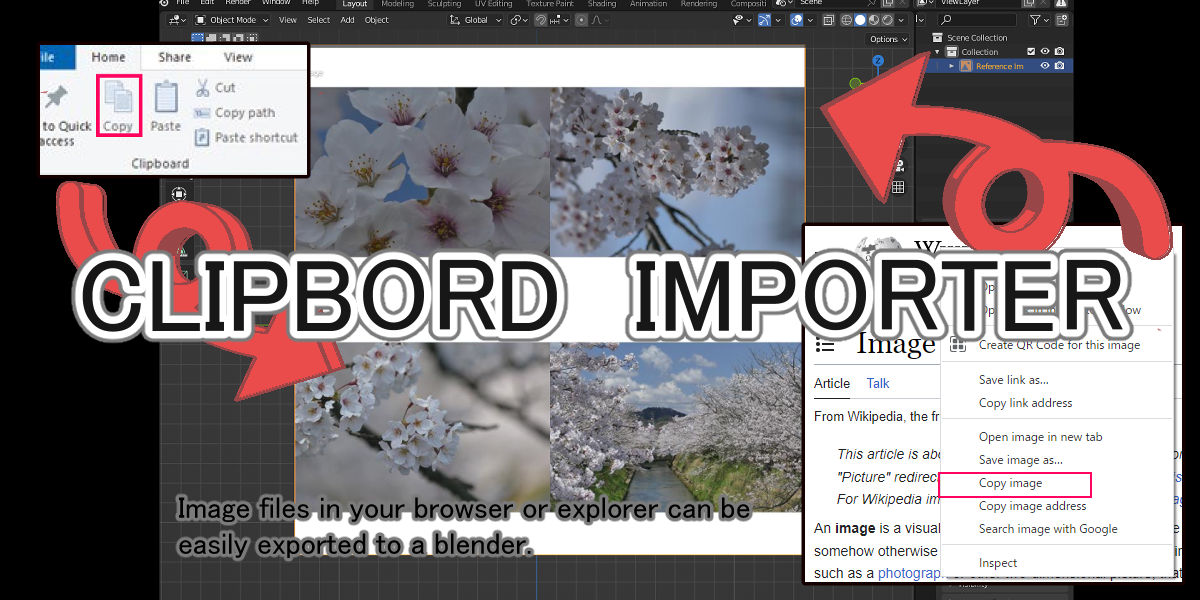
To bring an image into your project, right-click it at its source and copy its image address. The product FAQ distinguishes this from copying the image itself. Return to Blender and run Fast Image - Download; the add-on reads the address from the clipboard, imports the image and packs it into the .blend file.
CGMatter estimates that this method works around 99.9% of the time, while noting that some websites try to prevent it. An image address may still fail to download.
See the product FAQ for the developer's download instructions and notes.
Shortcuts and compatibility
The default search shortcut is Shift + Ctrl + I. The download shortcut is Shift + Ctrl + Alt + I. Both can be changed in the add-on preferences.
The Superhive listing identifies Blender 4.2 as the listed Blender version and marks the add-on as Blender Extension Compatible. The developer's FAQ says it has been tested on Windows and Mac. Linux should be compatible, but the developer has not tested it. The FAQ's installation note is to drag the add-on ZIP into Blender, as with other add-ons.