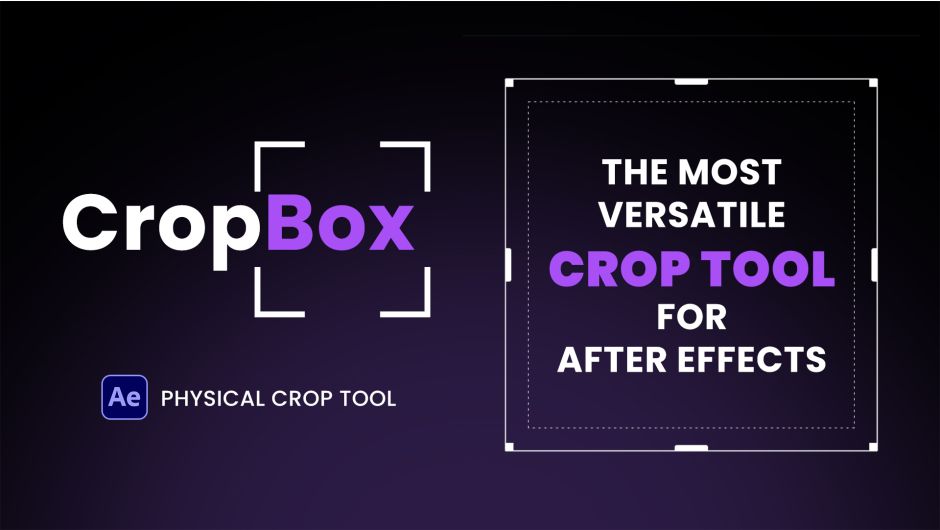
CropBox lets you frame a crop directly in the After Effects Composition panel. Drag and resize the on-screen frame, reposition it over the composition, then double-click inside the frame to crop. You can lock the frame to prevent accidental size or position changes. A customizable grid and center crosshair provide framing guides.
Align the crop and set its shape
The frame can snap to composition edges, layer edges, or a custom pixel margin. Adjust the snapping distance to control how close it needs to be before it locks to an edge. You can also show a pixel margin as a guide without enabling snapping to it.
CropBox includes 16:9, 9:16, 1:1, and 4:5 aspect-ratio presets, or you can frame freely without a fixed ratio. This suits work that needs alternate composition shapes or precise spacing around a subject.
Choose what the crop changes
You can crop the original composition, create and crop a duplicate, crop to a selected layer, or create a new composition from the cropped area. CropBox opens the resulting composition automatically so you can continue working. The duplicate option is useful when you want to keep the original composition intact while making a reframed version.
Compatibility and license
The product listing names After Effects 2024, 2025, 2026, and 2027 as compatible versions. CropBox's posted EULA grants one copy and permits one archival copy stored on a medium other than a hard drive. It restricts installation or use on more than one computer at a time and prohibits use on systems that allow multiple users. Additional copies or users require an appropriate license for each user and copy. The product listing displays a Floating License Server requirement for CropBox, but its supplied text does not identify which license option it applies to. In its License Type FAQ dated November 5, 2026, aescripts says the server is required for Floating and Render Only licenses, while Single User Licenses do not require it.