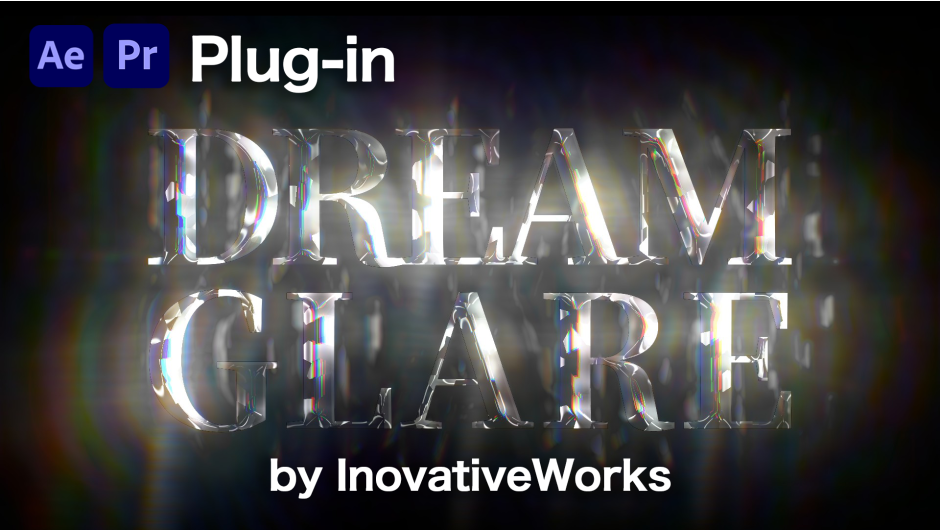
What DreamGlare does
DreamGlare is a video effect for Adobe After Effects and Premiere Pro. It builds colored glare from image highlights and can add a spectral rim along a lit subject edge. Apply it directly to footage, a title, a logo or a product-shot layer; the effect does not require a precomposition.
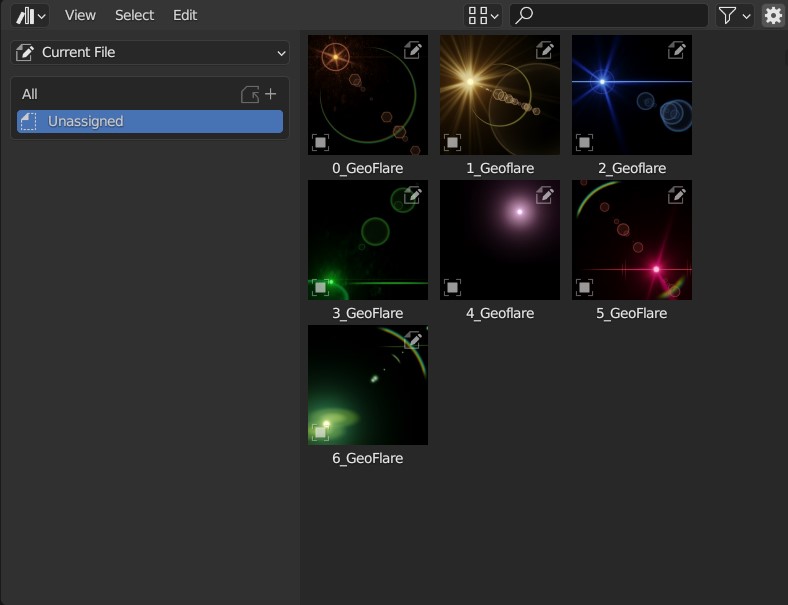
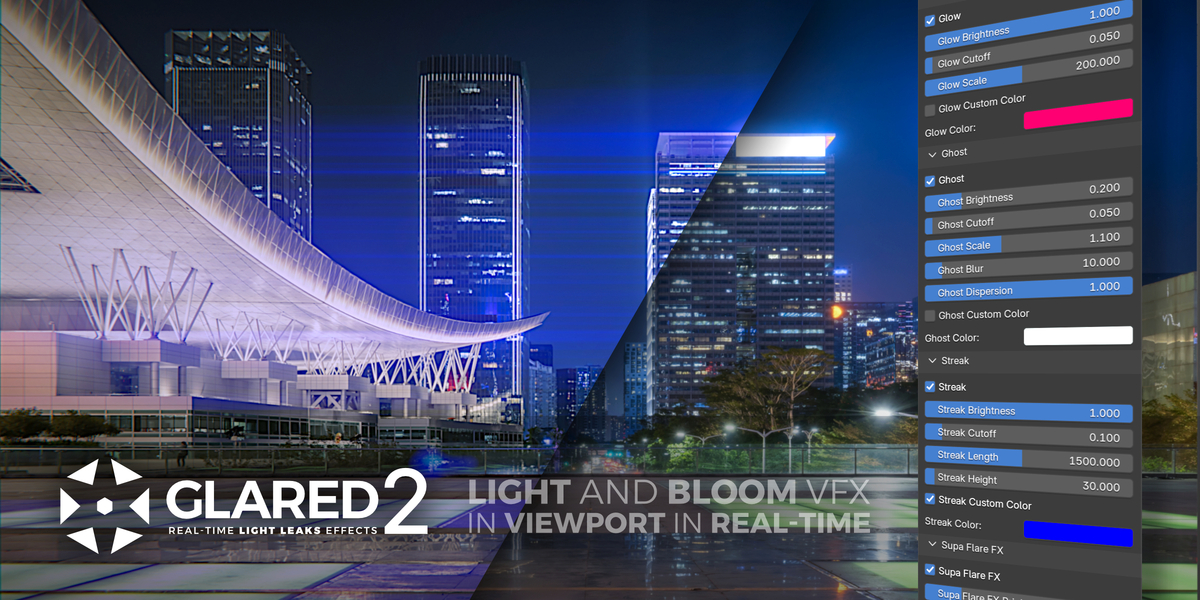
The five glow engines add into one buffer; Edge Lift sits on a separate plane with its own blend. Halation creates a soft bloom through multiple blur stages. Glory Ring makes a rainbow halo around a point light, while Prism Streak sends directional rays from highlights, with symmetry ranging from one beam to 12-way. Edge Wrap follows an alpha or luminance edge and appears where the image is lit. Edge Lift separates an outline from the image and splits it by wavelength. Eye Glare adds a soft fan of beams and ghost copies of bright lights; it is off by default and stays fixed to the screen between frames.
Shape the light
The effect includes 25 presets, with starting looks for titles, anamorphic streaks, eclipse rings and night lights. The Dispersion control sets the color spread and direction: positive values put red on the outside, negative values put blue outside, and zero produces a white glow. Start with a preset, then adjust its controls. Prism Motion adds movement: Boil breaks the glow into small parts, Shift slides it along an angle, and Flow diffuses it band by band. Raising Sway Amount makes each Glory Ring order, Prism Streak arm and Sparkle star turn and slide on its own rhythm; Sway runs on time alone, requires no keyframes and is safe with Multi-Frame Rendering.
Threshold determines which highlights feed the glare. It measures brightness, so white type passes at the default setting while a saturated color such as orange may not. Use View > Highlights to see which parts of the image pass. Highlight Compactness can restrain streaks from spreading across a broad, uniform bright field such as a sky. Edge Wrap has a separate Luma Edge Threshold; if its rim breaks into dots, the threshold may be sitting on the background, so adjust it.
Compatibility and working limits
The listed requirements are After Effects 2024 or later and Premiere Pro 2026 or later, on Windows or macOS. The Windows build requires an AVX2-capable CPU. DreamGlare supports 8, 16 and 32 bits per channel and Multi-Frame Rendering. One copy in Adobe's shared plug-in folder can serve both host applications, using the same effect, presets and license.
The product listing says one license covers Windows and macOS. Its EULA grants one copy for one computer and restricts use across multiple computers or users; multiple copies or users require an appropriate license for each copy and user. Check the license terms before planning a multi-seat setup.
DreamGlare reads its input as sRGB-encoded. In a linearized or linear OCIO working space, it picks up highlights differently and its presets will not match; for now, use a non-linear working space when matching those looks matters. The developer also notes that moving layers with Expand Bounds can shift Sparkle angles or streak texture, and a Region of Interest render can differ slightly from a full-frame render. Eye Glare ghosts are the heavier option: the developer reports about one-third more render time at 1080p in its tests, while the beams alone add little.