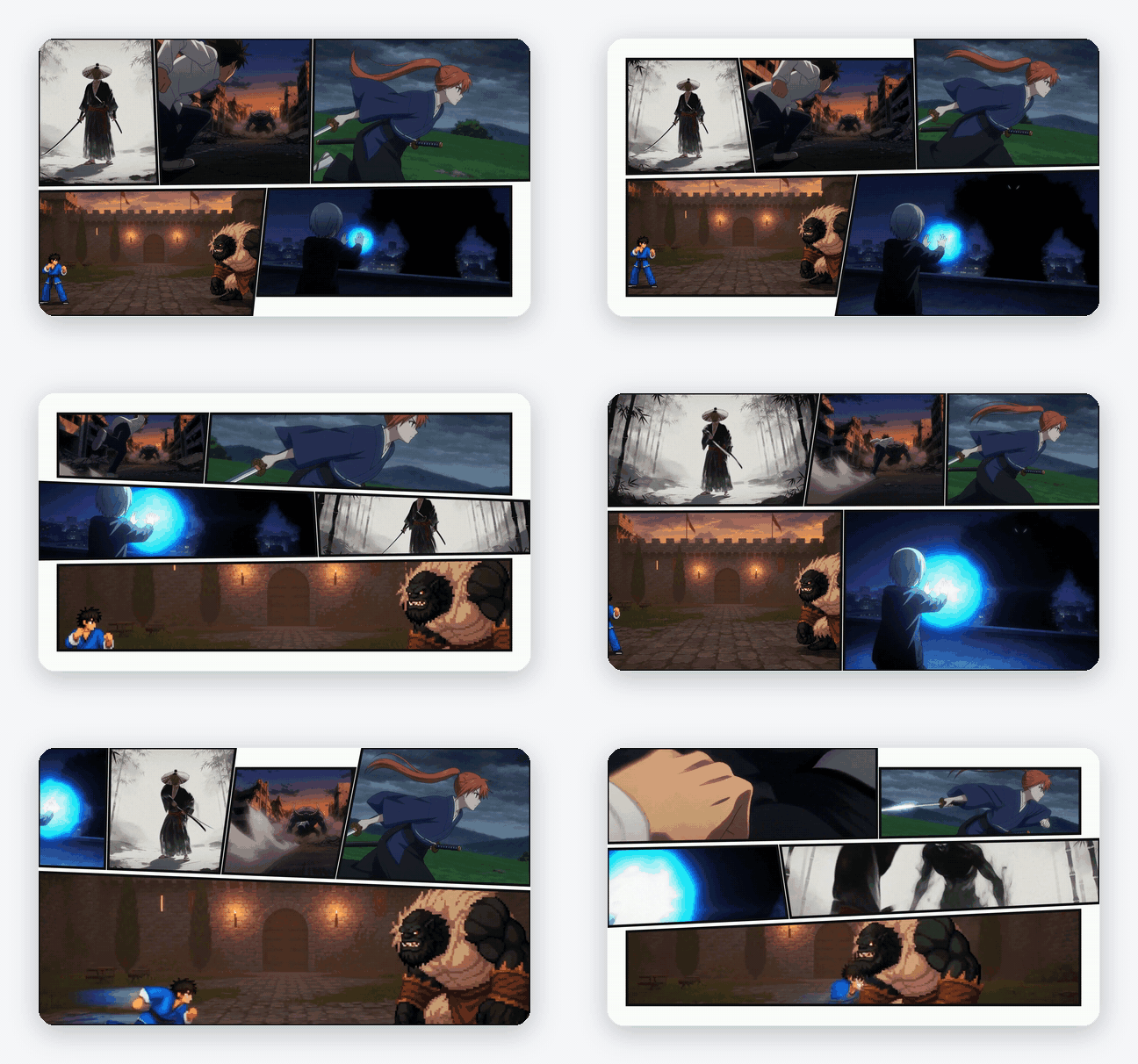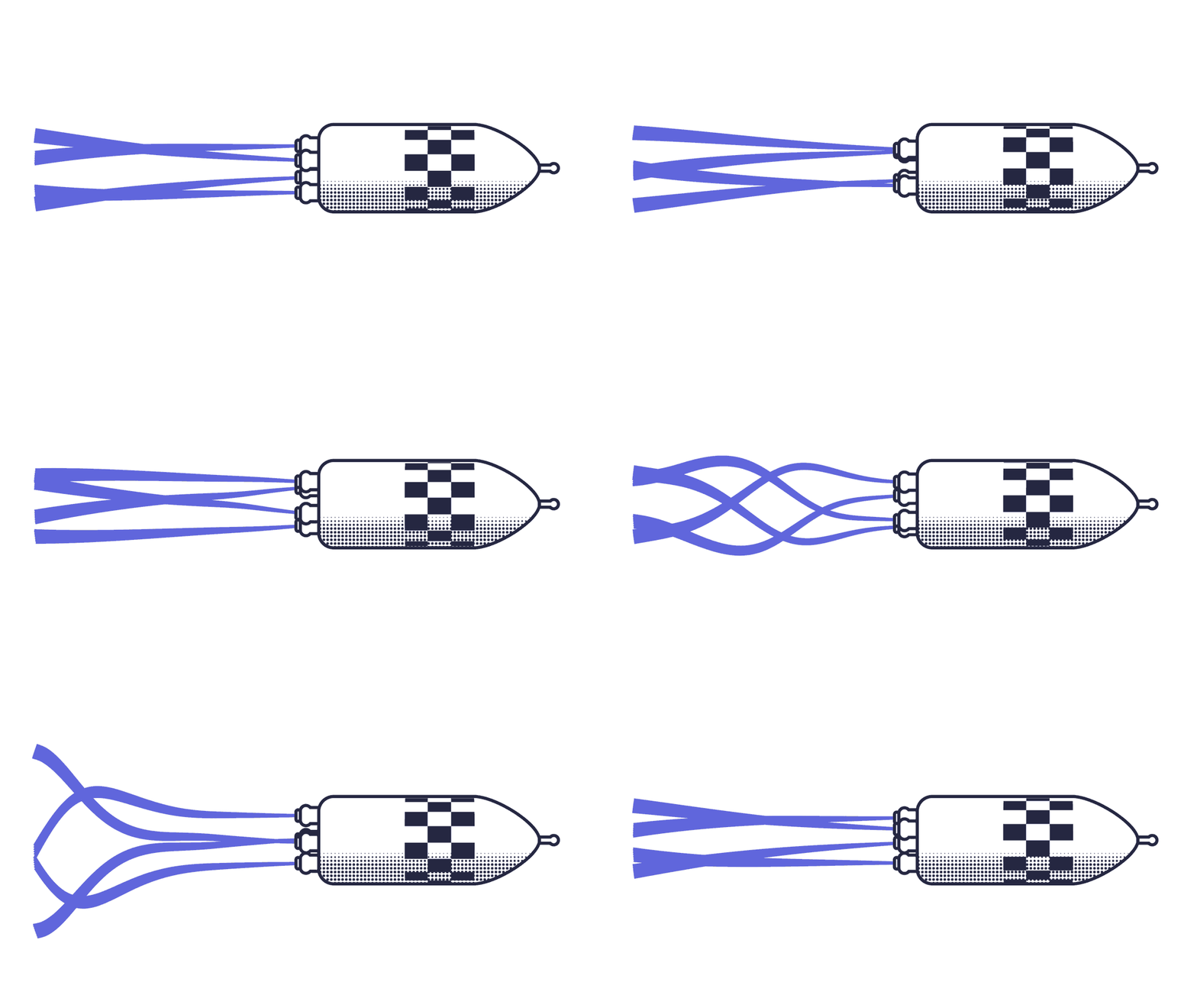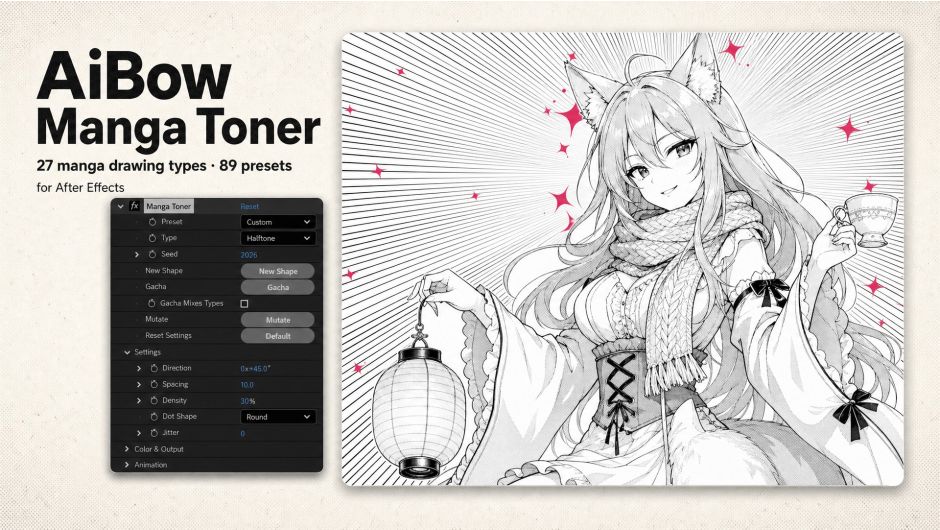
AiBow Manga Toner creates manga-style effects directly in After Effects. It suits artists making action graphics, motion comics or stylized video overlays who need focus lines, speed lines, hatching, screentones and decorative shapes in one effect.
Drawing types, patterns and presets
The effect includes 27 drawing types, from focus and flash lines to rain, cross-hatching, halftones, stipple, sparkles, flowers, bubbles and snow. It also includes 19 traditional and graphic screentone patterns, which can be tiled, scaled and rotated. The controls shown change with the selected type, so the panel displays settings relevant to the current effect.
There are 89 presets. A preset sets the type and its settings, along with color and background. Set the center on a subject once; it stays in place when you switch presets. Gacha randomly resets all settings while keeping the current type; Mutate slightly changes the current look, and New Shape changes only the line placement.
Layering and animation
Multiple instances can be applied to one layer, such as focus lines with a separate sparkle or tone effect. Each instance has its own color, opacity, background, composite mode and white-area handling, including options to cut out white or fill it. Boil redraws shapes every N frames to create hand-drawn jitter. Its deterministic seeds keep frames consistent when scrubbing or rendering again. The lines and dots use vector shapes, which the developer describes as crisp at 4K and at half resolution.
Basic workflow
- Create a solid and apply Effect > AiBow Tools > Manga Toner.
- Use the crosshair beside Center to place the effect's center on the subject.
- Choose a preset or drawing type, or use Gacha to explore settings.
- Add more instances on the same layer to combine effects.
Compatibility and license
The listing supports After Effects 2024 through 2027. It lists Windows 10 or 11 (64-bit) and macOS 11 or later on Intel or Apple silicon. A GPU is not required; 8, 16 and 32 bpc color depth and Multi-Frame Rendering are supported. On macOS, the product notes say to remove the downloaded plug-in's quarantine flag in Terminal after copying it, using the command in the manual, or macOS may block it.
The product EULA grants one copy for use by one user on one computer at a time. Additional users or copies require appropriate licensing.