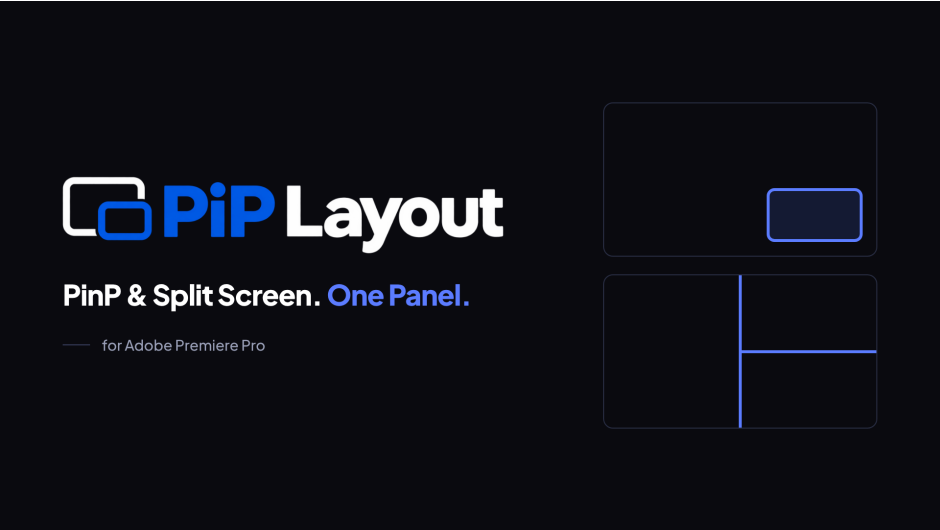
PiP Layout by EDITBITS is an Adobe Premiere panel for arranging picture-in-picture and split-screen clips. It groups placement, sizing, cropping, borders, rounded corners and drop shadows in one panel, with changes shown in the Program Monitor as you work. It is aimed at edits such as interviews, podcasts, reactions, tutorials and vertical social video.
Position and reframe clips
Place a picture-in-picture box by choosing an anchor on a 3×3 grid, nudging it with the arrow controls or dragging it in the panel preview. Resize with the corner handles, or enter width and height as percentages with the aspect ratio linked. To reframe the shot inside the box, zoom into the source and move its center point with the center pad. Cropping does not change the box position.
Style the picture-in-picture
Each clip can have up to two borders, each with its own color, thickness and opacity. Set the corner radius from 0 to 100 percent, including a circular crop, and adjust a drop shadow's direction, distance, softness and opacity. These controls are available in the same panel as placement and crop.
Create split-screen layouts
Choose a two-, three- or four-way split, or use a vertical 9:16 layout. Click a cell to place the selected clip, then crop and reframe the content in each cell. Dividers can have their own color and thickness. You can also shrink the cells to reveal the background around them.
Reuse a layout
Live Apply sends changes to the selected clip as you make them. Save a look as a preset to reuse it on another clip, or use Load from Clip to reopen and continue editing settings already applied to a clip. One-click removal clears the effect from the selected clip.
Compatibility, trial and installation
PiP Layout supports Adobe Premiere 25.6 or later on Windows and macOS, subject to Adobe's requirements for that version. PiP Layout uses CUDA on NVIDIA GPUs in Windows and Metal on macOS where GPU acceleration is available; it renders on the CPU when GPU acceleration is unavailable. The panel is available in English and Japanese.
You can run the trial without a license, but it places a semi-transparent EDITBITS logo in the center of the output. Registering a license removes the logo; restart Adobe Premiere afterward. Install through the aescripts + aeplugins Manager App; manual installation steps are in the included PDF. See the PiP Layout product page for the current product details.