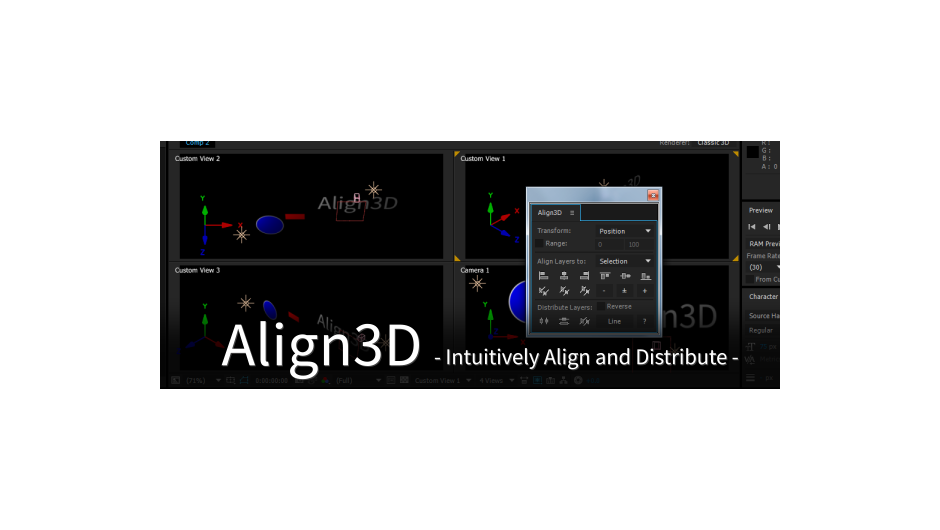
Align3D is an After Effects script for aligning or distributing selected transforms in 3D space, including along the Z-axis.
Transform properties
Align3D can target Position, Anchor Point, Scale, Rotation, Orientation, Opacity and Point of Interest. Its range option can be switched on or off and assigned a value.
Aligning and distributing transforms
- Select the target transform.
- Optionally turn the range setting on or off and set its value.
- Choose an alignment option if needed.
- For distribution, optionally check the reverse option.
- Click the corresponding button to apply the operation.
Compatibility and licensing
The product page lists After Effects CC 2019, CC 2018, CC 2017, CC 2015.3, CC 2015, CC 2014, CC and CS6. It does not establish compatibility with later releases, so check support for your After Effects version before relying on it.
Align3D is listed as Name Your Own Price. The page shows a suggested price of $29.99; individual users may pay another amount, while businesses and teams must pay the suggested amount for a valid license. The product EULA grants one copy and requires appropriate licensing for additional copies or users.