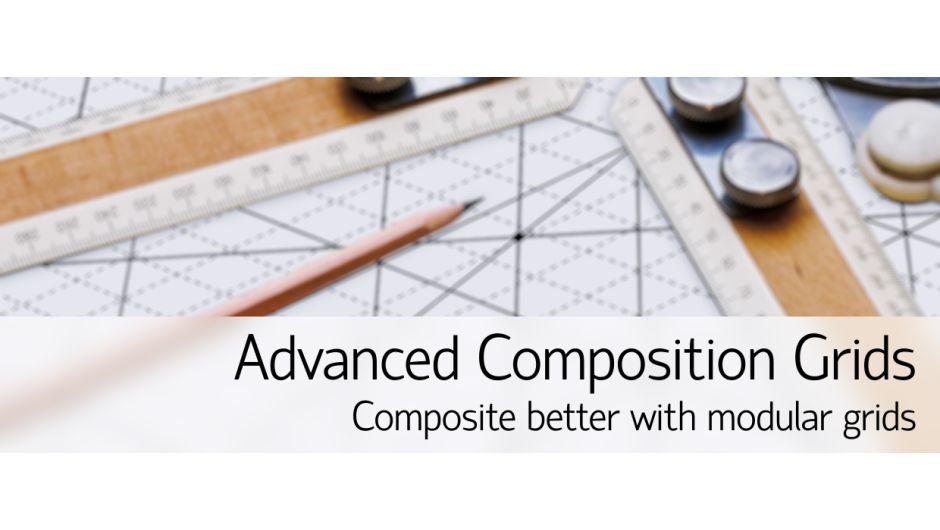
Advanced Composition Grids adds adjustable layout and composition guides to an After Effects comp. Grid choices include rule of thirds, proportional squares, diagonals with a center cross, safe margins, hexagons, isometric layouts, golden rectangles, rows and columns, a golden spiral and Phi grid, the diagonal method, and center and symmetry guides. Use these references to position visual elements against a chosen structure while working on a composition.
How it works
Choose a grid and click Draw! The tool adds it over the comp as a guide shape layer. Guide layers do not appear in the rendered output, and one undo removes the grid.
Editing the guides
The grid remains editable after it is drawn. Adjust its size, spacing, and toggles through the layer's effect controls, then change colors and stroke width in the shape groups. Version 2.0 keeps grid parameters editable on the layer, remembers the last-used grid between sessions, and was rewritten to avoid shared-engine pollution with other scripts and extensions.
Compatibility and licensing
The compatibility listing includes After Effects versions from CC through 2026, including CC 2014, CC 2015, and CC 2015.3. The license covers one copy on one computer at a time. It also permits one archival copy on storage other than a hard drive for reinstallation. Multiple users or computers require an appropriate license for each user and copy.
The listing shows $9.99 as the suggested price. Individual users may pay any amount; businesses and teams must pay the suggested price for a valid license.