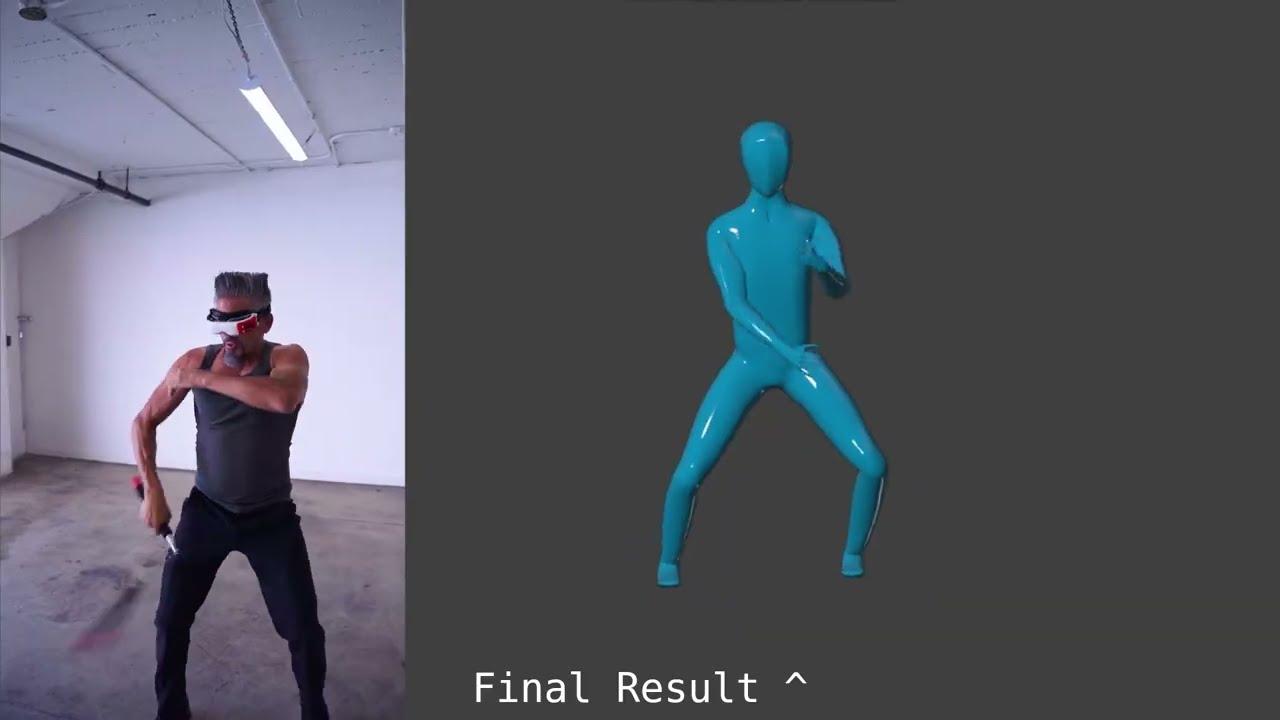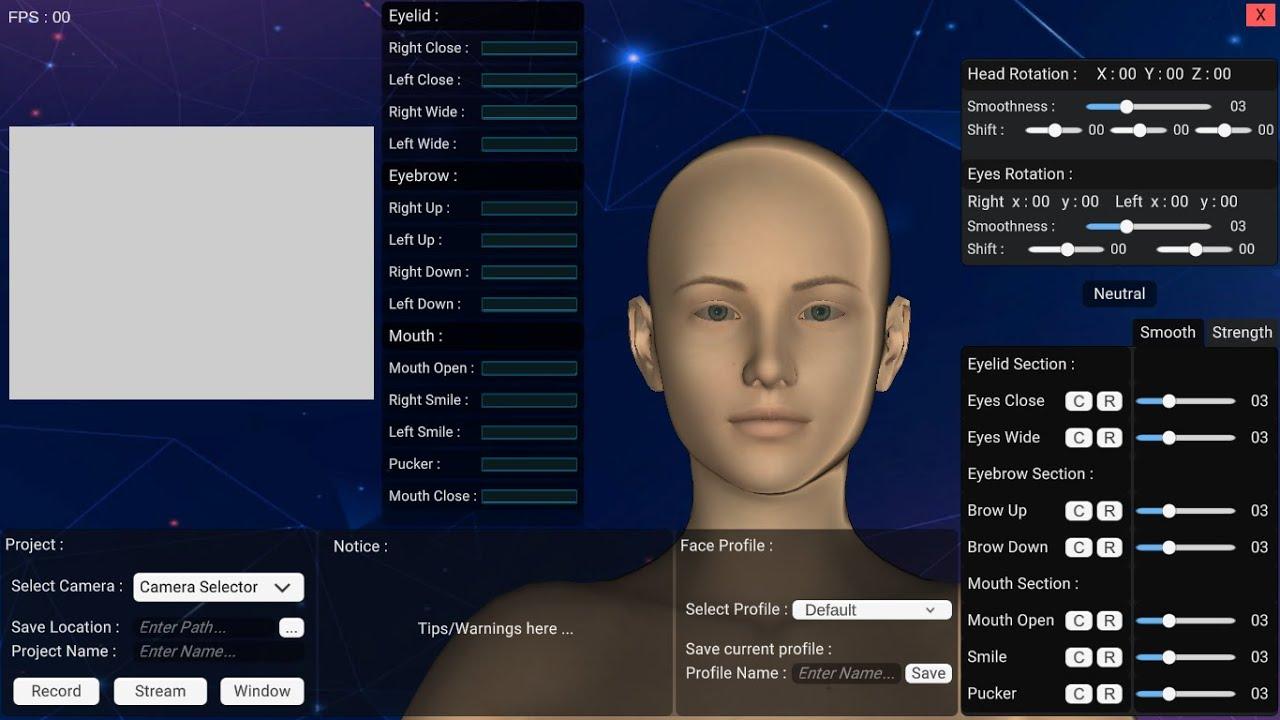
Ai Face-Markerless Facial Mocap captures facial motion from a webcam for use with characters in Blender. It requires a Windows computer and a webcam that supports 30 fps recording. The product page says a depth sensor or iPhone is not required. Its workflow uses a Windows program to record and generate facial animation data, plus a Python add-on that reads the data in Blender.
Capture and retargeting workflow
- Calibrate your face by capturing a neutral pose and extreme expressions.
- Optionally fine-tune the output, then record the animation data or stream it directly into Blender.
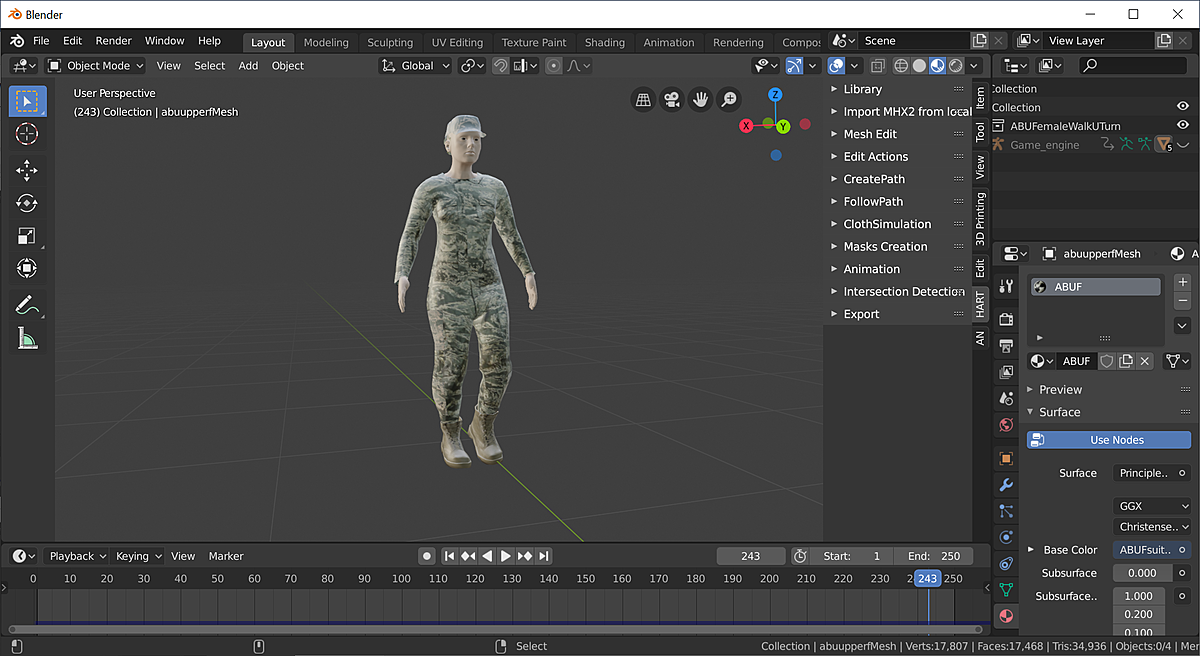
- Use the Blender add-on to apply the captured data to your character.
The tool includes a real-time animation preview, live recording, and head, eye, and expression tracking. You can record first and retarget later, or stream into Blender and record there.
Character requirements
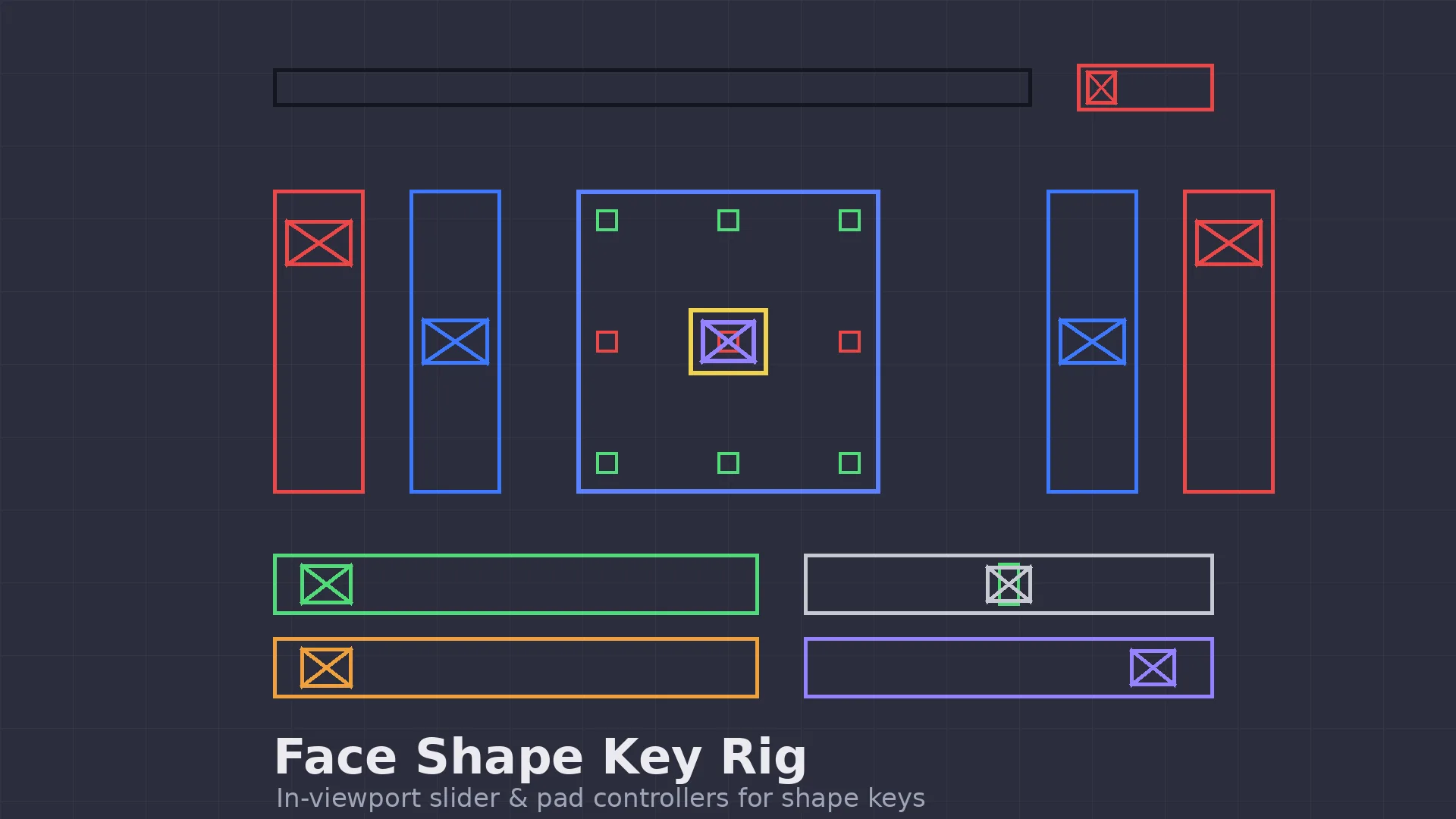
The character needs Apple ARKit shape keys with the expected names. The program can animate up to 24 of the 52 ARKit shape keys; the product page says a character can have fewer than 24, though having more of the supported keys is better. A head bone is needed only if you want head animation. Eyes can use bones or shape keys.
Windows and Blender compatibility
Superhive lists Blender 2.80, 2.81, 2.82, 2.83, 2.90 through 2.93, 3.0 through 3.6, and 4.0. Later releases are not named in that list, so check the product listing before using a newer version. The package is listed under the GPL license and includes the Windows executable, Blender add-on file, manual, and a demo .blend file. The product manual is linked from the listing.
Unity streaming and installation note
A product update dated August 28, 2021 added streaming to Unity3D, with a unitypackage in the product folder. The product page also warns that antivirus programs such as Norton and Kaspersky may remove files or block the camera feed because the program uses the Unity3D game engine. Check the product documentation if this affects your setup.