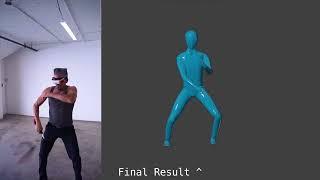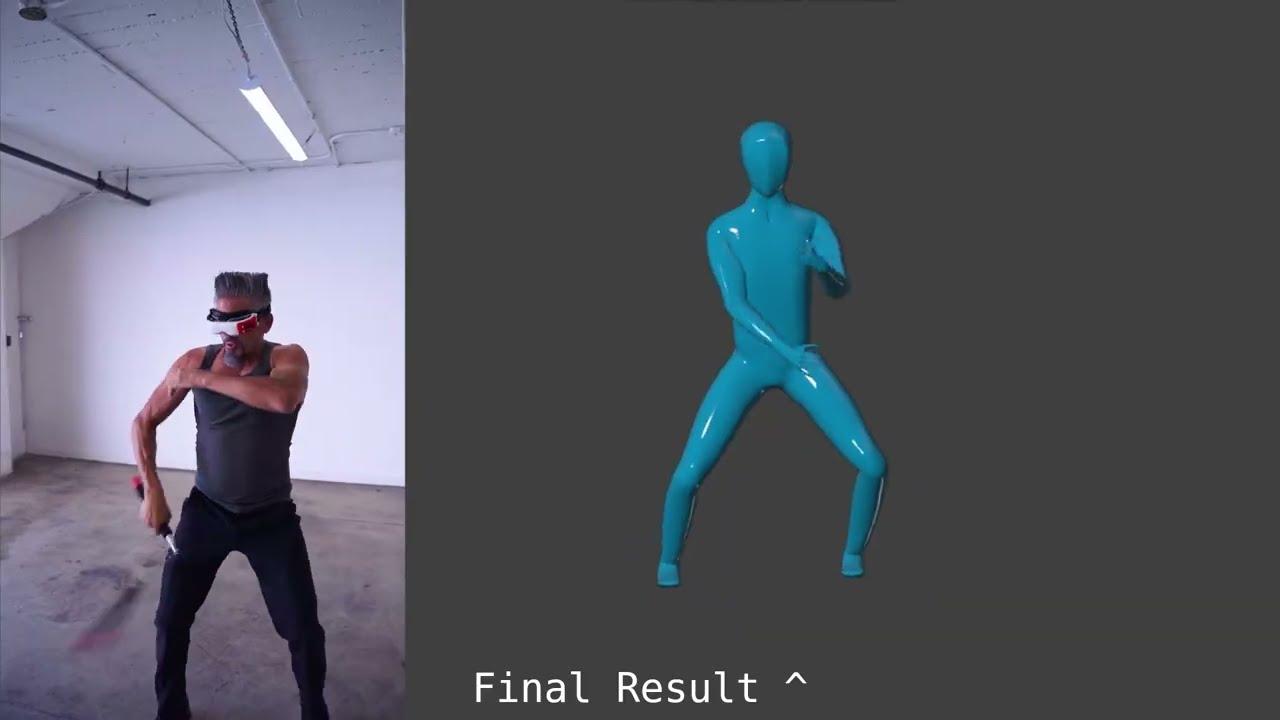
Mocap Pro is a Blender add-on from Stellart for capturing body, facial, and finger motion from video or still images, then transferring the result to a character rig. Its workflow includes capture, conversion to an FK skeleton, retargeting, and export. The product page lists its features, while the documentation describes setup and use.
Capture motion from video or an image
Before the first capture, the documentation says to install the dependencies and check that both the dependencies and Holistic model are ready. In Blender, open the Mocap Pro panel, enter the source path, and choose whether you are capturing body, facial, or finger motion. For a still image, enable the Motion Capture Image option, then click Motion Capture.
The capture creates motion empties. If the result needs adjustment, the documentation suggests changing tracking confidence values and using Show Tracking Preview to inspect the capture. To prepare the result for retargeting, use Skeleton Converter to choose the body, finger, or facial parts you need and convert them to an FK skeleton.
Retarget the capture to a character
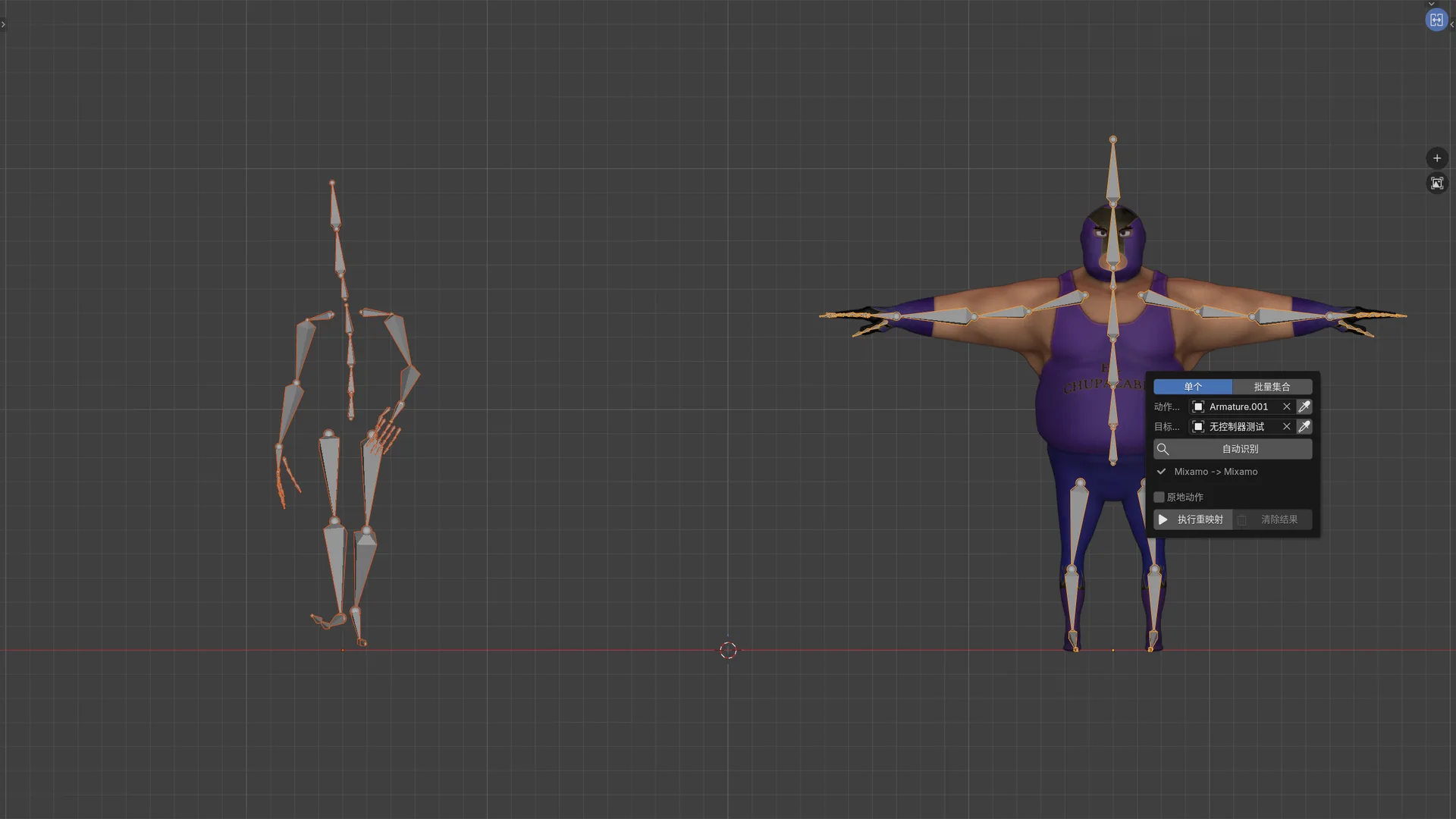
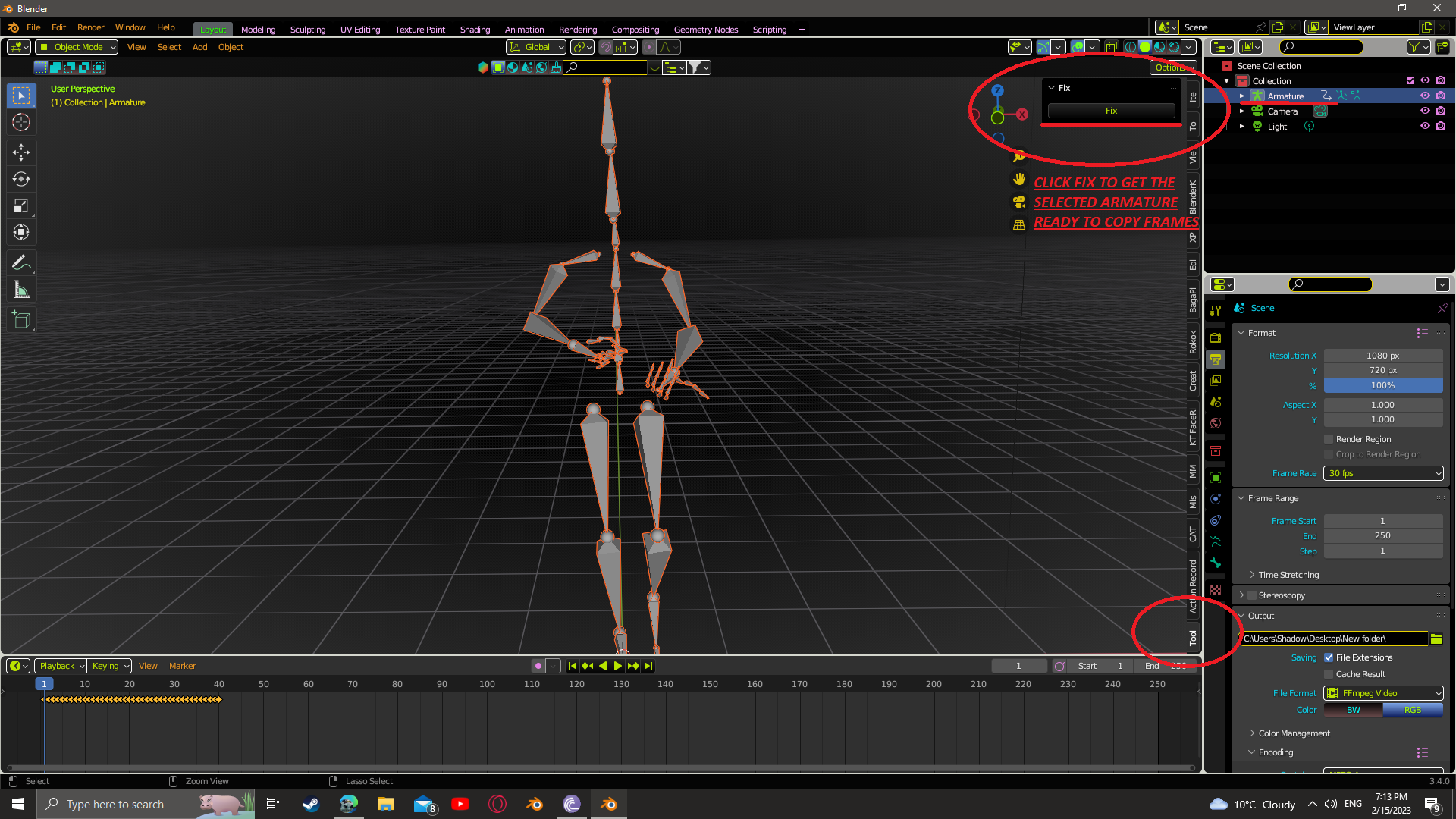
Choose the source and target armatures, then use Quick Name Match to build the bone list. Check that corresponding left and right bones have matching names before starting live retargeting. Review the result and use Bake & Make Editable when you are ready to finalize the animation.
If the source and target rigs differ in size, the documentation recommends enabling auto-scale when needed. For a target rig with IK bones, Mocap Pro includes an FK-to-IK solver; you can map the FK and IK bones yourself or use its detector.
Rigging and export options
The built-in Auto-Rigger can prepare a character in an A-pose or T-pose. Its setup uses a non-destructive workflow, and the documentation notes that bone placement may need a small manual adjustment. For delivery, the game-engine export tool supports FBX and GLTF. Choose the target or Universal option, select the format and export contents, then run Validate Export before exporting. Mocap Pro also includes BVH import, export, and presets for managing mocap skeletons.
Compatibility and local processing
The product listing names Linux and Windows support and lists Blender 5.1.0, 5.2.0, and 5.3.0. Stellart says processing happens on the computer and that an internet connection is not required, so video and capture data stay local. The documentation still calls for a first-use dependency and model readiness check. On Windows, it also notes that Blender’s installation folder needs write access for dependency setup; the product page points to the latest Microsoft VC_redist runtime if the add-on errors on first opening.