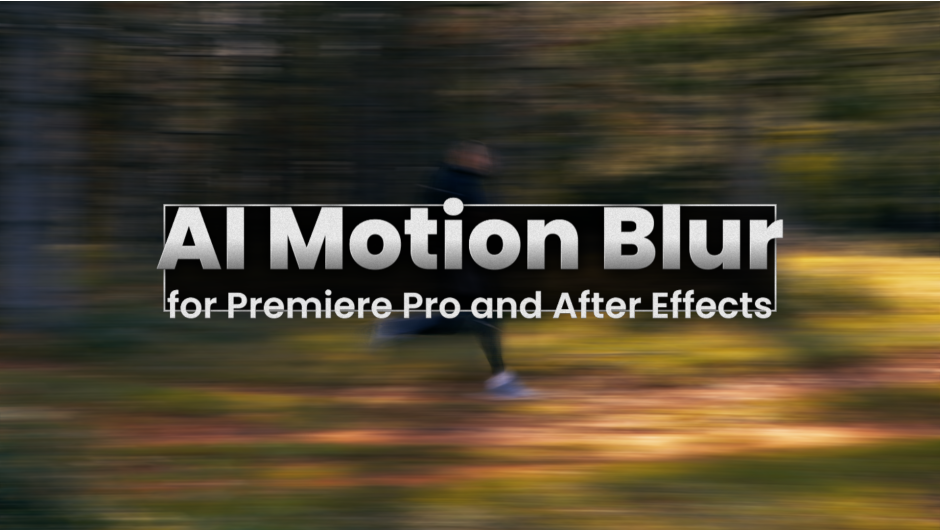
AI Motion Blur by Blace Plugins estimates movement in footage and adds motion blur in After Effects and Premiere Pro. It can help soften sharp digital footage or high-shutter video, and add motion blur to time-lapses, animation, abstract footage, and transparent 3D renders. Processing runs locally on your machine, according to the product listing.
Workflows and output
The effect works with RGB and RGB+Alpha layers, including transparent footage. That makes it useful when adding blur to a render that needs to keep its alpha channel. The output control can return either the blurred result or an optical flow map; the product listing describes the motion-vector output as HD resolution.
In Premiere Pro, add the effect to a layer to generate the blurred result. Both hosts include controls for adjusting the effect: Strength sets the blur intensity or exposure time, and increasing Blur Samples produces smoother transitions. Blur Border can smooth transitions between foreground and background edges, though the documentation warns it may cause artifacts when the background moves substantially.
Adjusting quality and processing
The 2025 model is the default and more modern option; the legacy model remains available for compatibility. The 2025 model also has a Speed vs. Accuracy setting, with Fast mode recommended by the documentation for systems with less than 8 GB of VRAM. Blur Quality trades memory use against visual quality. If a frame runs out of memory, Computation Tiles can split the work into smaller sections. GPU acceleration can speed calculations, especially on CUDA systems; the documentation notes that some models do not support non-NVIDIA GPUs.
Compatibility and license scope
The product listing names After Effects and Premiere Pro 2024, 2025, and 2026. Its system table marks Windows with an NVIDIA GPU of at least 8 GB and Apple Silicon on macOS Sequoia or newer with at least 16 GB of RAM as supported. It labels Windows with a non-NVIDIA GPU of at least 8 GB as very slow and marks other macOS configurations as unsupported.
The posted EULA permits one copy for one user on one computer at a time. Additional users or copies require an appropriate license for each. The product page offers license types to select, so teams should check the applicable option before purchase.