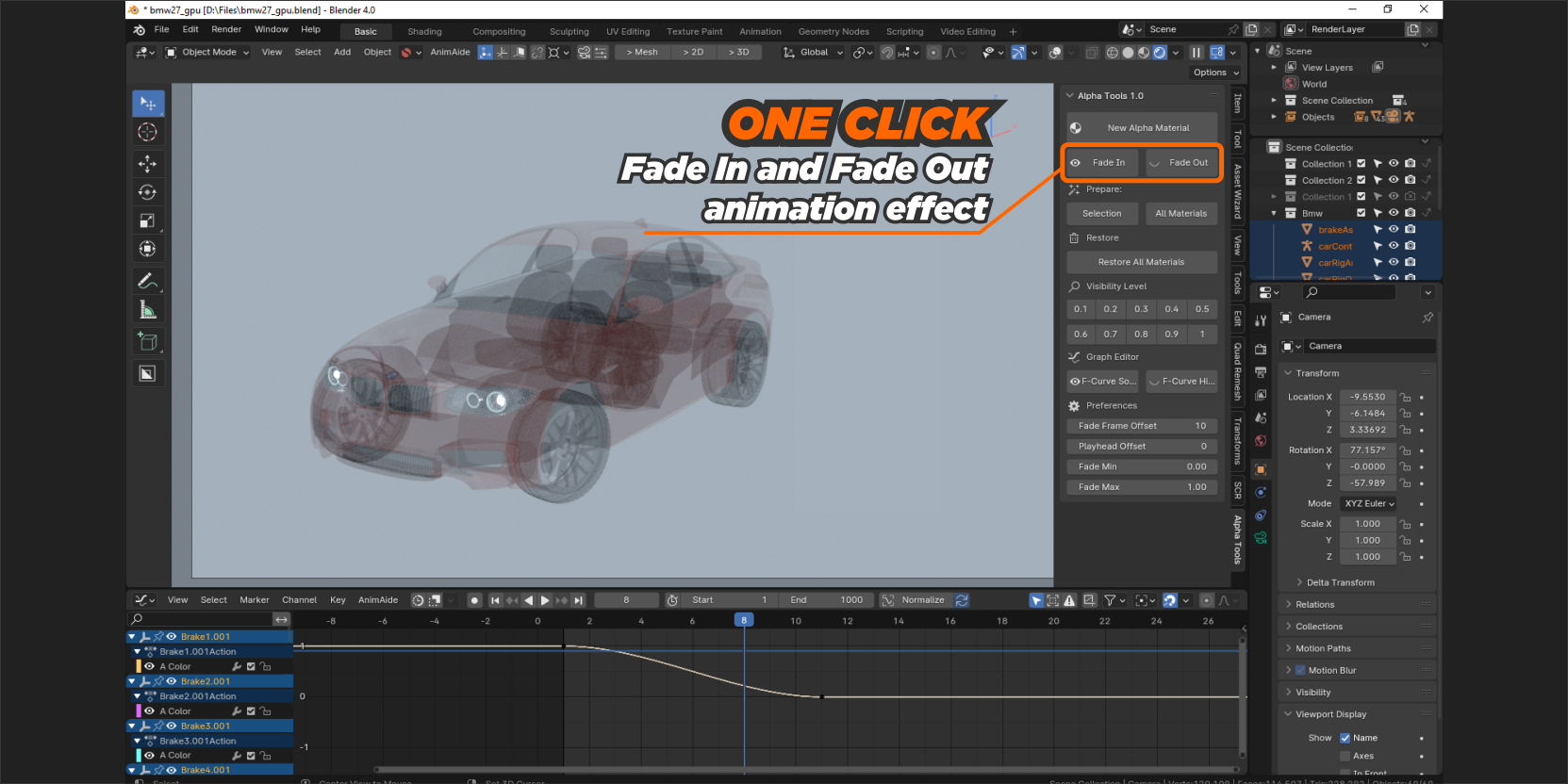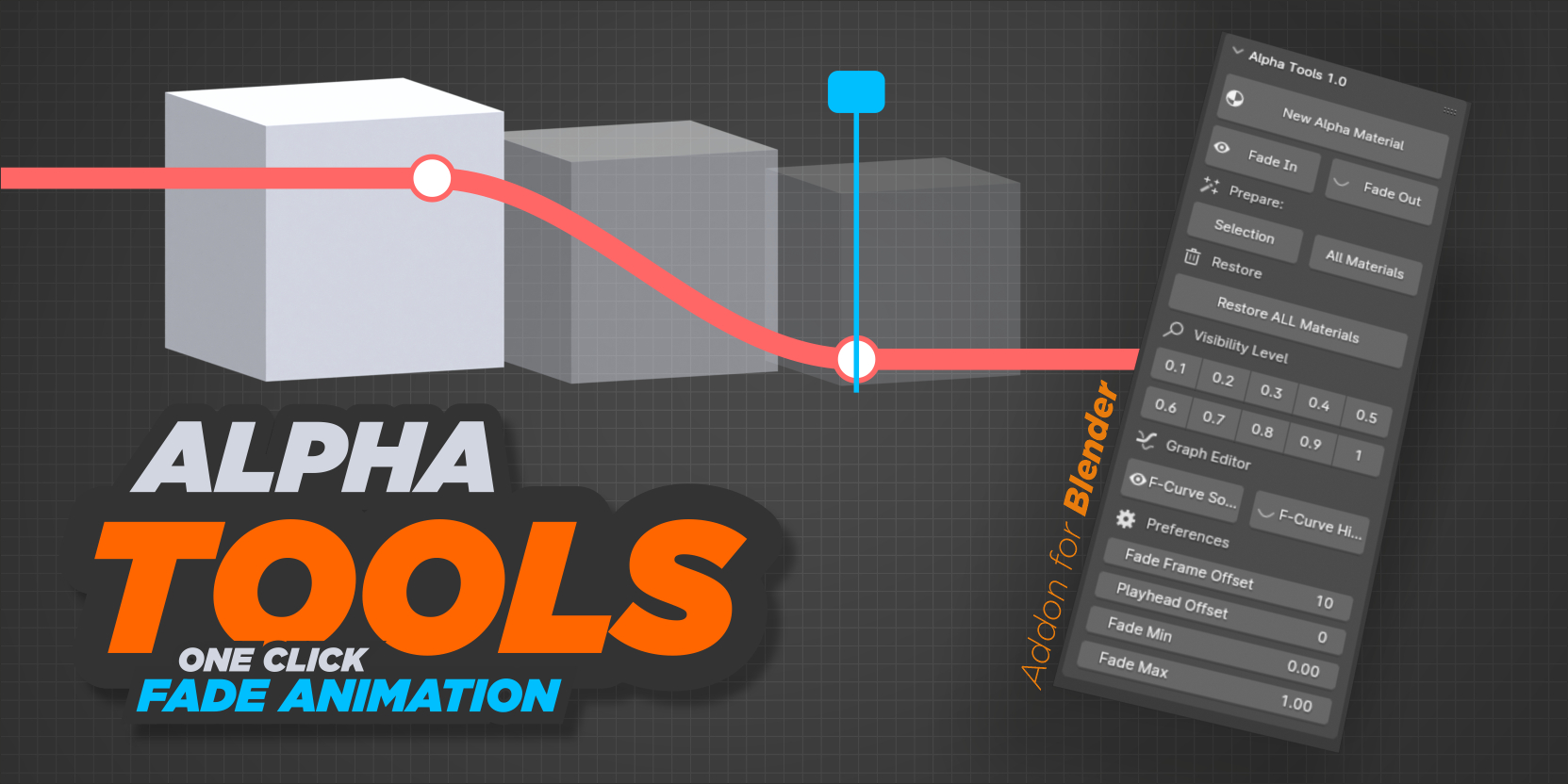
Alpha Tools is a Blender add-on for configuring transparency in materials and objects. It can prepare materials with the nodes needed for transparency, adjust alpha levels on selected objects, and make fade-in or fade-out animations with one click.
Transparency controls for objects and materials
The add-on can modify materials across a scene, including materials that are not assigned to objects. Its controls cover blend mode, shadow mode, and backface culling. When several objects share a material but need different blend settings, a dedicated operator can assign a single-user setting to specific materials. Alpha Tools can also remove complex node settings.
Fade animations and version 1.6
During Fade In and Fade Out operations, version 1.6 adds keyframes for the Disable in Render parameter. The update addresses artifacts that could occur when an object was hidden only through its alpha channel. Earlier updates added controls for blend mode, shadow mode, and backface culling, and version 1.1 retained the Blend Mode and Shadow Mode values when their initial values differed from Opaque.
Blender compatibility and license
The Superhive product listing lists Blender versions 3.5 through 4.4, the Cycles and Eevee render engines, and a GPL license. Check the listing for current compatibility details and product documentation.