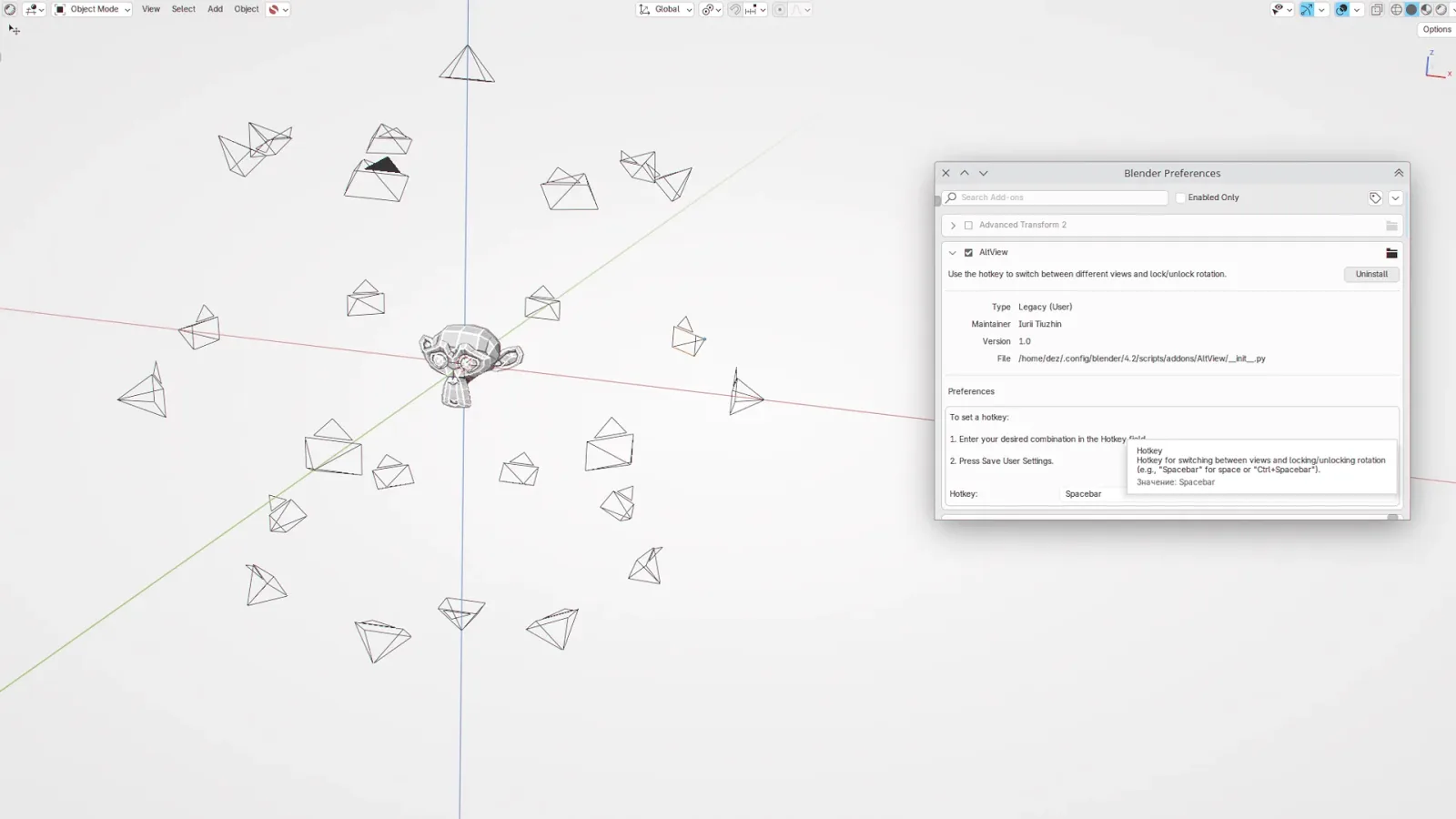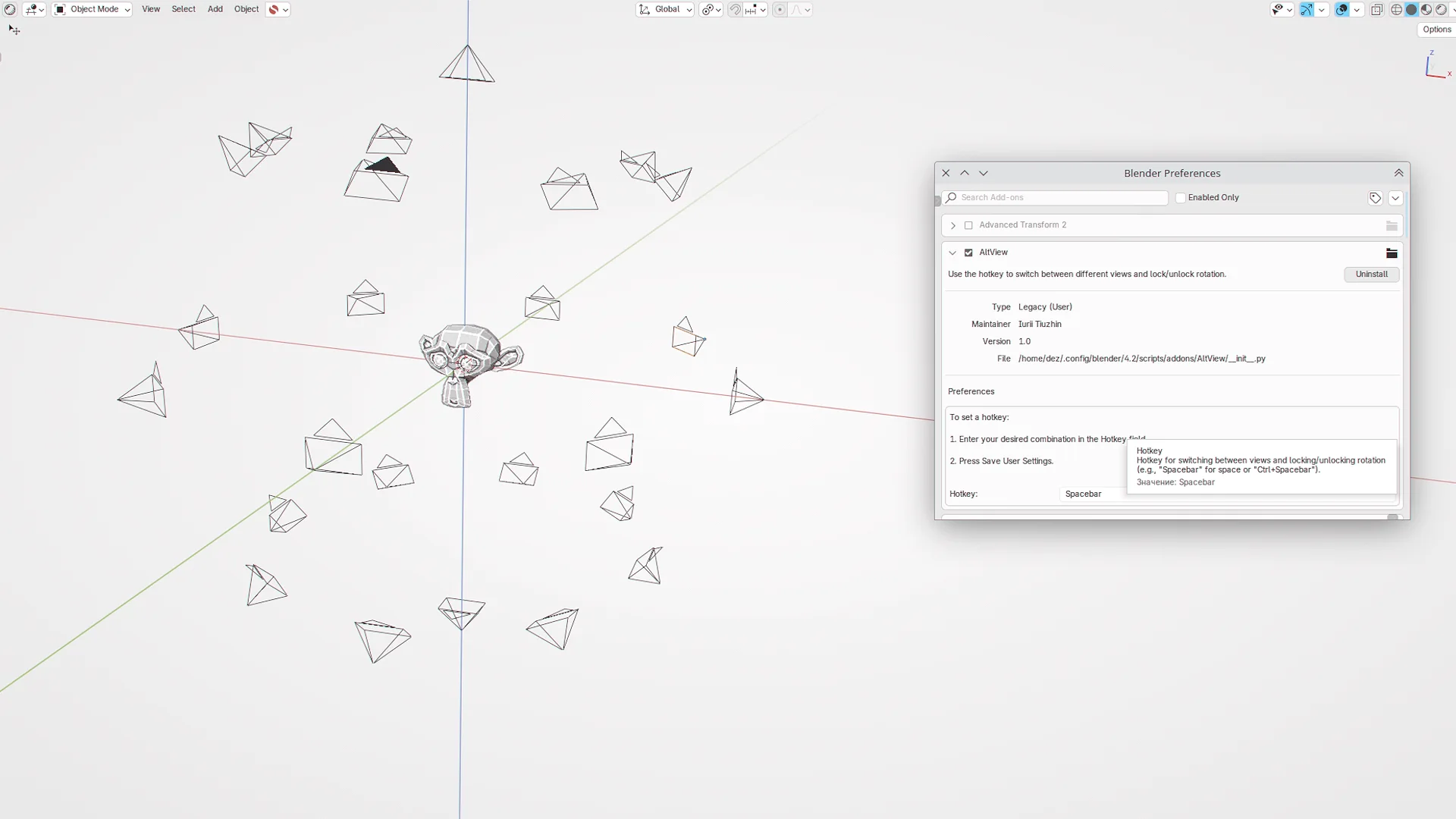
AltView is a Blender add-on for switching among preset views and locking or restoring viewport rotation with a hotkey. The Blender Extensions listing identifies version 1.0.1, a minimum Blender version of 4.2.5, maintainer Iurii-Tiuzhin, and the GPL-3.0-or-later license.
How AltView switches views
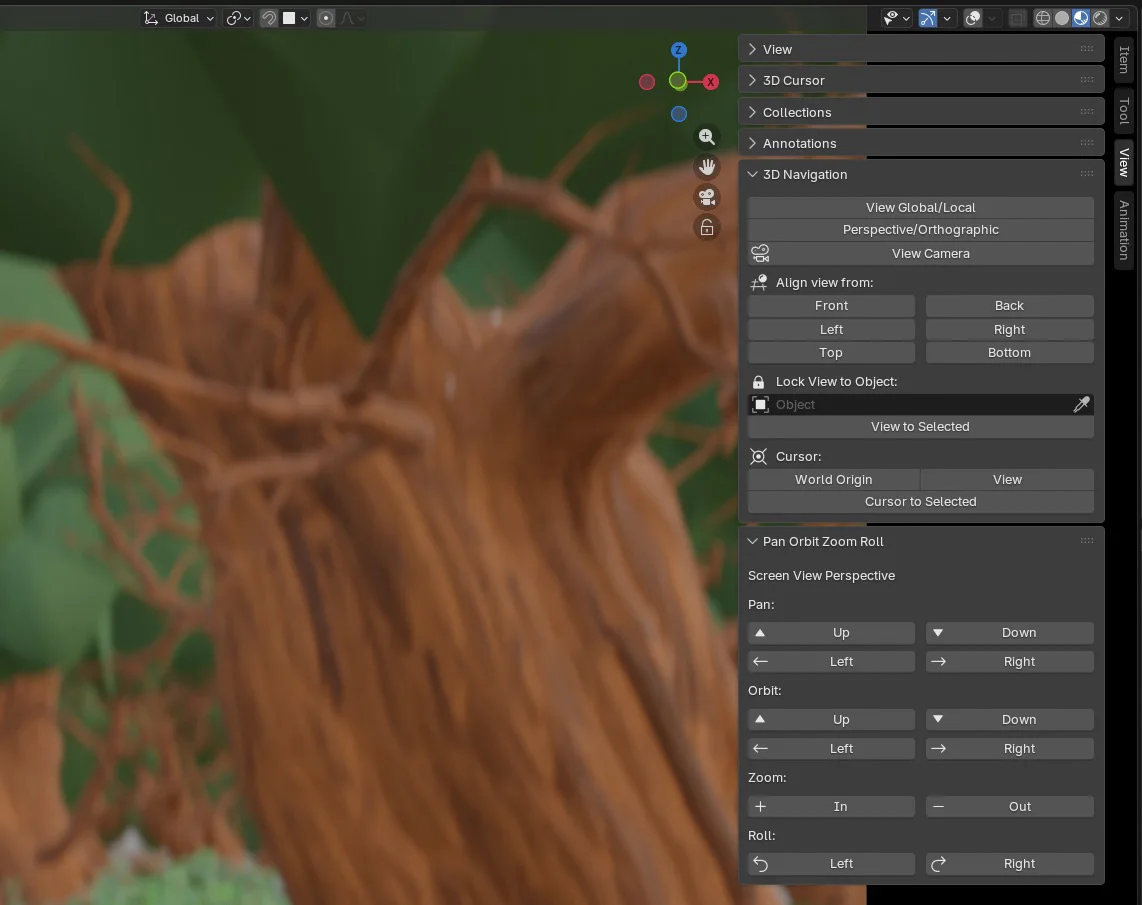
AnyPlugins' listing describes 200 predefined views, including standard front, top, and left angles as well as diagonal angles. AltView uses a two-press cycle: the first press moves to the nearest preset orthographic view and locks rotation; the next restores perspective and unlocks rotation. This may suit Blender users who switch angles often or want to keep a chosen viewport angle steady while using a 3D mouse.
A review on the Blender Extensions page reports Shift-V as the default shortcut and describes using AltView to keep the view from changing accidentally. The reviewer also found the preset behavior unclear. Treat the shortcut as a user-reported default, and check the add-on's keymap after installation, especially if Shift-V is already assigned in your setup.
Compatibility and installation
The extension record lists Blender 4.2.5 as the minimum version for release 1.0.1. The official listing provides the add-on download and links to Blender's Install from Disk instructions. Check the current listing for release details before installing if your project depends on a particular Blender version.
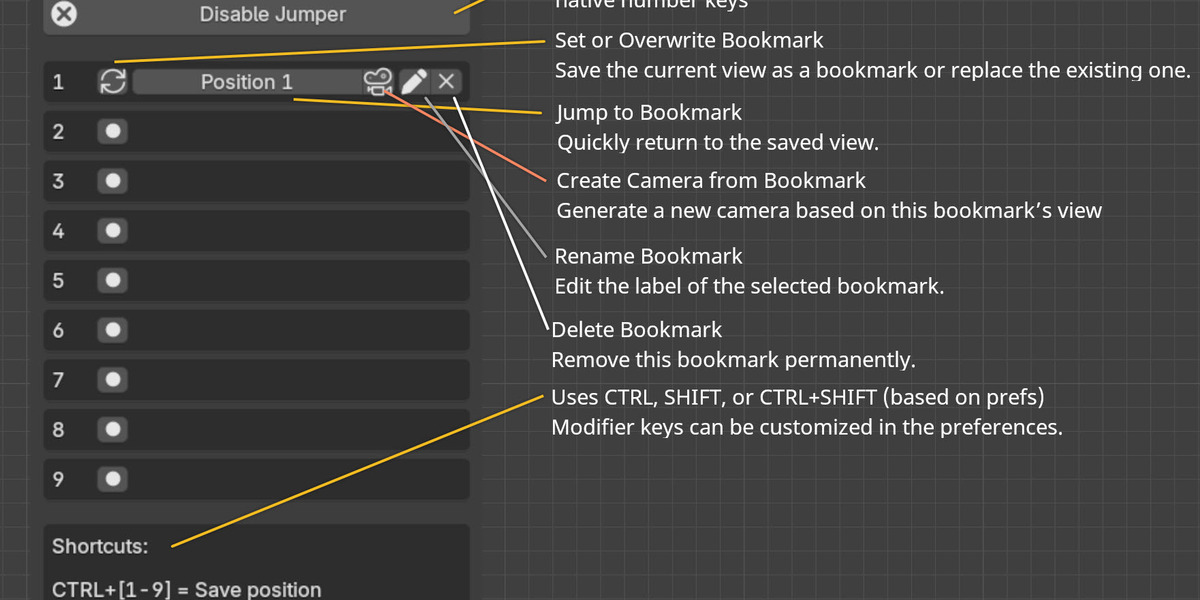
The supplied listings do not say whether AltView's presets can be customized; ask the maintainer before relying on that capability.