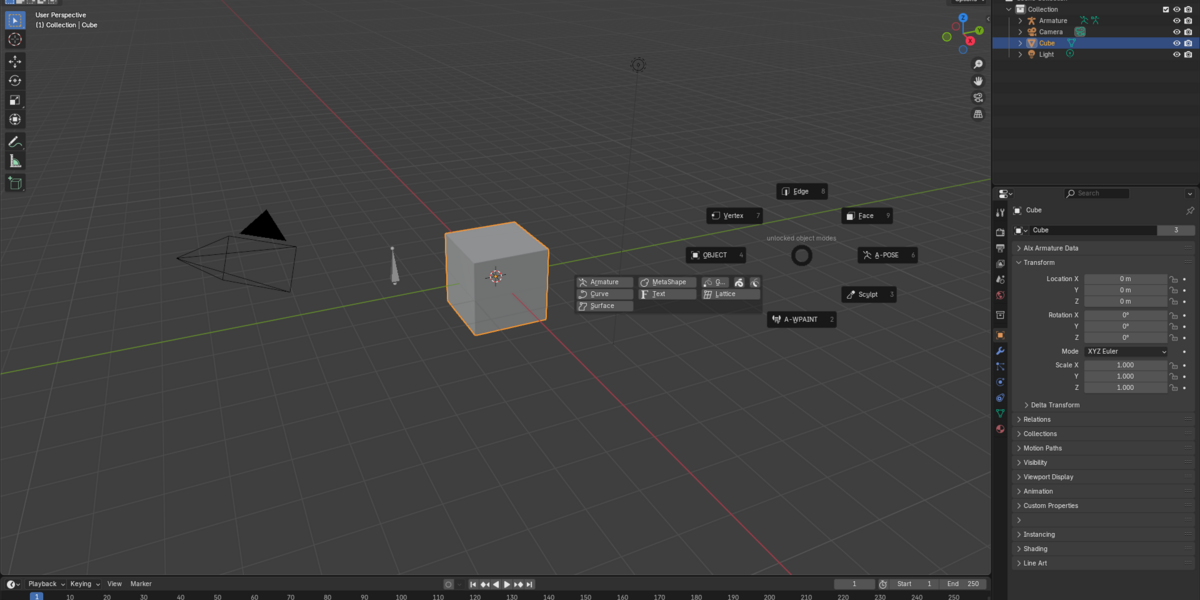
Alxoverhaul - Simplify Blender is a Blender add-on that brings frequently used mode, scene, modeling and rigging controls into pie menus, panels and assignable keymaps. Version 0.7.3 lists support for Blender 3.6, 4.0, 4.1, 4.2 and 4.3. Its toolset may suit artists whose work moves between modeling, weight painting, posing and retopology.
Switch modes and reach scene controls
The Tab pie menu opens Object, Edit and Sculpt modes, along with Auto Pose and Auto Weight Paint. Those last two options select the armature related to the active mesh. The Scene General Pivot menu, opened with Shift+S, brings snapping, transform pivot and transform orientation controls together and automatically disables the incremental save keybind.
The Alexandria General Panel, opened with Ctrl+Alt+A, includes an armature pose-position control that checks the context object even when the armature is not selected. It also groups object and collection isolation, which hides objects and collections that are not relevant to the current selection from the viewport or render, scene overlay toggles, split X-ray for bones and meshes, and retopology and wireframe overlays.
Tools for rigging, materials and retopology
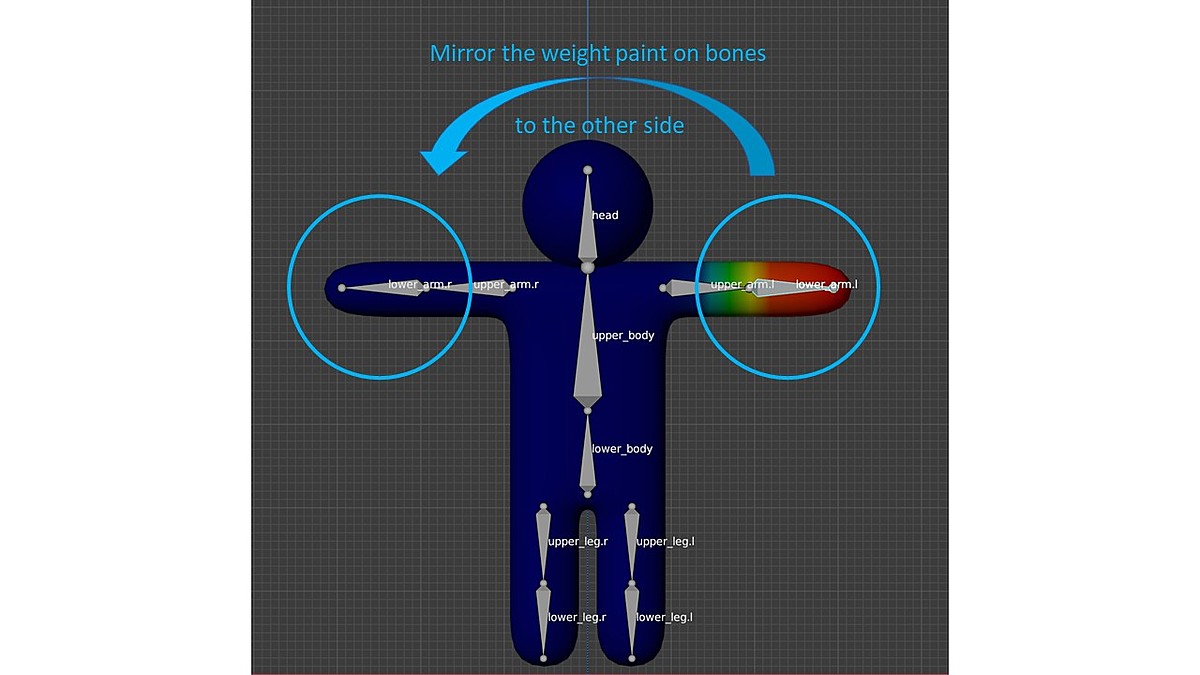
Alexandria's tools include shapekey transfer between two selected objects with different topology or polygon counts. The transfer matches nearest vertices. IK Symmetrize mirrors IK constraints and their settings; the listing notes that matching bone roll direction across the mirror axis is needed for IK limits and pole target rotation to work.
- Rig edge line creates a strip of bones along one edge-wide line at a time. It determines chain direction from local vertex Z position and has a reverse option.
- Mask by condition can create a sculpt mask from seams.
- Batch Material swaps or creates the first material slot across the selection.
- Retopology aids can map UV islands to mesh vertices in a fast triangle-only mode or slower triangle, quad and ngon modes. They can also create vertex groups and sculpt masks from seam edges.
Modeling controls and development notes
In Edit Mode, the unlocked modeling controls use the middle mouse button for their settings panel and let users change left-click selection behavior, including standard, loop and linked selection. A right-click tool provides edge marking, delete or dissolve, and poly paint for vertex or face-corner color attributes.
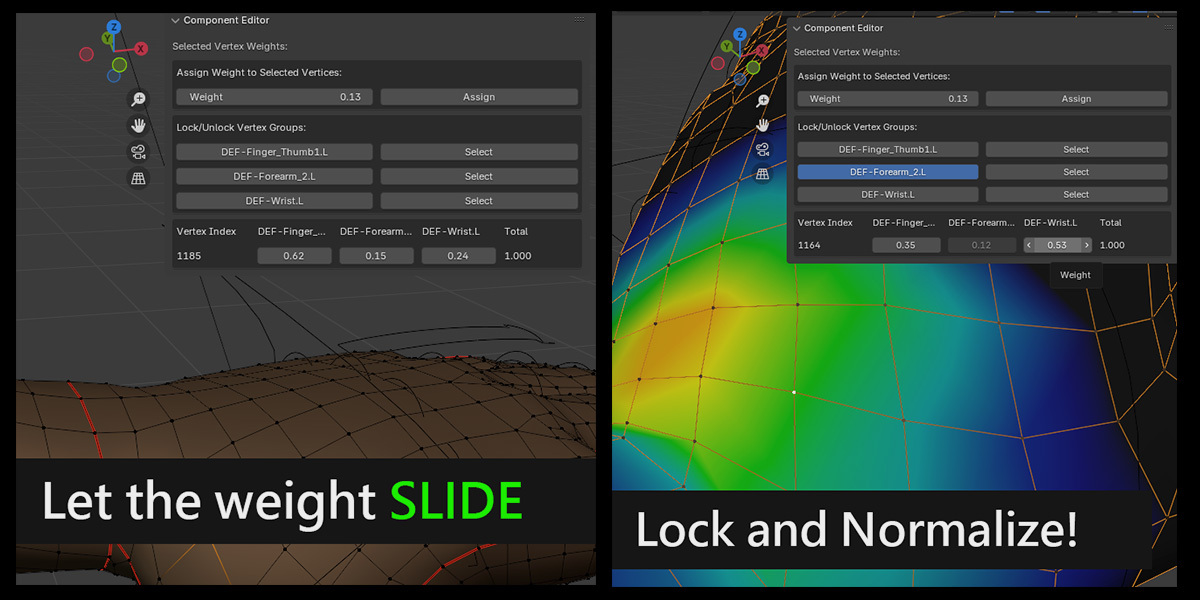
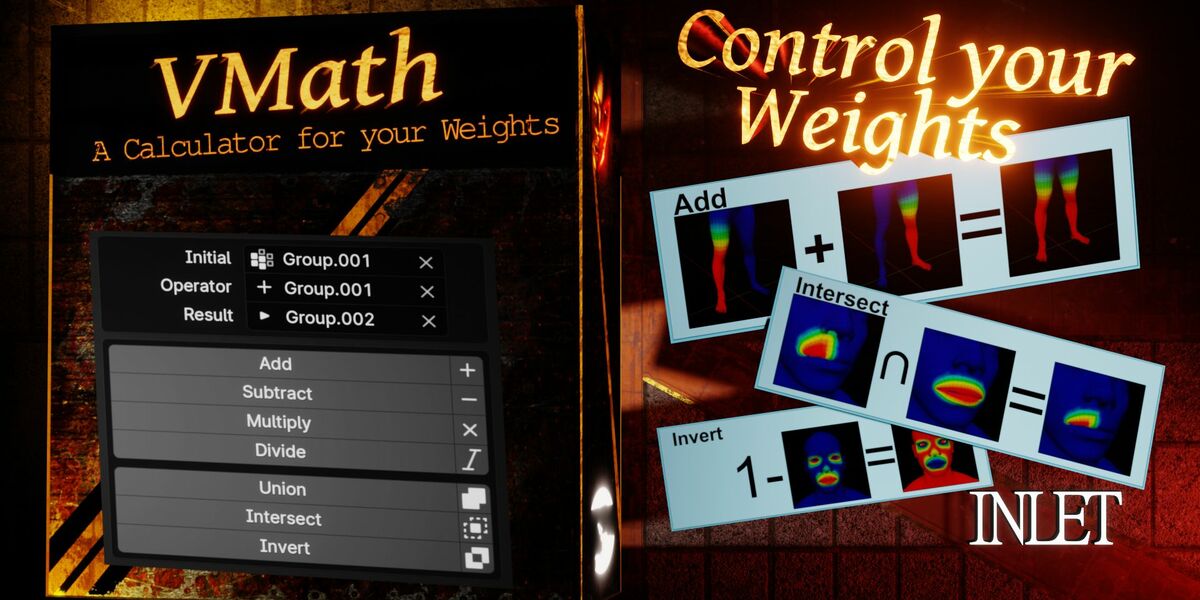
The product listing marks the Q-Orign origin and cursor multi-tool as experimental and the Modifier Panel as early stage; that panel can create modifiers, change their visibility and reorder them across the entire object selection. Version 0.7.3 also brings a rebuilt interface, a new NPanel and preference panel, a weight paint bucket tool, assignable keymaps, and new rigging and cleaning tools. Check the Alxoverhaul - Simplify Blender product listing for current compatibility and feature details. The developer also links a development playlist with update previews.